Beta Draft Confidential
1-2 Professional Series Network Thermostat Configuration Guide, Release 3.0
Part No. 600-01000-200, Rev. 2
CHAPTER 1: Overview
You can configure and manage your thermostat using either the Proliphix Thermostat
Management Interface (TMI) or the Thermostat Device Interface (TDI).
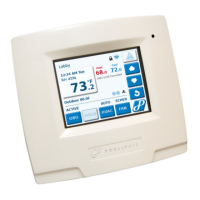
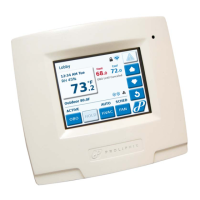
Thermostat Management Interface — The Proliphix TMI enables you to manage
and control your Proliphix thermostats through your web browser.
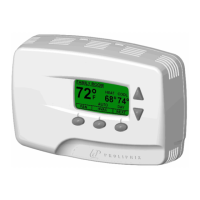
Thermostat Device Interface — The buttons on the front of the thermostat enable
you to modify the temperature, enable basic HVAC functions, and to view the
thermostat’s network configuration and status.
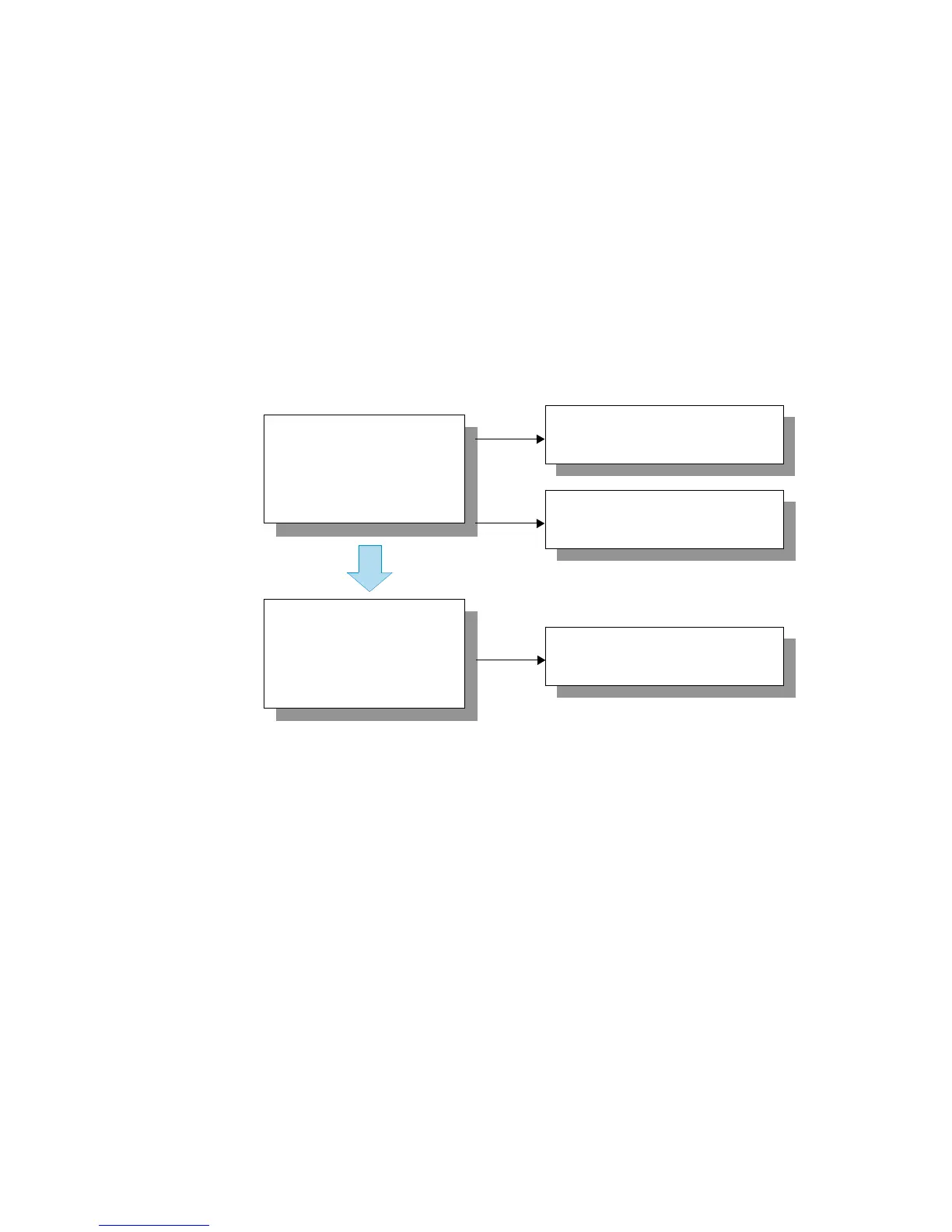
Use the instructions in this guide to configure and manage your thermostat as shown
in Figure 1-1.
Figure 1-1 Thermostat Configuration Process Flow
Chapter 2, Configuring the
Thermostat Using the TDI
Chapter 3, Configuring the
Thermostat Using the TMI
Configure and Manage
the Thermostat
Troubleshoot Potential
Problems
Chapter 4, Troubleshooting


 To Next Page