Beta Draft Confidential
2-16 Professional Series Network Thermostat Configuration Guide, Release 3.0
Part No. 600-01000-200, Rev. 2
CHAPTER 2: Configuring the Thermostat Using the TDI
Installer Information Screen
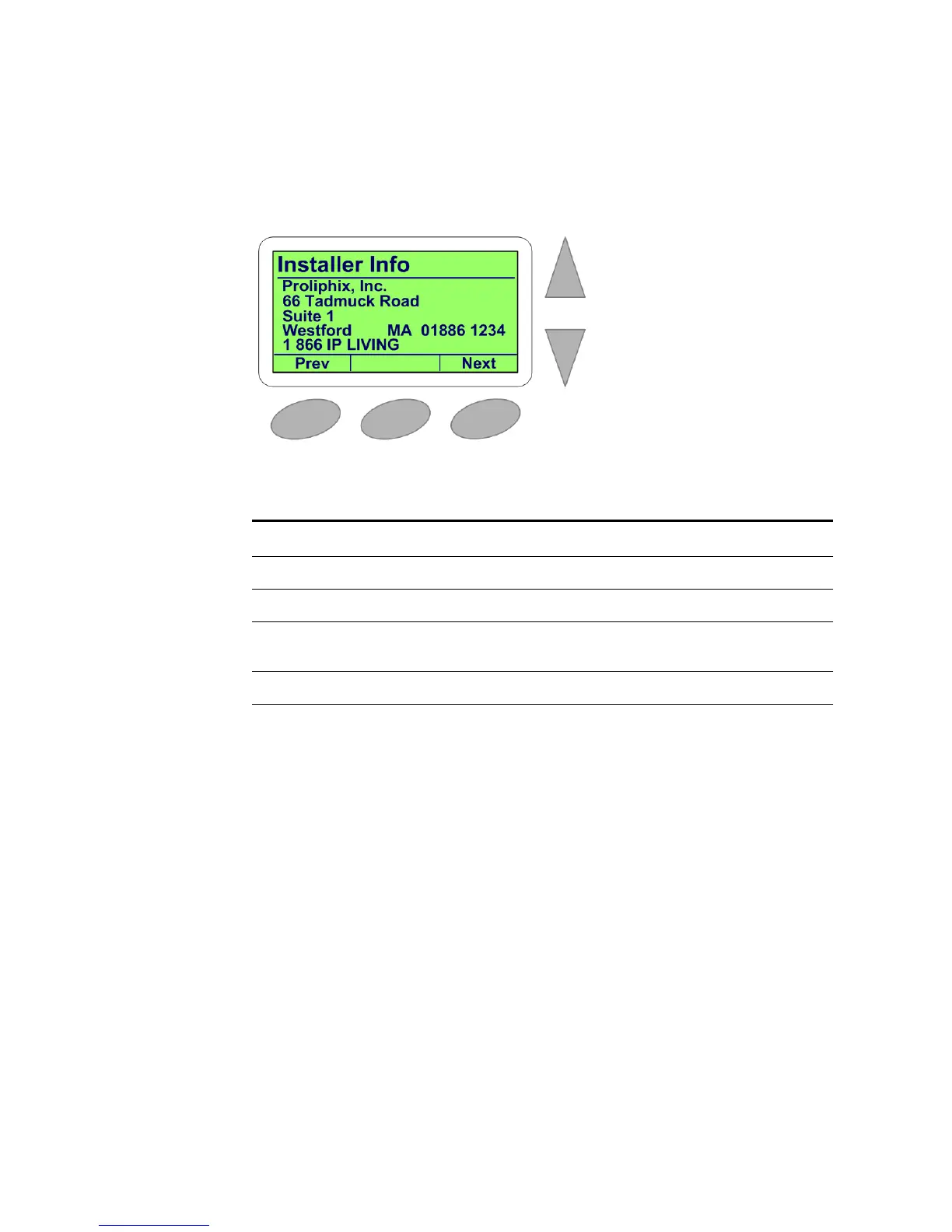
The Installer Information screen is the fourth primary screen.
Figure 2-13 Installer Information Screen
Table 2-8 lists the Installer Information screen options.
Table 2-8 Installer Information Screen Options
Field Displays
Company Name Installer company name.
Company Address #1, #2 Installer address fields.
Company City, State/Province,
Zip/Postal Code
Installer city, state/province and zip/postal code fields.
Company Telephone Installer telephone number.


 To Next Page