Beta Draft Confidential
3-56 Professional Series Network Thermostat Configuration Guide, Release 3.0
Part No. 600-01000-200, Rev. 2
CHAPTER 3: Configuring the Thermostat Using the TMI
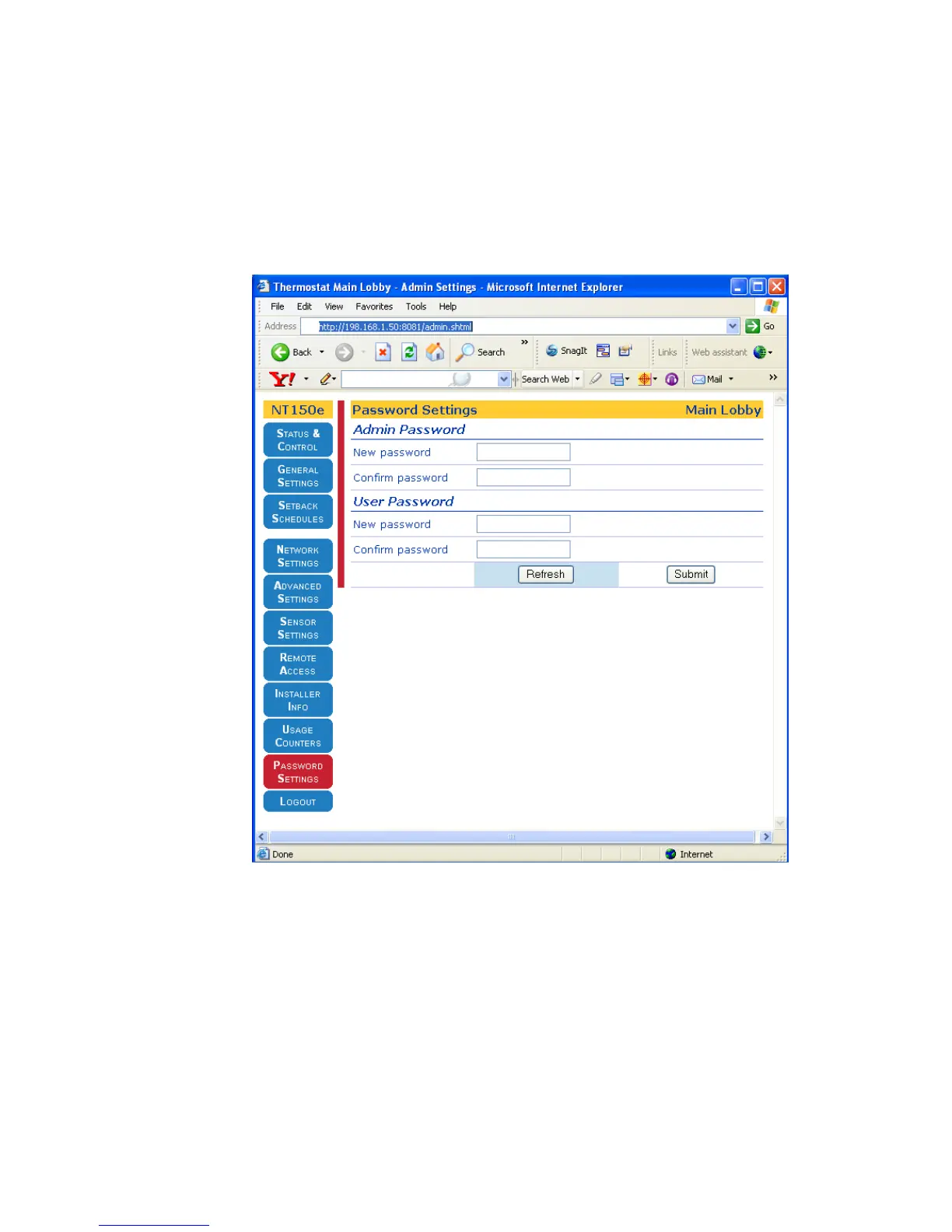
Password Settings Page
You can access additional installer-specific pages after successfully logging in as an
administrator. As a user, you may change your password. As an administrator, you
may also change the administrator and/or user passwords.
Figure 3-21 Admin Password Settings Page



 To Next Page