Beta Draft Confidential
3-20 Professional Series Network Thermostat Configuration Guide, Release 3.0
Part No. 600-01000-200, Rev. 2
CHAPTER 3: Configuring the Thermostat Using the TMI
Thermostat Scheduling
The thermostat scheduling feature is organized in a hierarchy. You use Day Classes to
classify the types of days that are used in the schedule. Each Day Class is divided into
four Periods, each of which supports temperature settings for both heating and
cooling, and fan settings to provide periodic air flow.
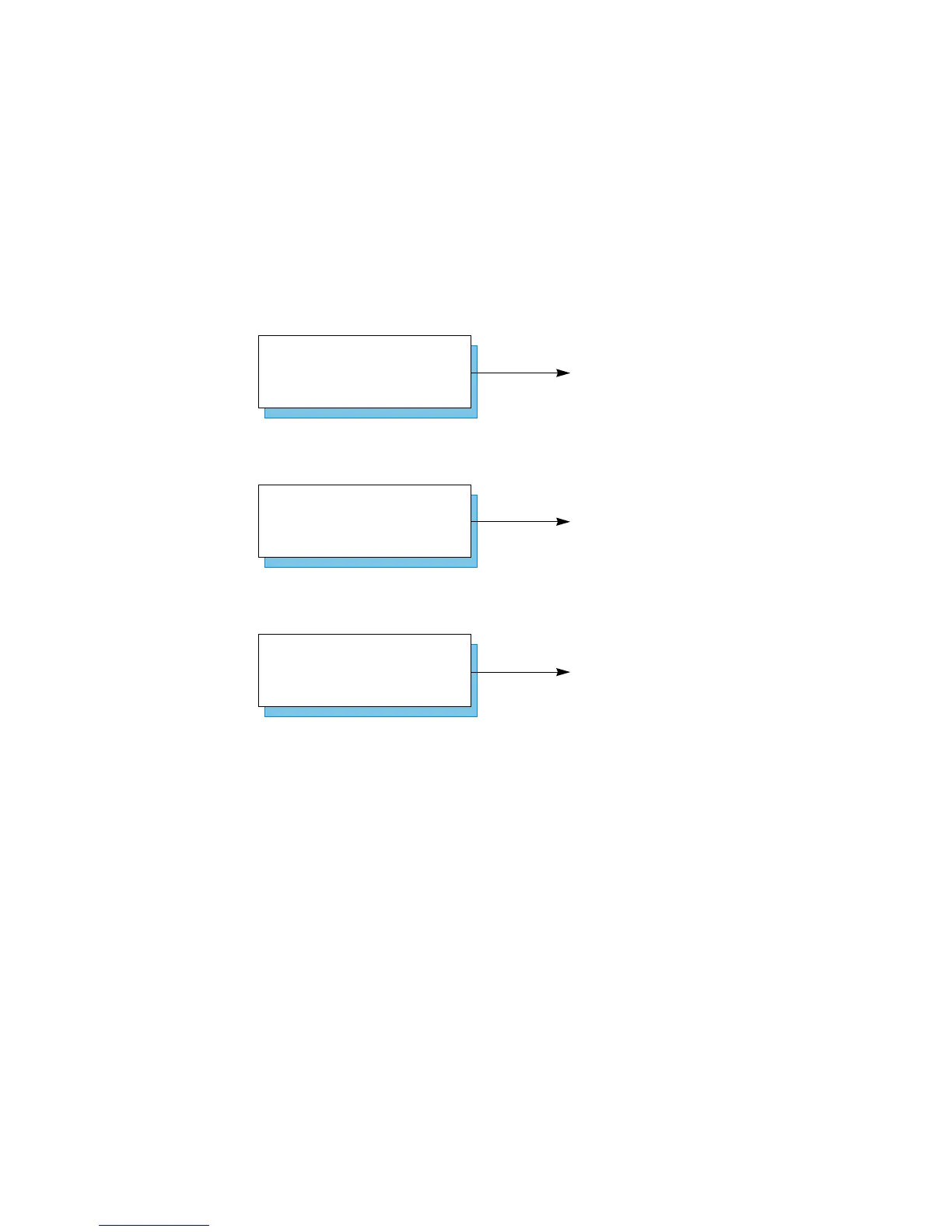
The TMI supports the following three Day Classes shown in Figure 3-6.
Figure 3-6 Day Class Scheduling
Each Day Class supports the following four non-overlapping periods of time in which
you can independently specify heat, cool, and fan settings.
Morning (pre-business hours)
Day (business hours)
Evening (after hours)
Night (unoccupied hours)
Defines days in which the user is
occupying the property, for example,
Monday through Friday.
Defines days in which the user is
currently not occupying the property,
for example Saturday and Sunday
Classifies holidays or other extended
periods of time when the property is
unoccupied, for example December 25.
Unoccupied Day Class
Occupied Day Class
Other Day Class



 To Next Page