Beta Draft Confidential
3-8 Professional Series Network Thermostat Configuration Guide, Release 3.0
Part No. 600-01000-200, Rev. 2
CHAPTER 3: Configuring the Thermostat Using the TMI
To log in and access TMI pages:
1 Click Login.
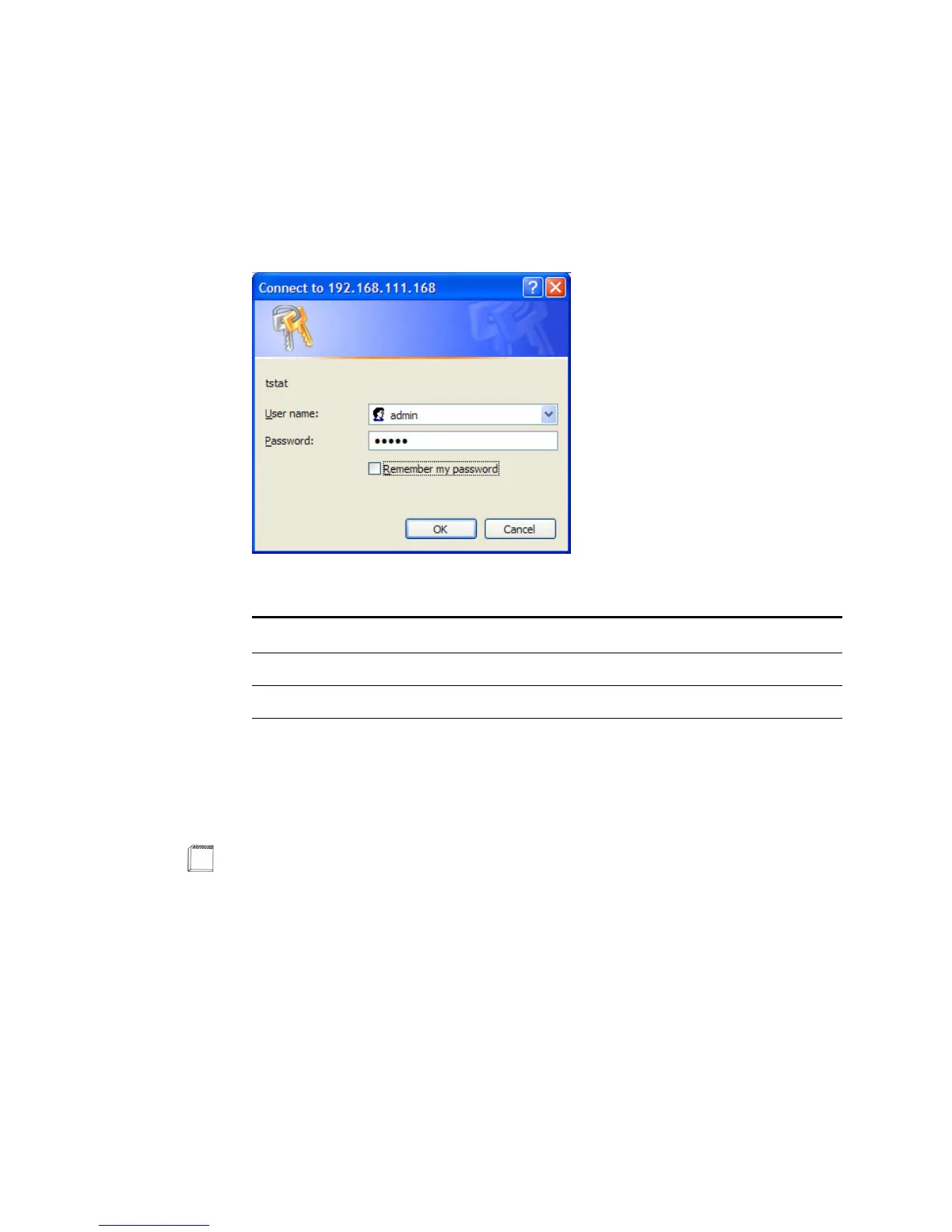
The login window appears. (See Figure 3-2.) Proper authentication is required before
you can access any other thermostat TMI pages.
Figure 3-2 Administrator (or User) Authentication Window
2 Enter the default username and password for the admin or user account as follows:
and click OK.
3 Continue with the Status & Control Page.
Field Admin Account User Account
Username admin user
Password
a
a
You can change passwords for each account using the Password Settings Page
(page 3-56).
admin admin
Note
The Administrator can access all installer-specific pages.
The User account is limited to viewing and controlling the following pages:Status
& Control Page (page 3-9), General Settings Page (page 3-14), Setback Schedules
Page (page 3-19) and Password Settings Page (page 3-56).



 To Next Page