Beta Draft Confidential
Thermostat Screen
Professional Series Network Thermostat Configuration Guide, Release 3.0 2-15
Part No. 600-01000-200, Rev. 2
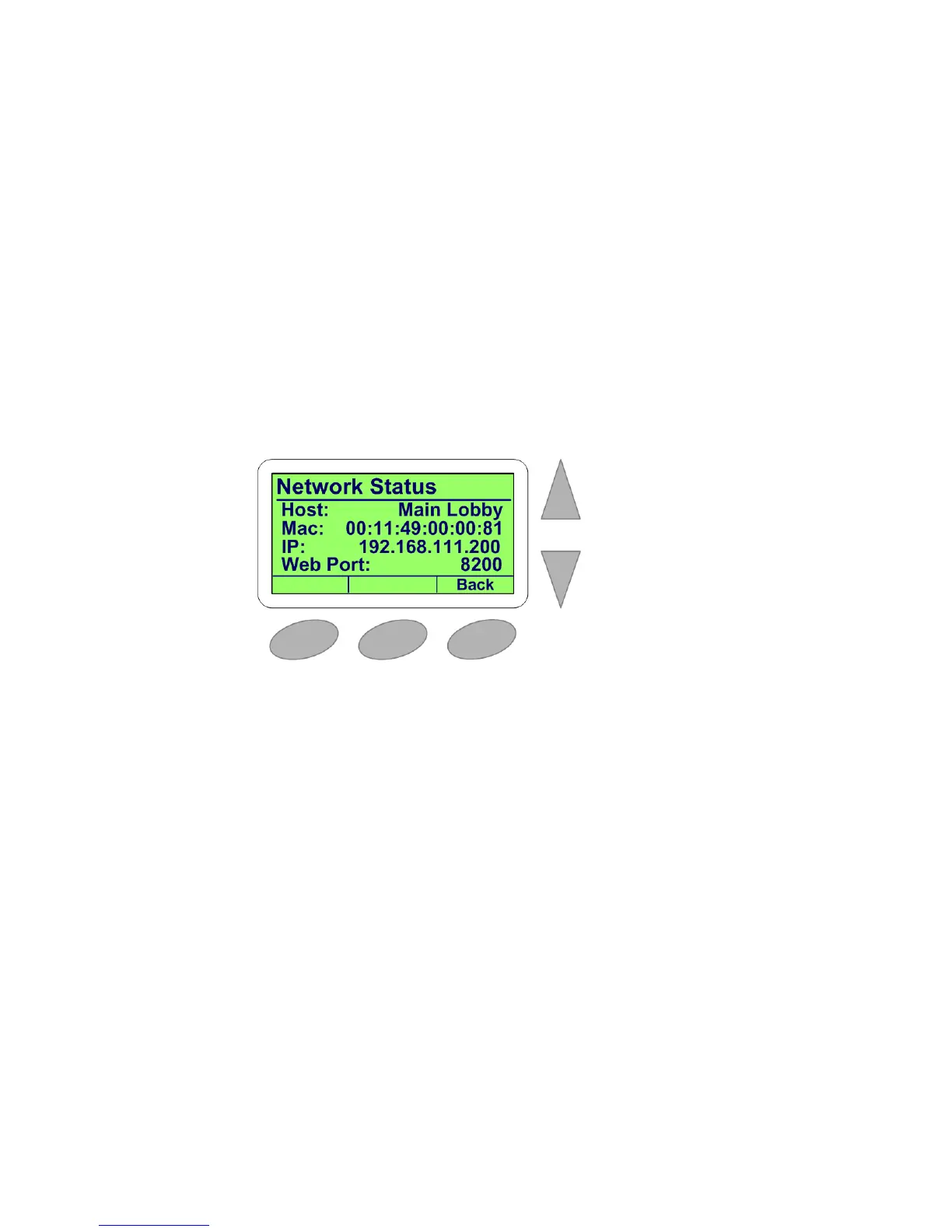
Network Status Screen
The Network Status is a sub-screen of the Status & Control Screen (page 2-10). This
screen displays the following information:
Thermostat host name
Unique Ethernet Media Access Control (MAC) address
Internet Protocol (IP) address
Web port number
See Network Settings Page (page 3-30) for more information on setting these
parameters.
Figure 2-12 Network Status Screen



 To Next Page