Installation and setup
Operator´s Manual PiCCO
2
Page
Version 3.1 C-29
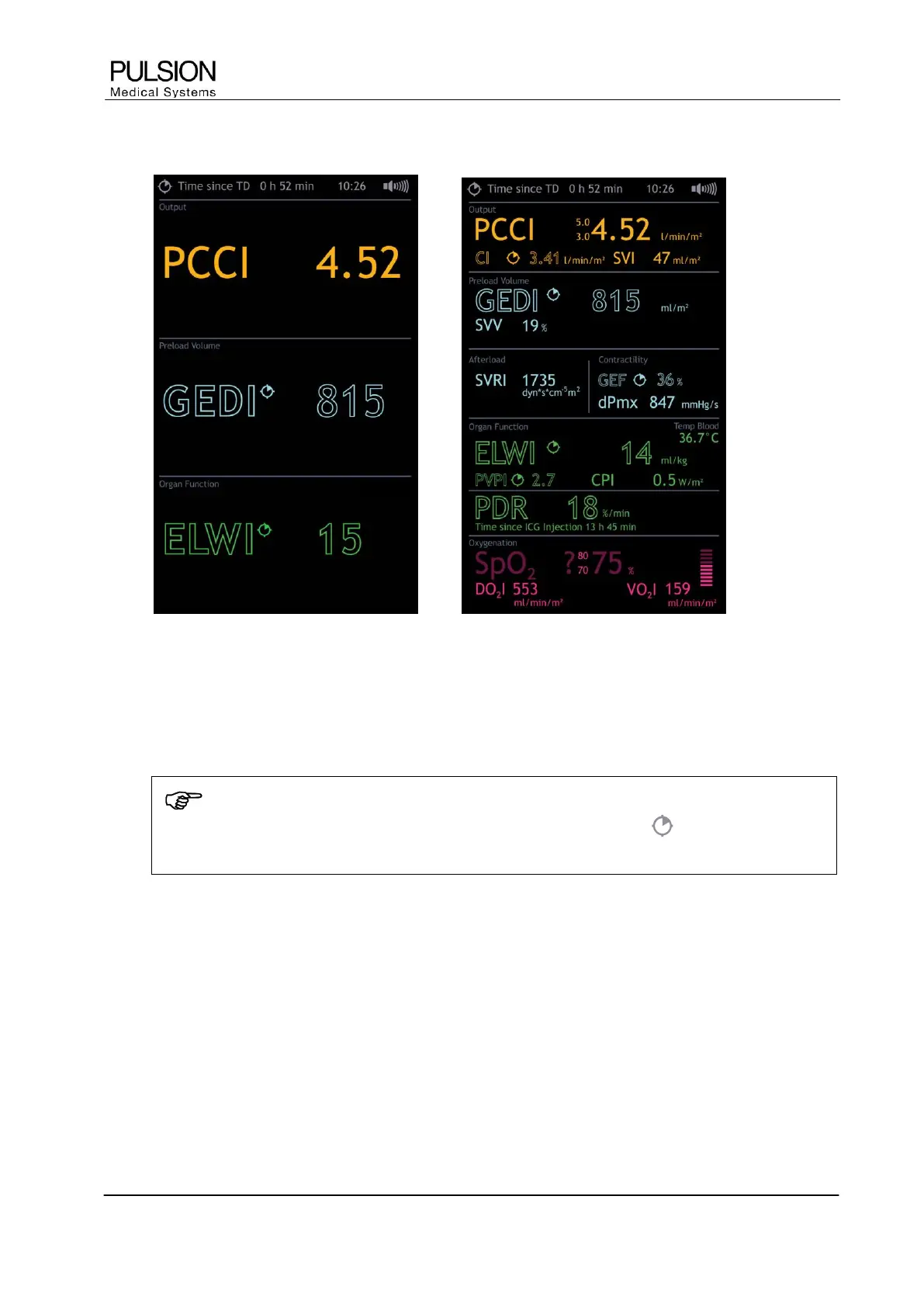
4.3 Parameter fields
Figure 31: Parameter fields
The arrangement of the PiCCO
2
parameter fields is function-specific. Additionally other parameters can be
configured along side the main parameter of each group.
 Selection of the parameter field on the touch screen directly leads to parameter configuration.
NOTE
Discontinuous parameters are marked with the time indicator symbol . The time since
determination of these values is displayed in the information bar on the right hand side.
Depending on the selected measurement function the parameter fields are automatically adapted.


 To Next Page