Installation and setup
Operator´s Manual PiCCO
2
Page
Version 3.1 C-47
6.3 Additional information
Helpful additional and status information are also displayed in the information bar after performed or expected
action.
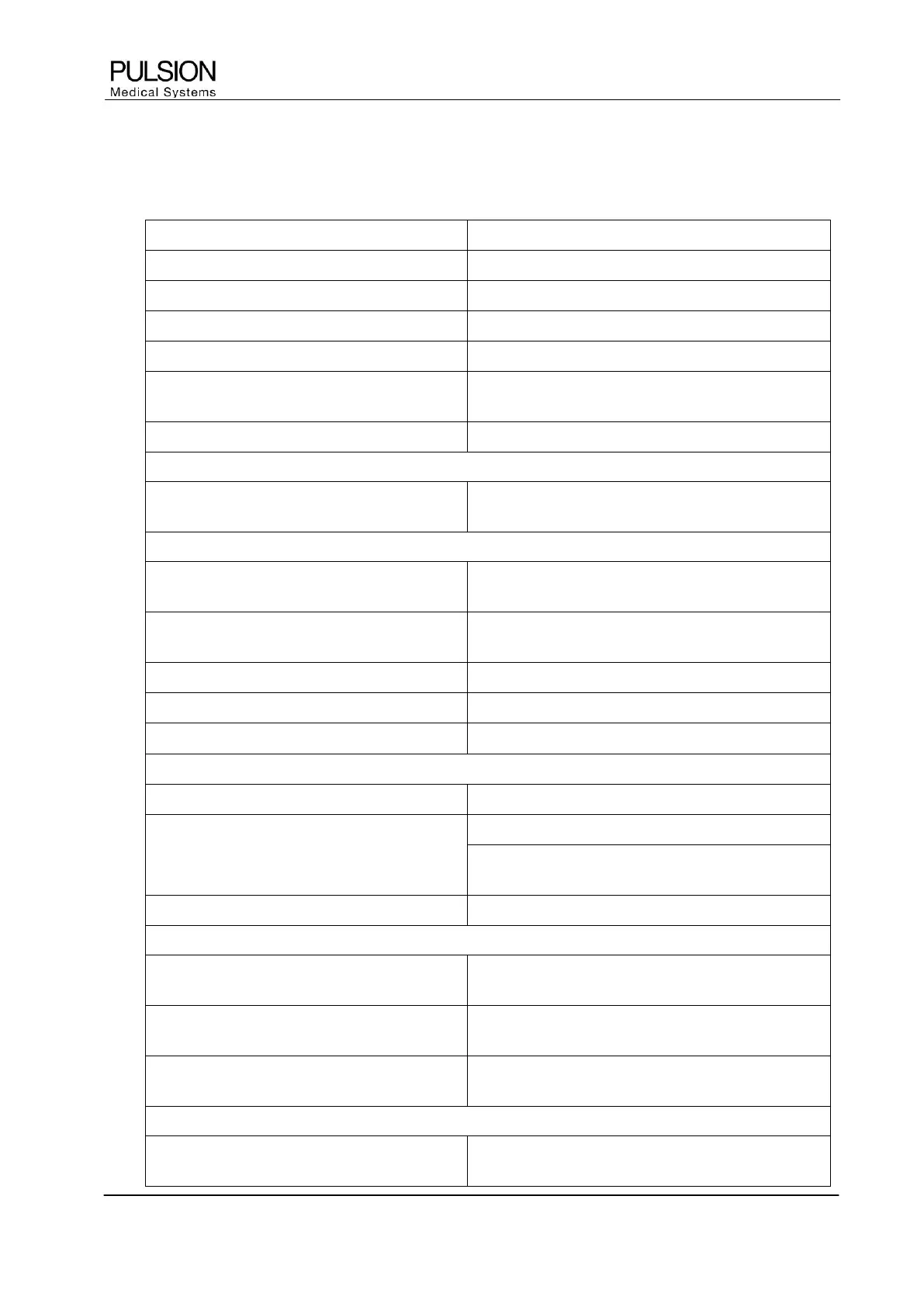
Is displayed at following actions
After printout is completed
After detection of a USB device
Pressing the print button and no USB device is
connected or detected
Printer error - Check printer
No paper or printer cartridge, paper jam
No continuous CVP available
Touching the CVP parameter field and when
continuous CVP not available
Thermodilution in progress. Press “STOP”
to cancel the thermodilution
Request another action during thermodilution
Measurement is rejected. Not included in
average
Measurement included in average
Selection of an active TD measurement
TD Measurement recommended
TD reminder limit is reached
Significant change – Consider TD
'PCCI above selected threshold
Draw blood sample and confirm
Request ScvO
2
calibration screen
Please enter ScvO
2
/Hb lab values
Request ScvO
2
calibration screen
Outside of ScvO
2
calibration screen as long as lab
values are not entered
Incorrect / Implausible Input
Input incorrect / not plausible
Measurement in progress - Press „STOP“ to
cancel
Request another action during PDR measurement
ICG influence: CAL not possible, please
wait
Remaining ICG concentration in the blood too high
Sensor not connected – Connect LiMON
sensor
Sensor not connected; pressing of (greyed) ICG button
Zero adjustment failed - Pressure unstable
Unstable pressure (>2 mmHg/s) during zero
adjustment


 To Next Page