GEM5000 Gas Analyzer
Page 90 of 102
Calibration History Summary
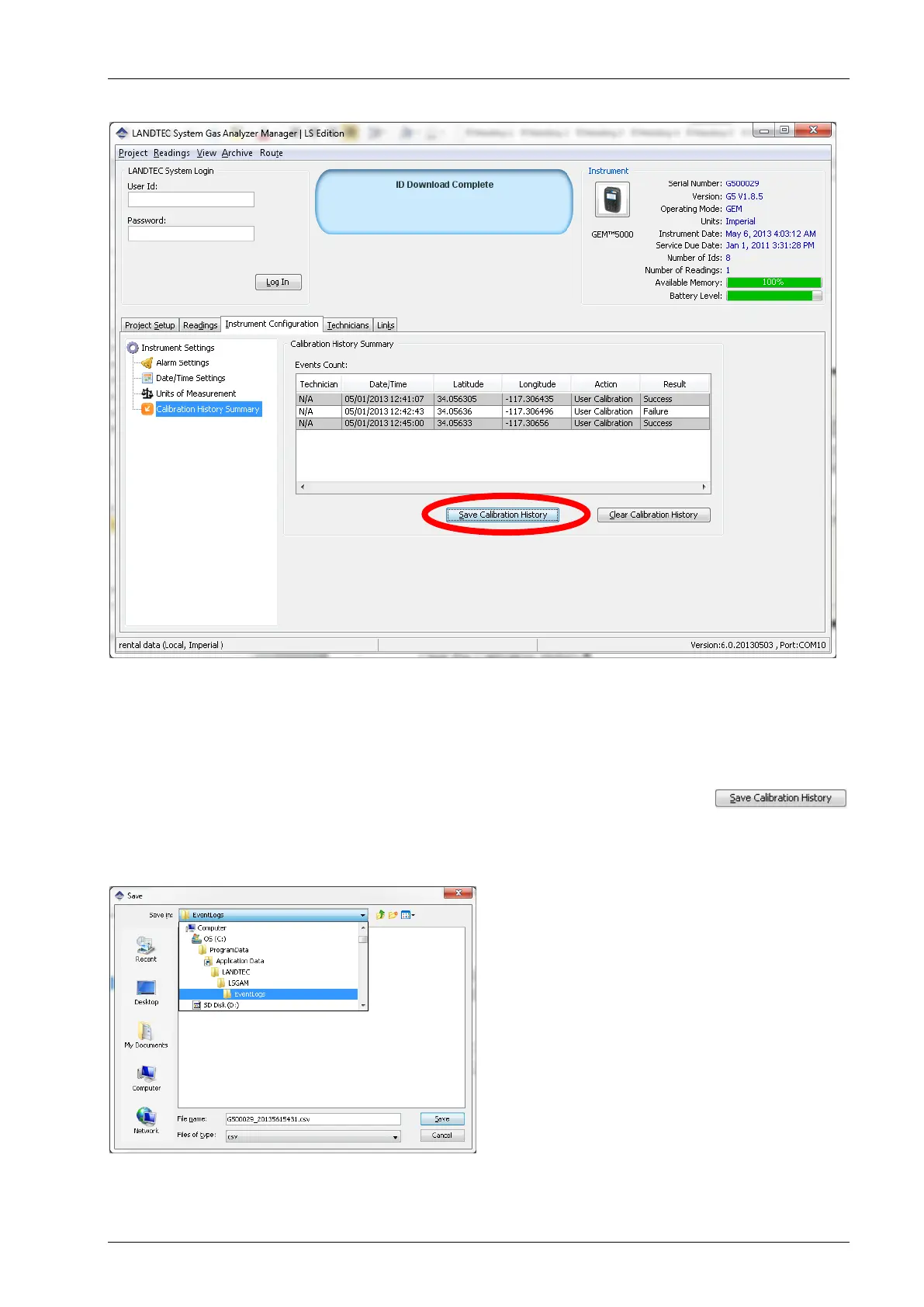
The Calibration History Summary allows you to view the calibrations, Save the Calibration
History and Clear the Calibration History.
Viewing the calibration history can be done simply by clicking on “Calibration History
Summary” option within the Instrument Configuration tab
Saving the calibration history to file can be accomplished by clicking on the
button. Upon clicking the Save button. You will be prompted for a directory location and file
name for storing file.
The directory location varies depending upon your operating system. In Windows 7 & 8 it is
in
C:\ProgramData\LANDTEC\LSGAM\EventLogs
On Windows XP the directory defaults to



 To Next Page