112
3.8.10 Remote Replication (Disaster Recovery)
Remote Replication enables you to replicate files on the NAS to another QNAP NAS. The
files are compressed before the replication process in order to save time for data transfer.
Make sure a network share is created before creating a remote replication task.
Using Remote Replication
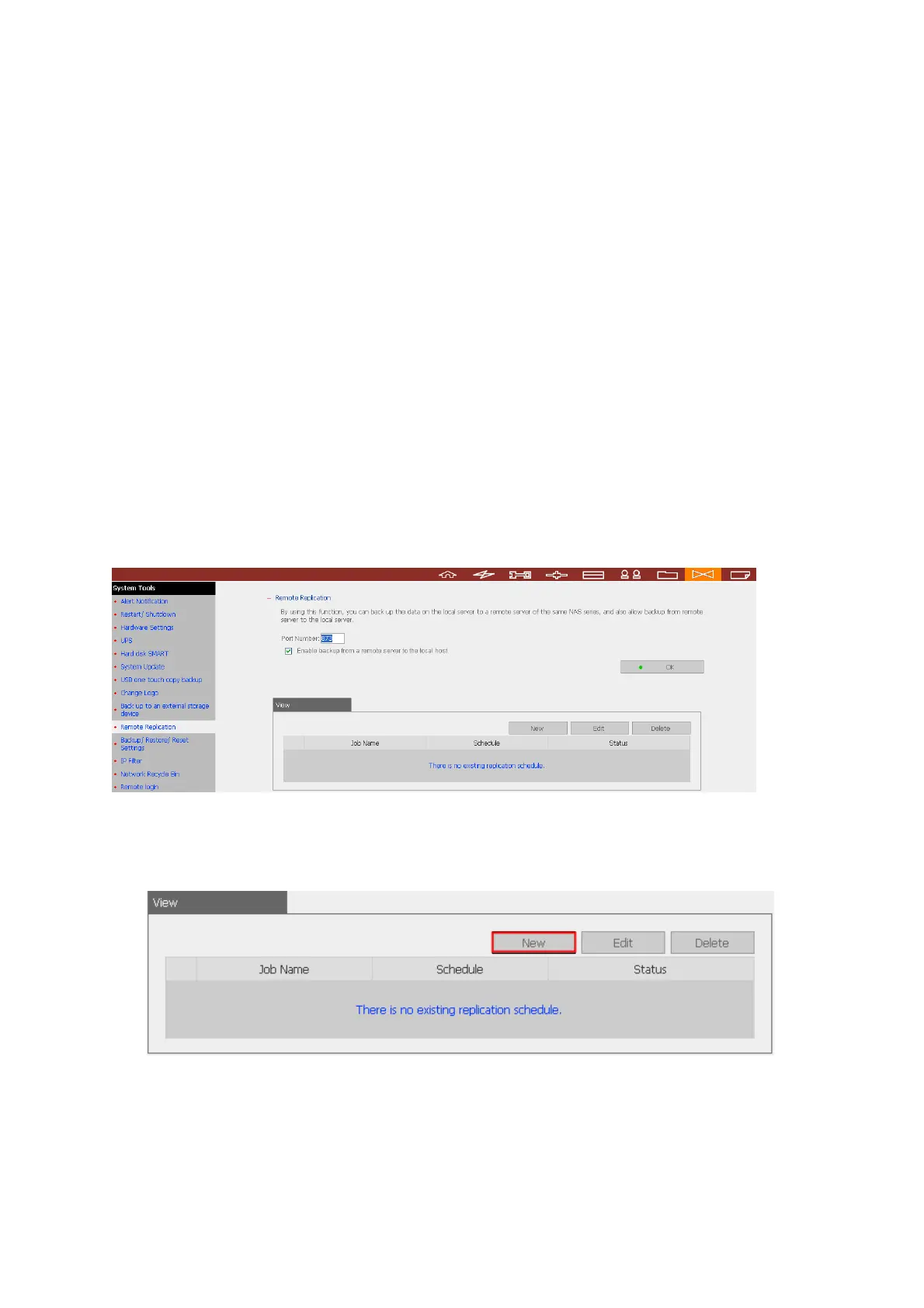
Login the NAS and go to Remote Replication in System Tools.
9 Port Number: Specify a port number for remote replication. The default port
number is 873.
Note: If this server connects to the Internet via a router, make sure the ports 134
and 445, and the specified port for remote replication.
9 Enable backup from a remote server to the local host: Check this option to
allow the remote server to back up data to the local host via remote replication.
i. New
a. Click New to enter the following page.



 To Next Page