40
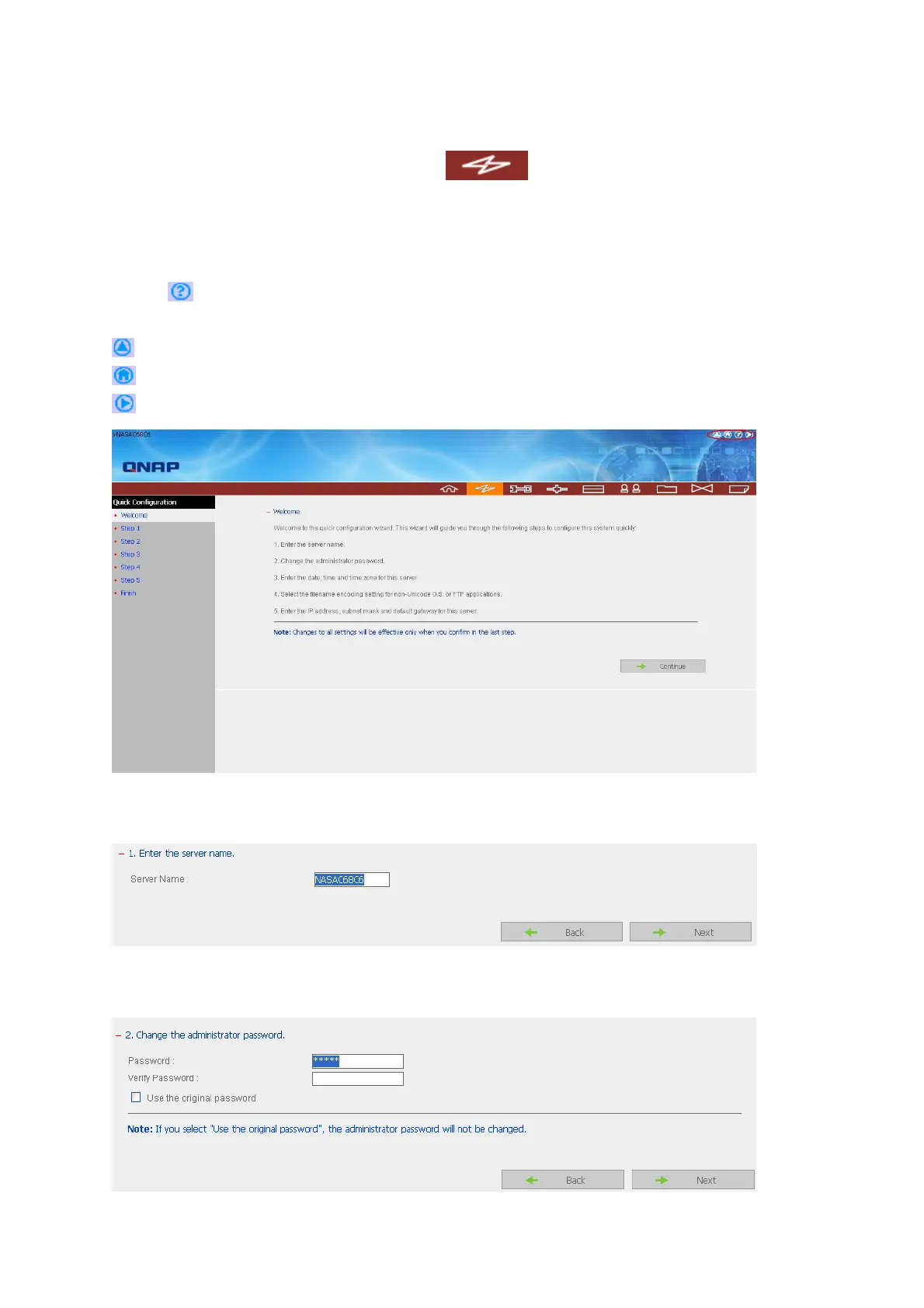
3.2 Quick Configuration
Please follow the step-by-step guide in Quick Configuration to complete the settings of
the NAS. If you have any questions during web administration, please click the help
button
on the top right hand corner of the page. Other buttons are described as
below:
: Return to previous page
: Return to home page
: Logout system
Step 1. Enter the server name.
Step 2. Change the administrator password or select to use the original password.



 To Next Page