53
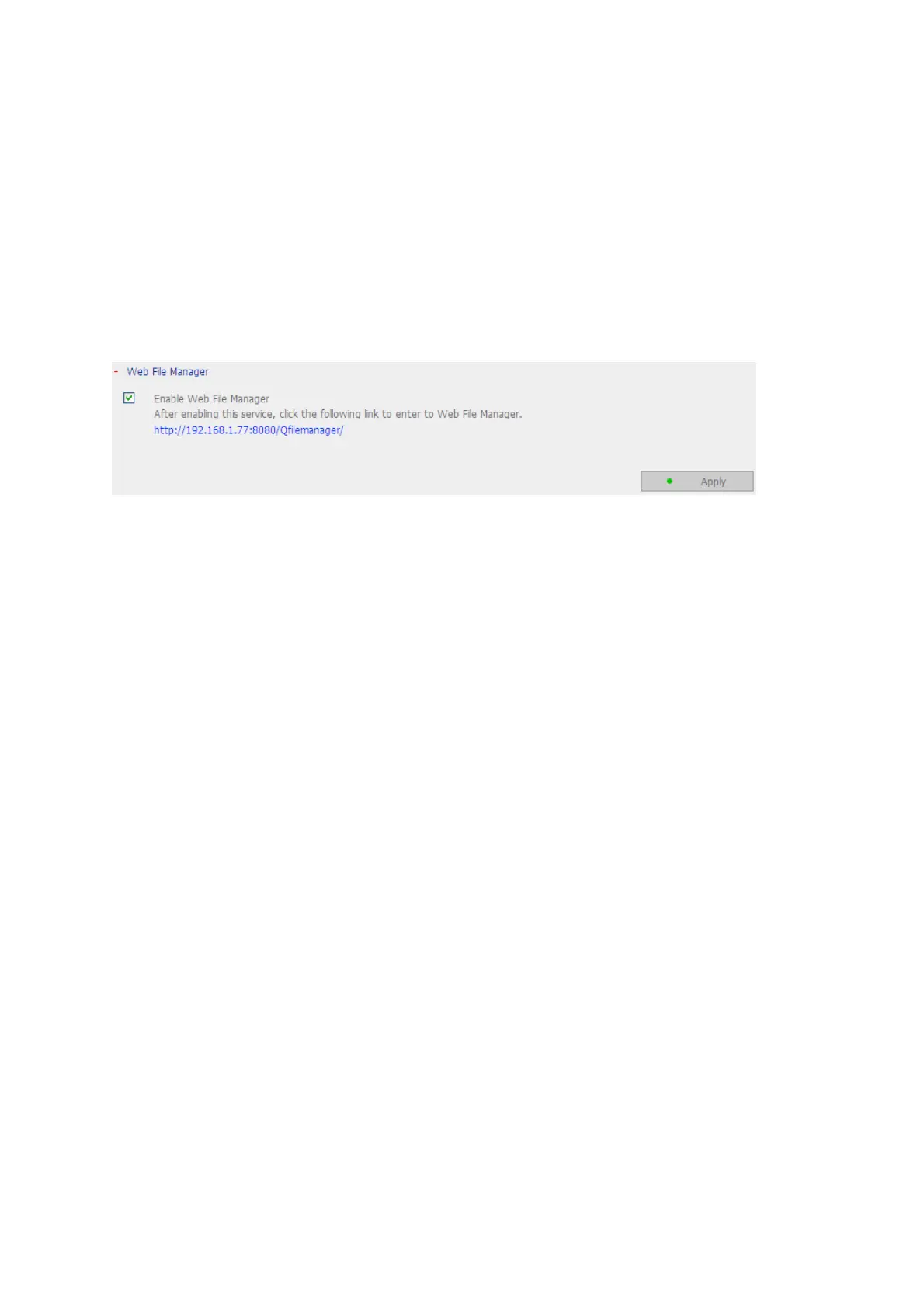
3.4.5 Web File Manager
To access files on the NAS via web browser, enable Web File Manager. If the NAS is
connected to the Internet and uses a valid IP address, you can access files on the server
by web browser from anywhere. For more information, please refer to Chapter 9.
The NA
S supports SSL secure login. You can select SSL login on the NAS administration
page and login Web File Manager via https; or enter https://NAS IP:8080/Qfilemanager/
in the browser.



 To Next Page