34
Chapter 3. Enjoy the Powerful Services of the
NAS
The NAS provides the following powerful functions and applications.
A. Use network share-Public folder
1. You can access the public folder of the NAS by the following means:
a. Open My Network Places and find the workgroup of the NAS. If you cannot find
the server, please browse the whole network to search for the NAS. Double click
the name of the NAS for connection.
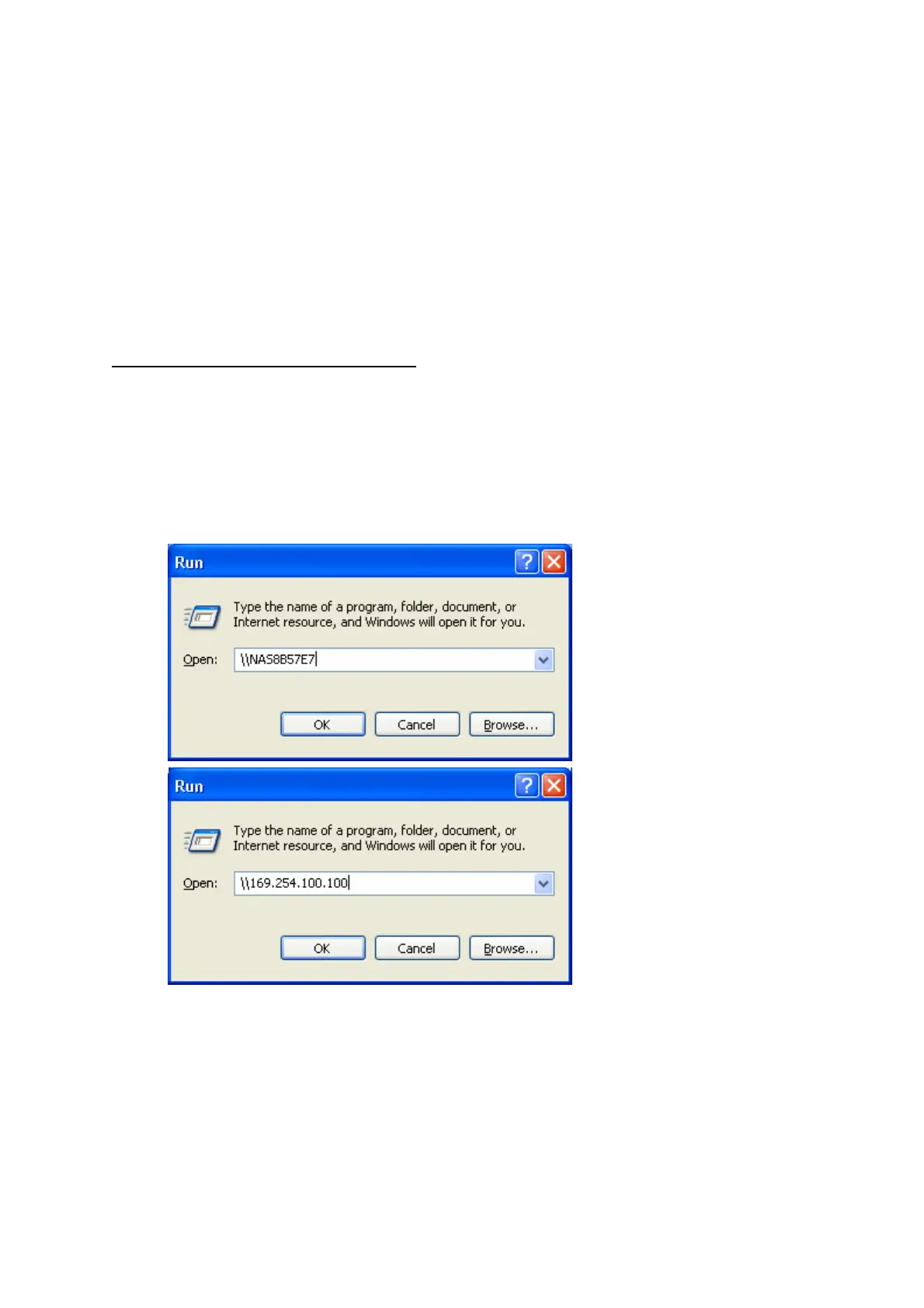
b. Use Run function in Windows
®
. Enter \\[NAS name]* or \\[NAS IP]# to
access share folder on the NAS.
c. Windows
®
users can use Quick Install Wizard to find the NAS. When the
administration page is shown, click Web File Manager. Enter the user name
and password, and then start to manage the NAS.
2. You can upload files to the Public folder.



 To Next Page