115
3.8.11 Backup/ Restore/ Reset Settings
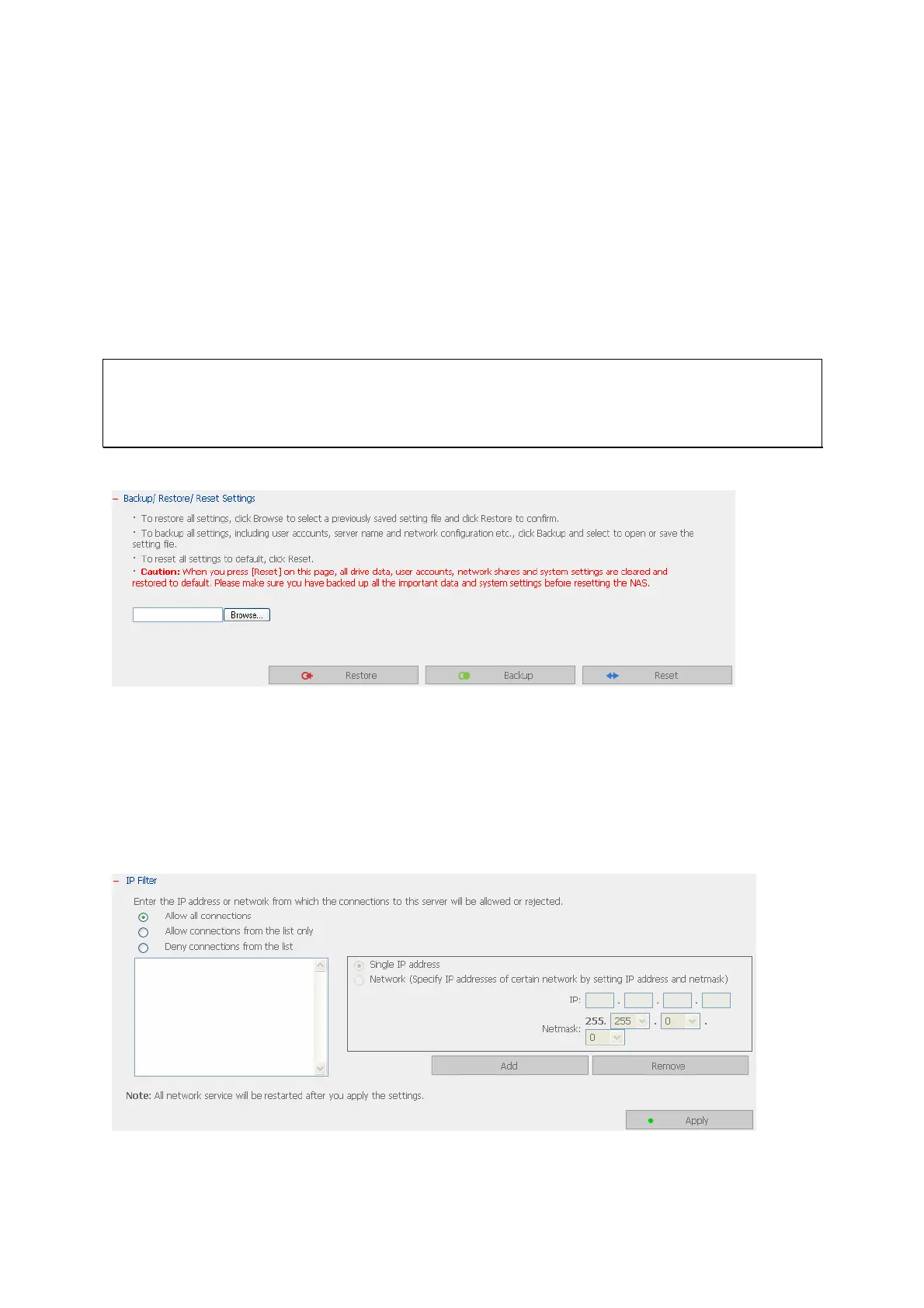
• To backup all settings, including user accounts, server name and network
configuration etc., click Backup and select to open or save the setting file.
• To restore all settings, click Browse to select a previously saved setting file and click
Restore to confirm.
• To reset all settings to default, click Reset.
Caution: When you press Reset on this page, all drive data, user accounts, network
shares and system settings are cleared and restored to default. Please make sure you
have backed up all the important data and system settings before resetting the NAS.
3.8.12 IP Filter
Enter the IP address or network from which the connections to this server are allowed or
rejected. When the connection of a host server is denied, all protocols of that server
are not allowed to access the local server.



 To Next Page