149
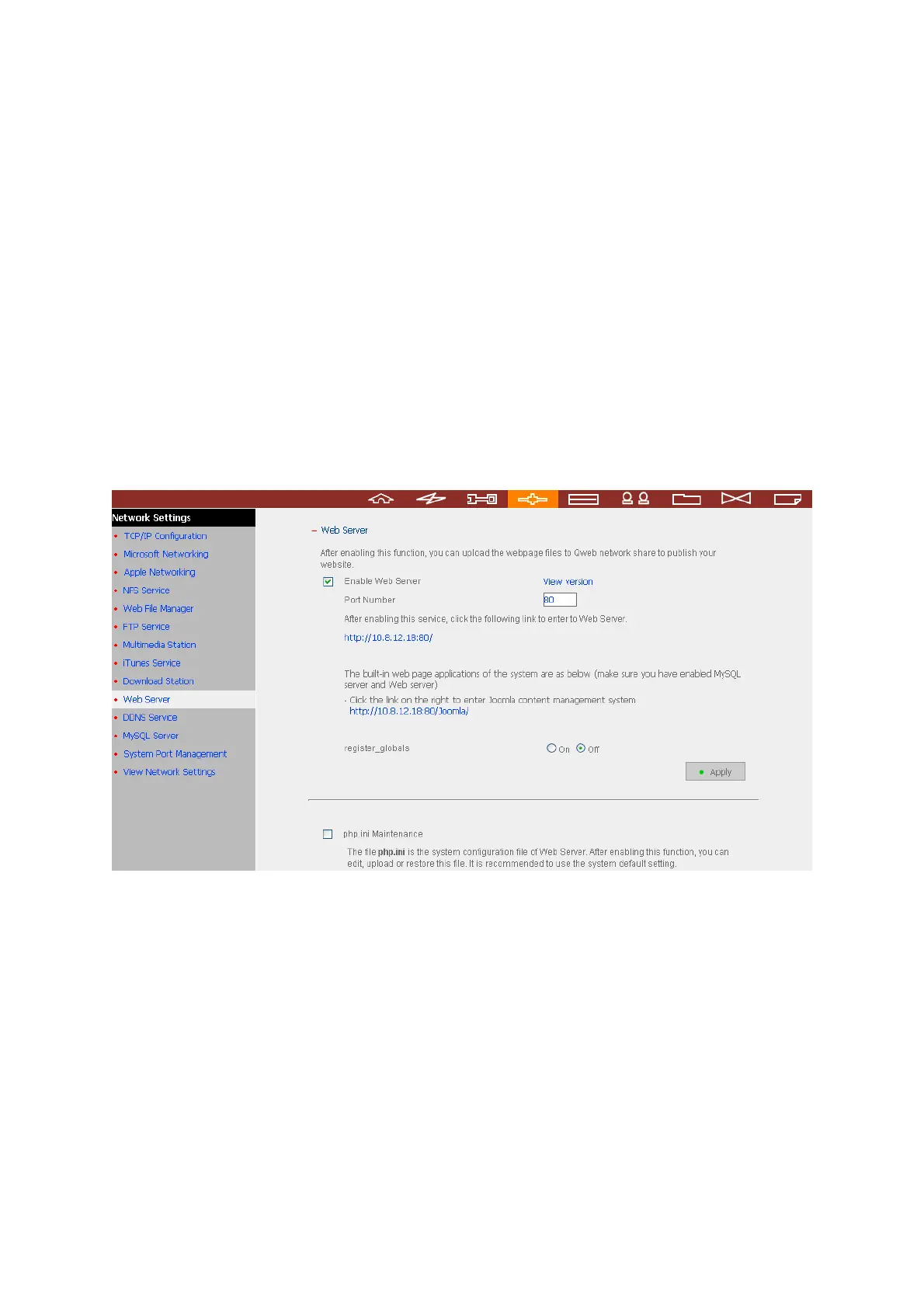
Chapter 7. Web Server
The NAS enables you to upload web pages and manage your own website easily by Web
Server function. It also supports Joomla!, PHP and SQLite for you to establish an
interactive website. Once you activate Web Server function, you can access your own
homepage from anywhere. You can add hyperlinks in your homepage to connect to all
the features of the NAS, such as Download Station, Multimedia Station, and Web Server.
1. To use Web Server, make sure a SATA disk is installed correctly in the NAS
according to the instructions in Chapter 2.1. A share folder Qwe
b is created.
Enable Web Server function and enter the port number in Network Settings.



 To Next Page