63
3.4.13 Surveillance Station
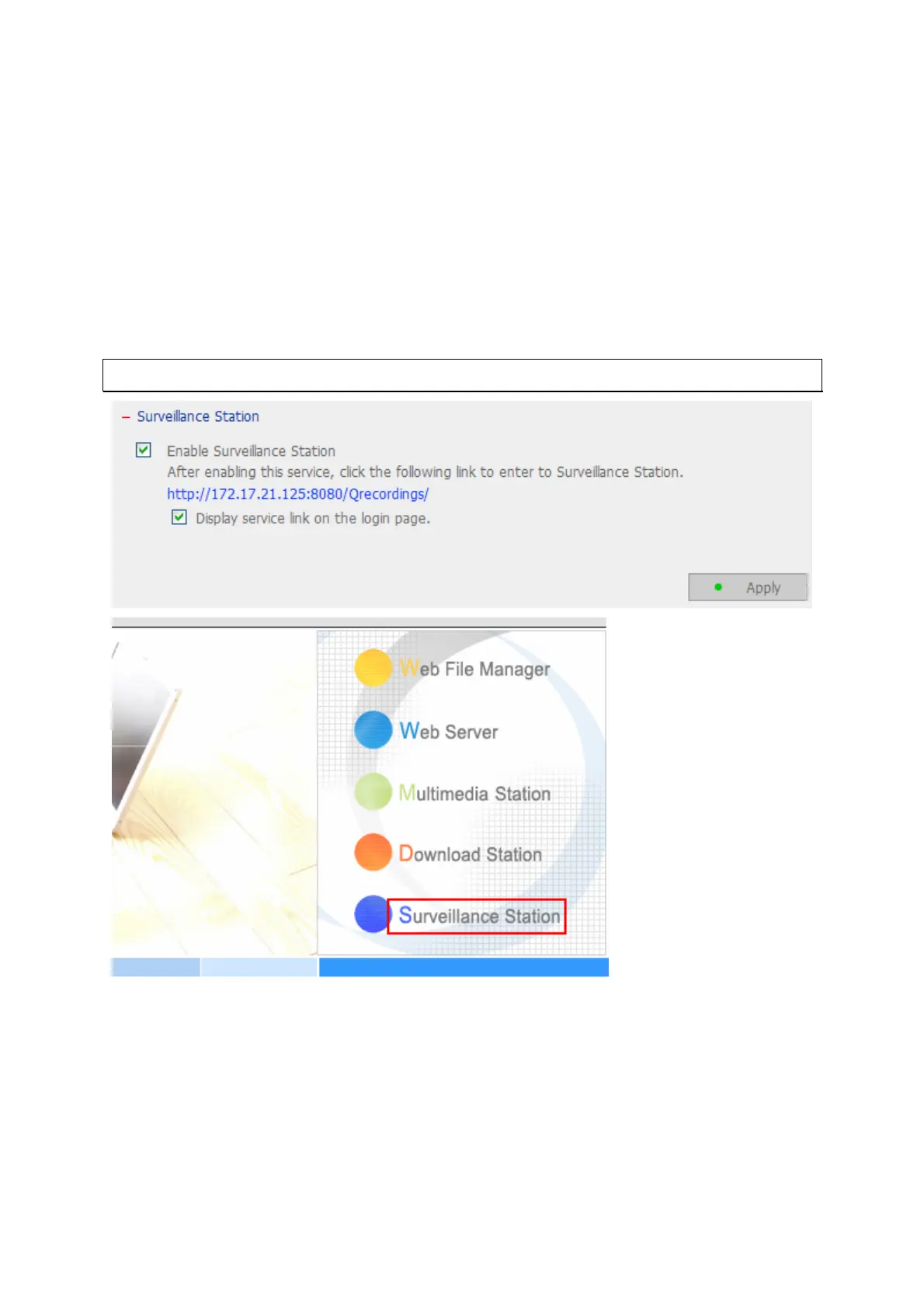
The Surveillance Station enables you to monitor and record the live video of the network
cameras available on the network (LAN or WAN). To use this function, enable
“Surveillance Station” in the “Network Settings” page.
Click on the link or enter the URL “http://NAS IP:8080/Qrecordings” in the web browser
or click “Surveillance Station” on the login page to enter the Surveillance Station.
Note: Surveillance Station is only supported on IE browser 6.0 or later.
To set up your network surveillance system by NAS, follow the steps below:
1. Plan your home network topology
2. Set up the IP Cameras
3. Configure the camera settings on NAS
4. Configure your NAT router (for remote monitoring over the Internet)



 To Next Page