44
3.3.2 Date & Time
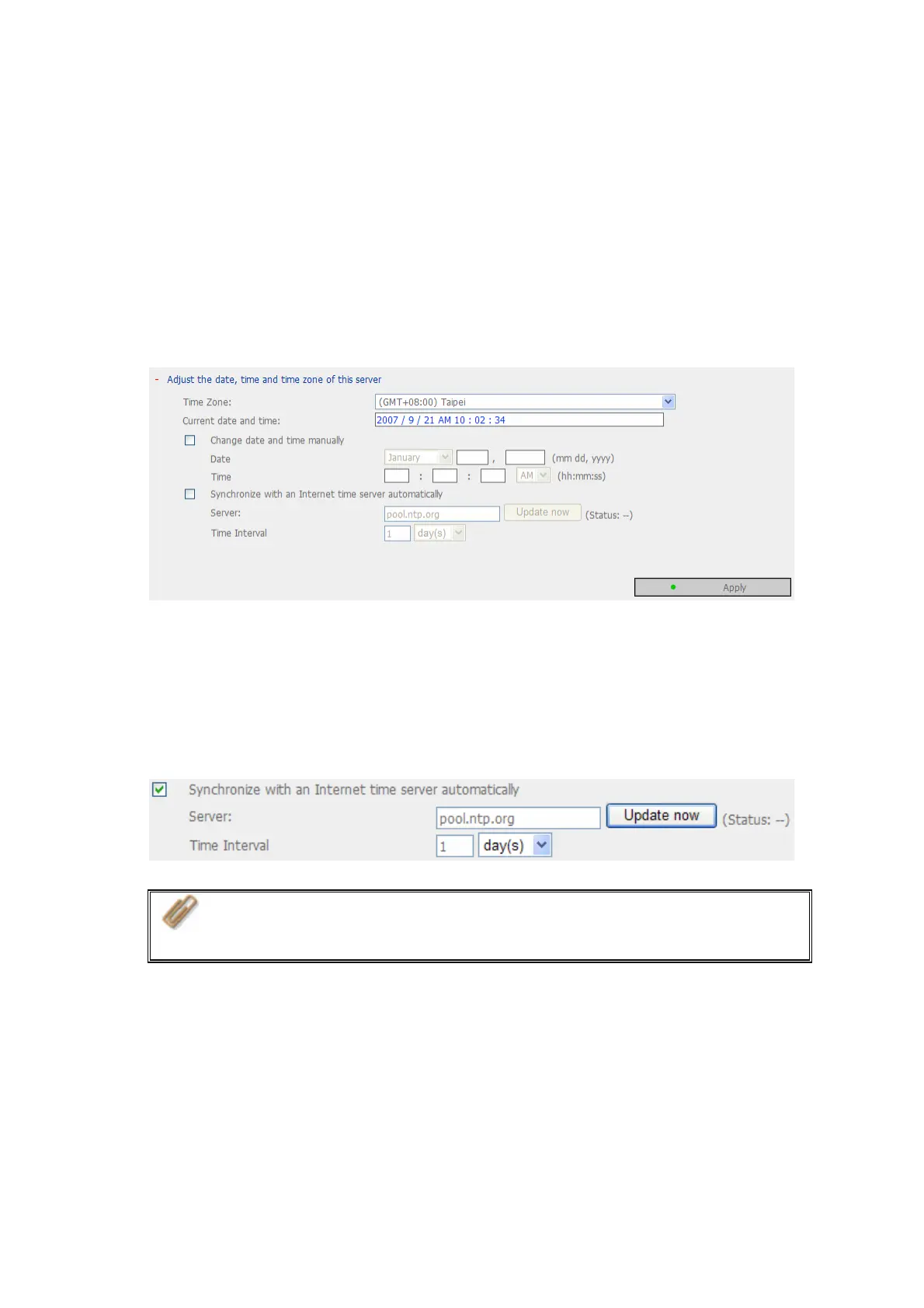
Set the date, time, and time zone according to your location. If the settings are
incorrect, the following problems may occur:
9 When using a web browser to access or save a file, the display time of the action
will be incorrect.
9 The time of event log displayed will be inconsistent with the actual time when an
action occurs.
9 Synchronize with an Internet time server automatically
You can enable this option to update the date and time of the system automatically
with specified NTP (Network Time Protocol) server. Enter the IP address or domain
name of the NTP server, e.g. time.nist.gov, time.windows.com. Then enter the time
interval for adjusting the time.
Note: The first time you enable NTP server, it may take several minutes
for time synchronization before the time is correctly adjusted.



 To Next Page