181
Chapter 13. NAS Maintenance
This section provides a general overview on system maintenance.
13.1 Restart/ Shut down Server
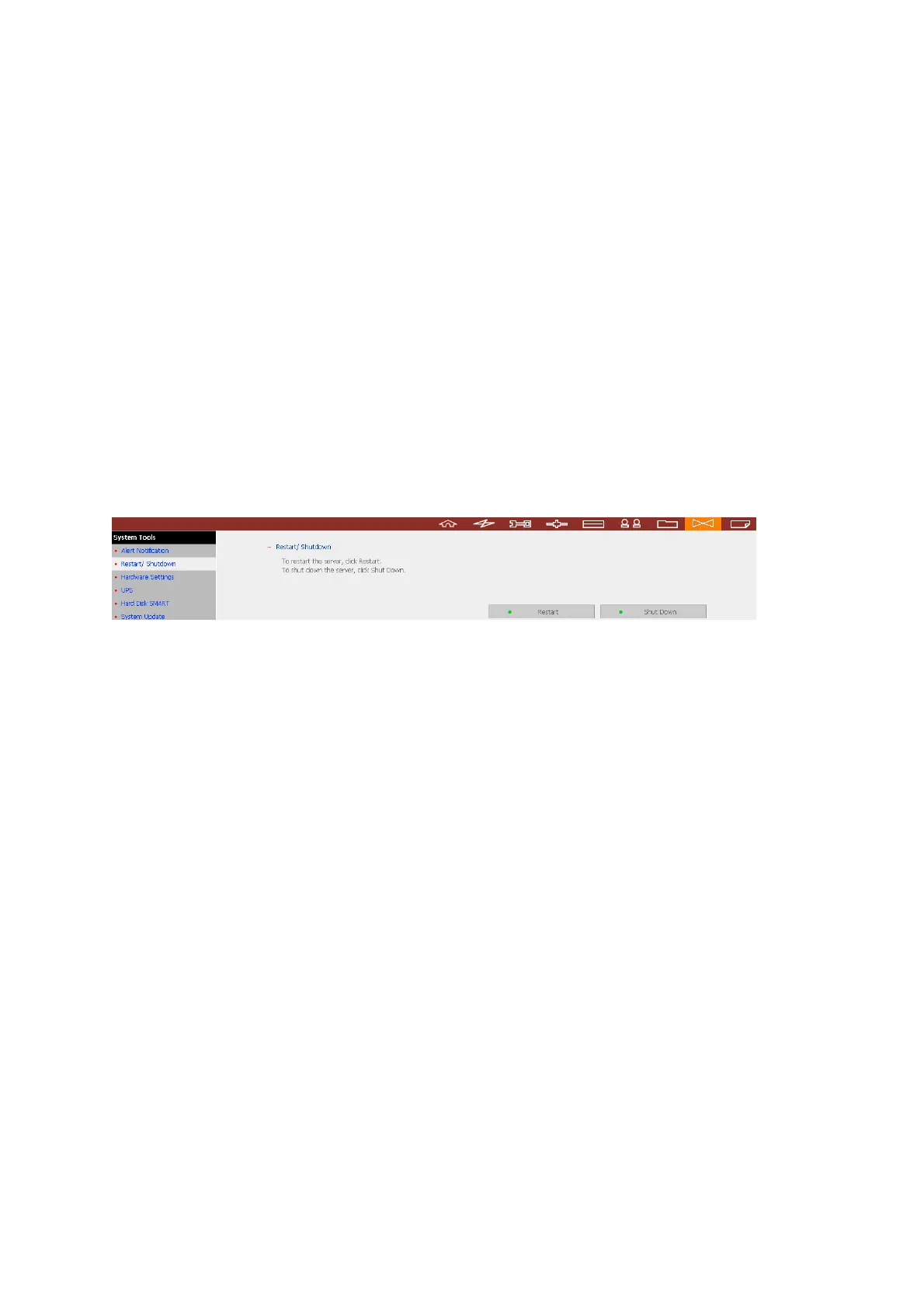
Follow the steps below to restart or shut down the NAS.
1. Enter the administration page and go to “Restart/ Shutdown” in System Tools.
2. Click Restart to reboot the server or Shut Down to turn off the server.
To force shut down the NAS server, press the power button for more than 10 seconds.
The server will beep once and shut down immediately.


 To Next Page