60
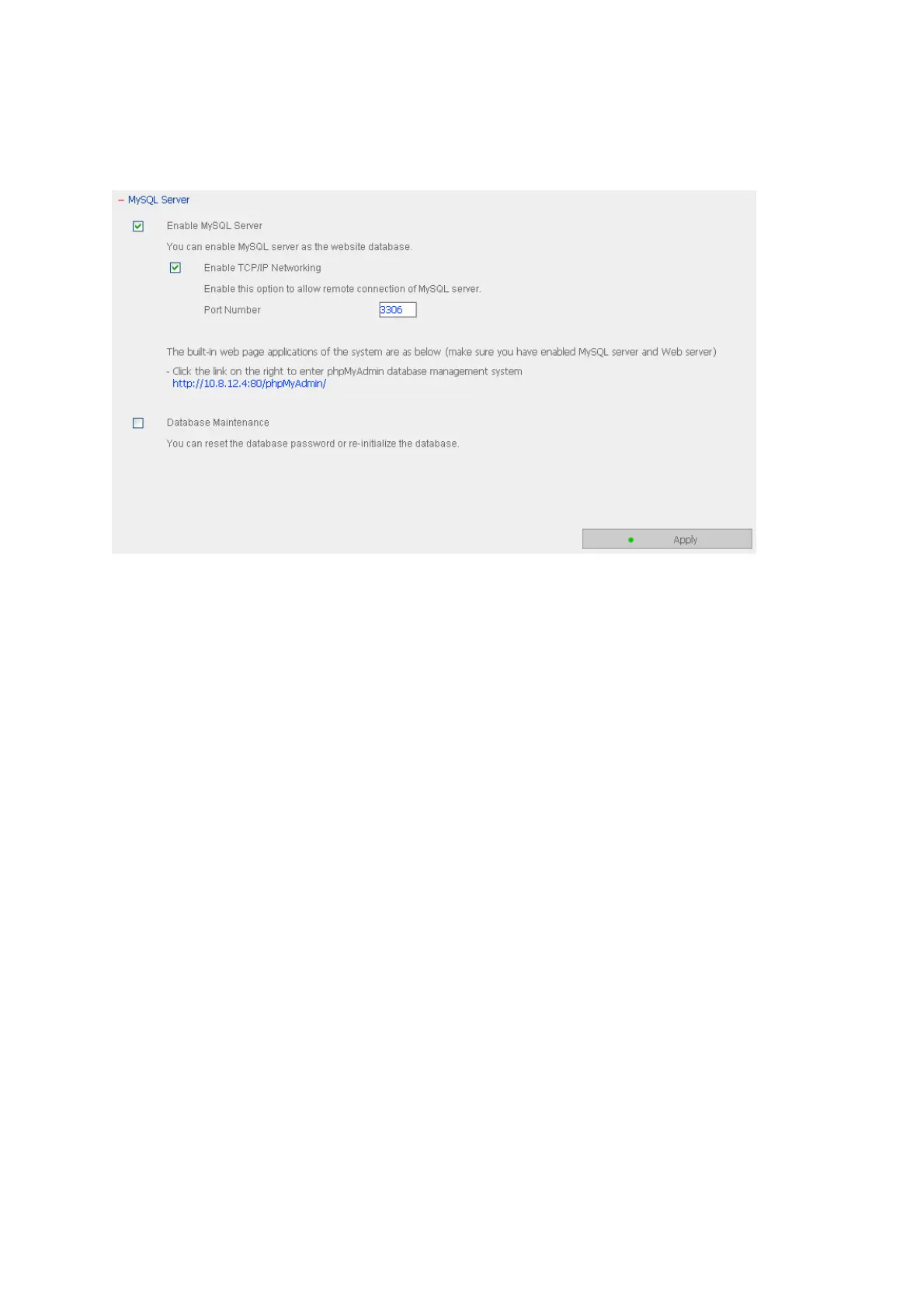
3.4.12 MySQL Server
You can enable MySQL Server as the website database.
Enable TCP/IP Networking
You can enable this option to configure your NAS’s MySQL Server as a database server of
another web server in remote site through Internet connection. When you disable this
option, your MySQL Server will only be configured as local database server for NAS’s web
server.
After enabling remote connection, please assign a port for the remote connection service
of MySQL server. The default port is 3306.
After the first-time installation of the NAS, a folder phpMyAdmin is created in the Qweb
network folder. You can enter http://NAS IP/phpMyAdmin/ in the web browser to enter
the phpMyAdmin page and manage the MySQL database.
Note:
1. Please do not delete the phpMyAdmin folder. You can rename this folder but the link
on the MySQL Server page will not be updated. To access the renamed folder, you
can enter the link http://NAS IP/renamed folder in the web browser.
2. The phpMyAdmin folder is created after the first-time installation. When you update
the firmware, the folder remains unchanged.



 To Next Page