31
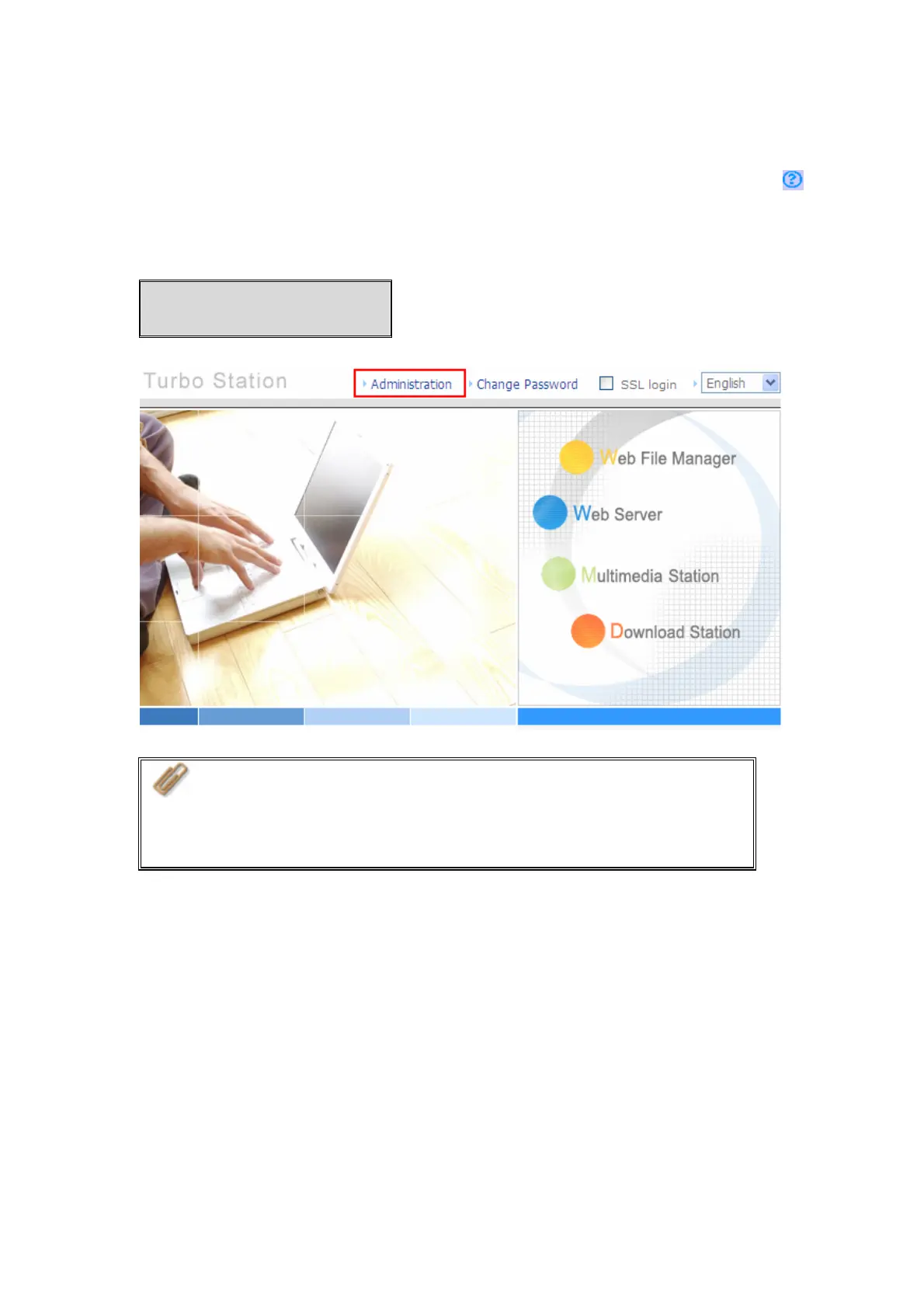
10. When the administration page of the NAS is shown, you can start to use the services.
If you have any questions during web administration, please click the help button
on the top right hand corner of the page.
To modify system settings, click “Administration”. Enter the user name and
password to login.
Default user name: admin
Password: admin
Note:
1. It is recommended to use Internet Explorer 6.0 or above to
access the NAS. If the OS of your PC is Windows
®
98, the NAS
supports Internet Explorer 6.0 or above only.
2. The NAS also supports Mozilla Firefox.



 To Next Page