55
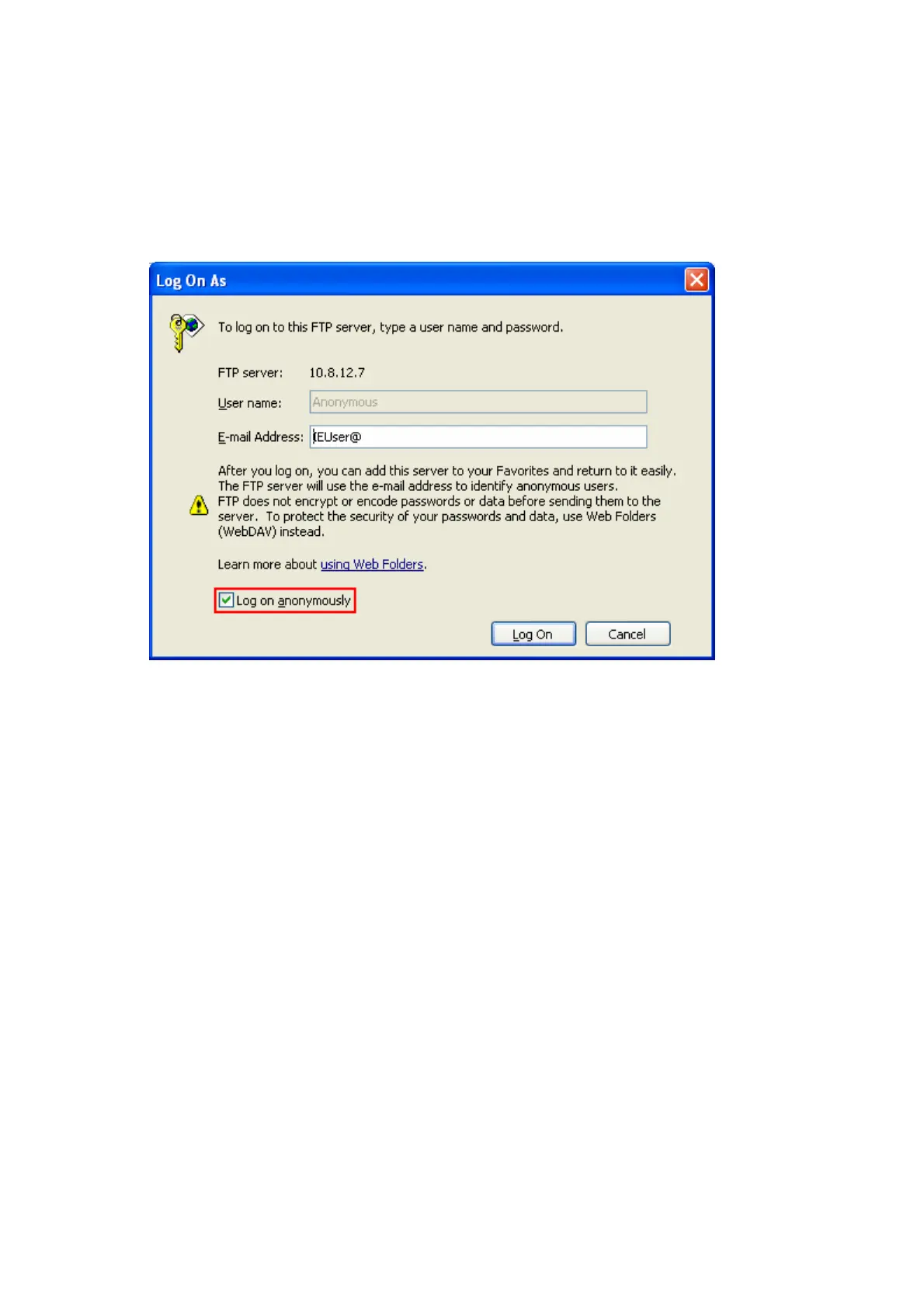
9 Log on anonymously
You can enable anonymous login to allow users to access the FTP server of the NAS
anonymously. The users can access the folders and files which are opened for
public access. If this option is disabled, users must enter an authorized user name
and password to access the server.
9 Passive FTP Port Range
You can use the default port range (55536-56559) or define a port range larger
than 1024. When using this function, please make sure you have opened the
configured port range on your router or firewall.
Respond with external IP address for passive FTP connection request
When passive FTP connection is in use and the FTP server is configured under a
router, if the remote computer cannot connect to the FTP server via WAN, you can
enable this function. By enabling this function, the FTP service replies the manually
specified IP address or automatically detects the external IP address so that the
remote computer can connect to the FTP server successfully.
9 FTP Transfer Limitation
You can configure the maximum number of all FTP connections, maximum
connections of a single account and the maximum upload/ download rates of a
single connection.



 To Next Page