89
Create Users and Assign Users to User Group
The following example demonstrates how to create new users and assign users to a user
group.
ABC Co. has recently recruited two employees Mr. Jones Lee for Administration
Department and Ms. Jane Wu for Sales Department. The IT Department therefore needs
to create two user accounts for them to access company data on the NAS.
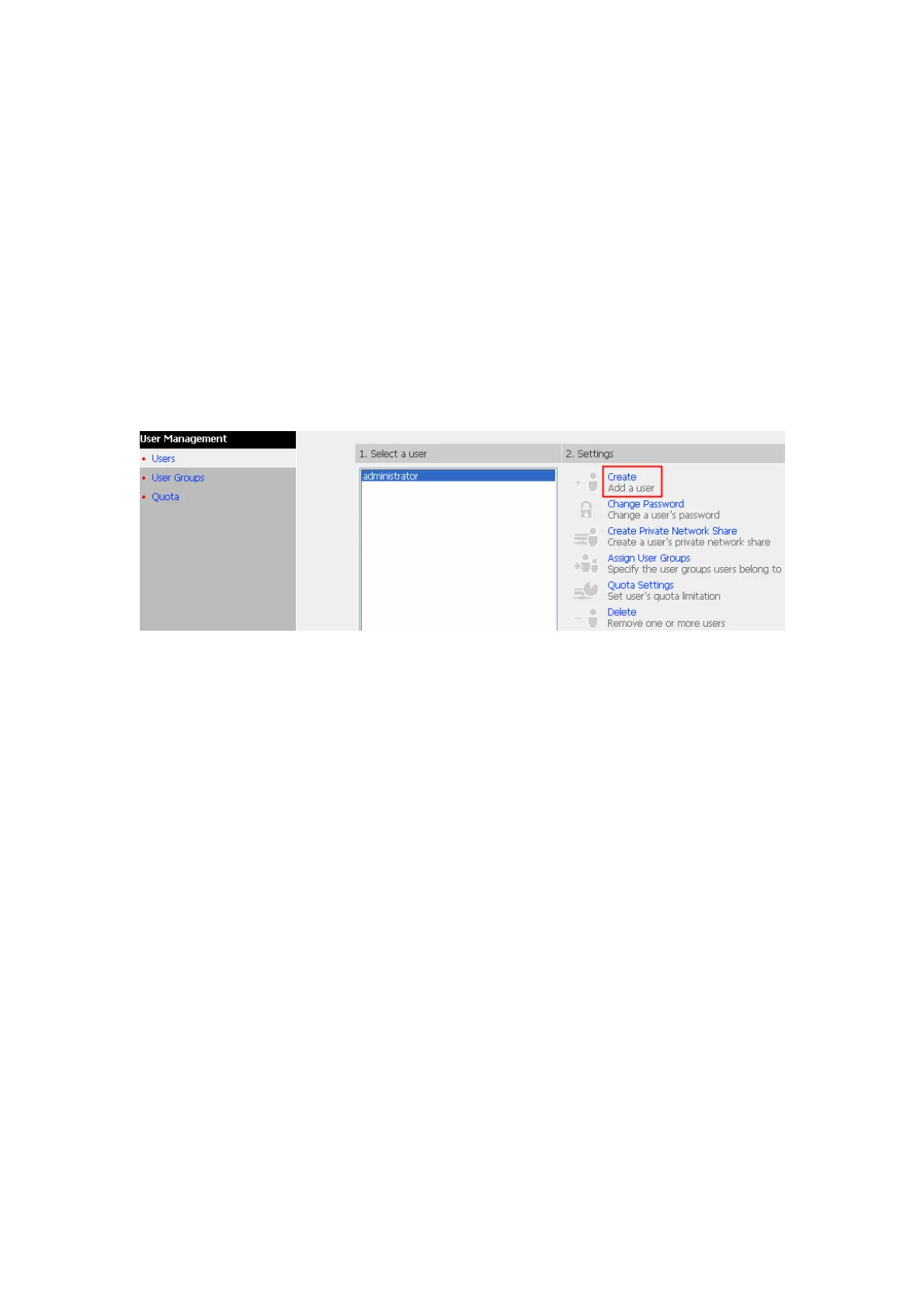
i. To create a user account, go to User Management-Users. Click Create.



 To Next Page