5G Module Series
RG520N-AT_Hardware_Design 34 / 109
⚫ Execute AT+QSCLK=1 to enable sleep mode.
⚫ Ensure MAIN_DTR is held at a high level or keep it open.
⚫ Ensure the host’s USB bus, which is connected with the module’s USB interface, enters suspend
state.
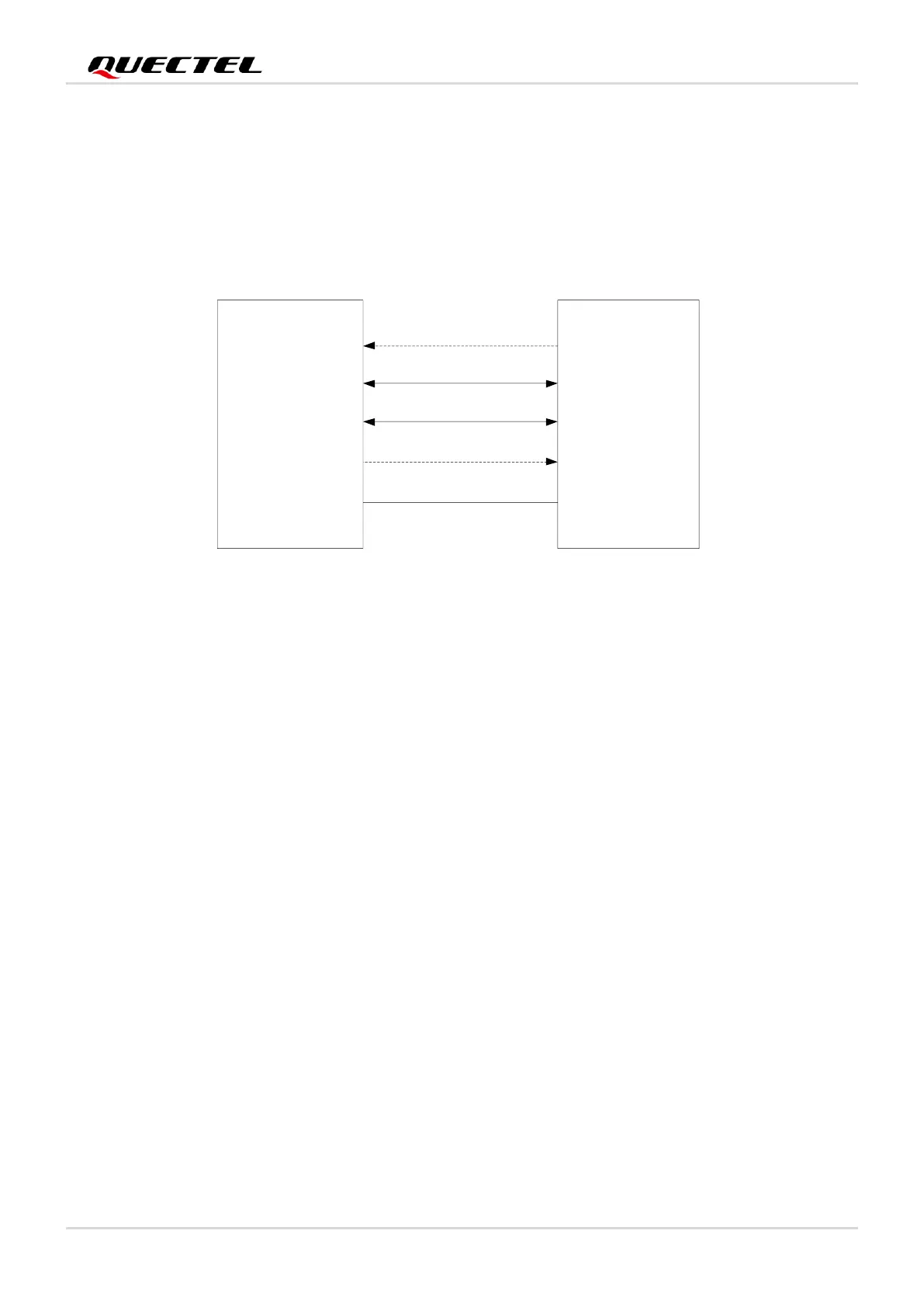
The following figure illustrates the connection between the module and the host.
Figure 6: Sleep Mode Application with MAIN_RI
⚫ Sending data to the module through USB will wake up the module.
⚫ When the module has a URC to report, the MAIN_RI signal will wake up the host.
3.2.2.3. USB Application without USB Suspend Function
If the host does not support USB suspend function, disconnect USB_VBUS with an external control circuit
to make the module enter sleep mode.
⚫ Execute AT+QSCLK=1 to enable sleep mode.
⚫ Ensure the MAIN_DTR is held at a high level or keep it open.
⚫ Disconnect USB_VBUS.
The figure illustrates the connection between the module and the host.



 To Next Page