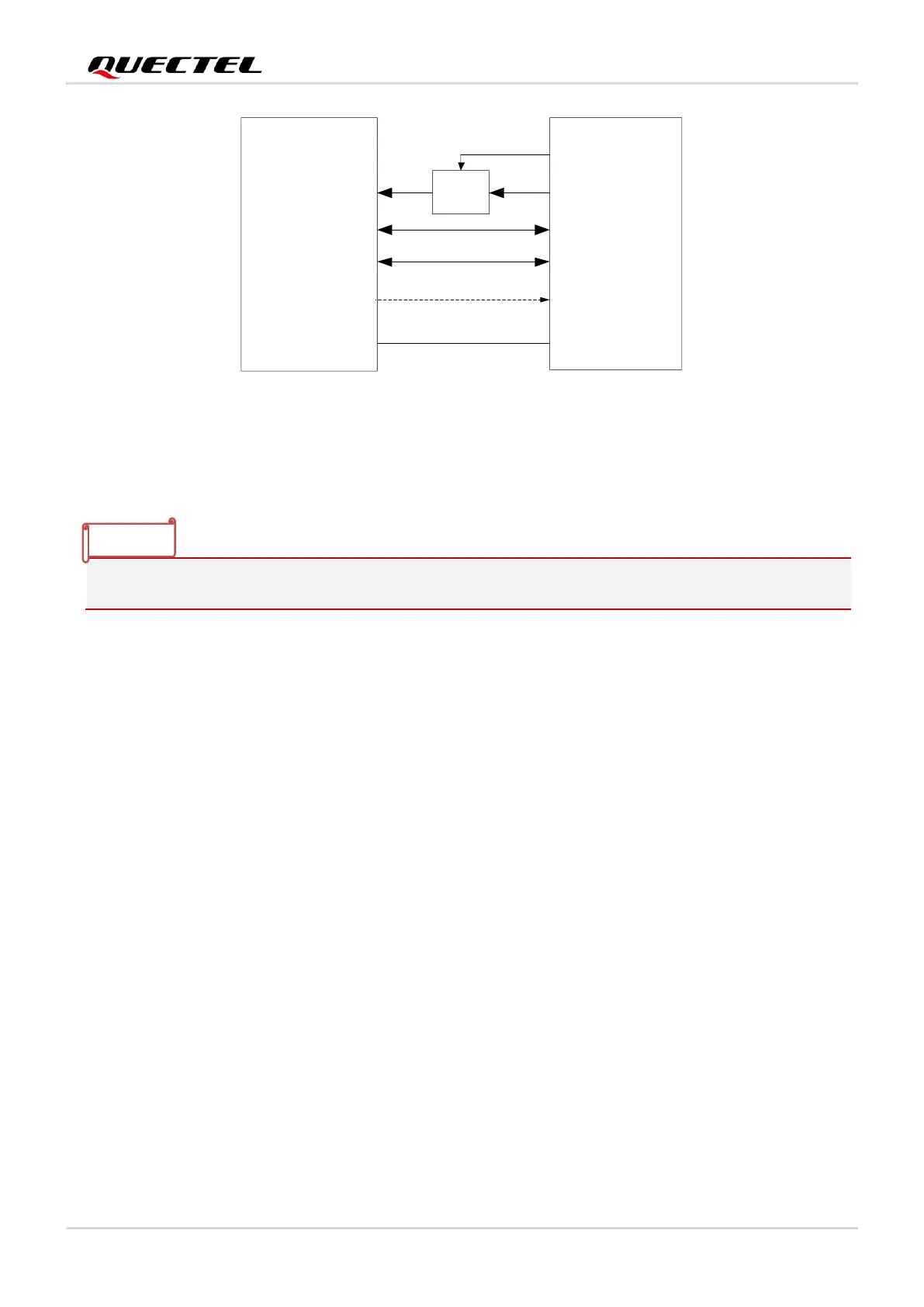
Figure 7: Sleep Mode Application without Suspend Function
Turning on the power switch and supplying power to USB_VBUS will wake up the module.
3.3. Airplane Mode
When the module enters airplane mode, the RF function will be disabled, and all AT commands related to
it will be inaccessible. This mode can be set via the following ways.
3.3.1. Hardware
The W_DISABLE# pin is pulled up by default. Driving it low will set the module to airplane mode.
3.3.2. Software
AT+CFUN=<fun> provides choices of the functionality level by setting <fun> into 0, 1 or 4.
⚫ AT+CFUN=0: Minimum functionality. Both RF and (U)SIM functions are disabled.
⚫ AT+CFUN=1: Full functionality mode (default).
⚫ AT+CFUN=4: Airplane mode. RF function is disabled.



 To Next Page