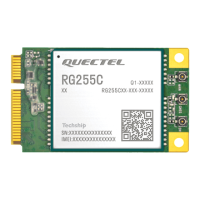
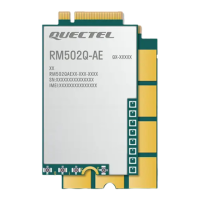
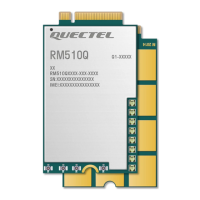
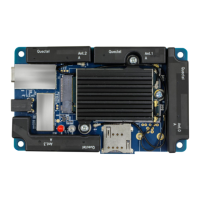
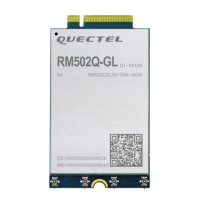
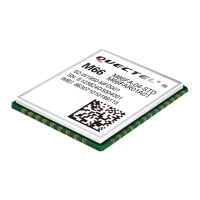
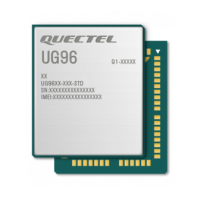
5G Module Series
RG520N-AT_Hardware_Design 5 / 109
Contents
Safety Information ...................................................................................................................................... 3
About the Document .................................................................................................................................. 4
Contents ...................................................................................................................................................... 5
Table Index .................................................................................................................................................. 8
Figure Index .............................................................................................................................................. 10
1 Introduction ....................................................................................................................................... 12
1.1. Special Marks ....................................................................................................................... 12
2 Product Overview ............................................................................................................................. 13
2.1. Frequency Bands and Functions ......................................................................................... 13
2.2. Key Features ........................................................................................................................ 14
2.3. Functional Diagram .............................................................................................................. 17
2.4. Pin Assignment ..................................................................................................................... 18
2.5. Pin Description ..................................................................................................................... 19
2.6. EVB Kit ................................................................................................................................. 30
3 Operating Characteristics ................................................................................................................ 31
3.1. Operating Modes .................................................................................................................. 31
3.2. Sleep Mode .......................................................................................................................... 32
3.2.1. UART Application Scenario ........................................................................................... 32
3.2.2. USB Application Scenario ............................................................................................. 33
3.2.2.1. USB Application with USB Remote Wakeup Function ................................... 33
3.2.2.2. USB Application with USB Suspend/Resume and MAIN_RI Function .......... 33
3.2.2.3. USB Application without USB Suspend Function .......................................... 34
3.3. Airplane Mode ...................................................................................................................... 35
3.3.1. Hardware ....................................................................................................................... 35
3.3.2. Software ........................................................................................................................ 35
3.4. Power Supply ....................................................................................................................... 36
3.4.1. Power Supply Pins ........................................................................................................ 36
3.4.2. Reference Design for Power Supply ............................................................................. 36
3.4.3. Power Supply Voltage Monitoring ................................................................................. 37
3.4.4. Voltage Stability Requirements ..................................................................................... 37
3.5. Turn On ................................................................................................................................. 40
3.5.1. Turn On with PWRKEY ................................................................................................. 40
3.6. Turn Off ................................................................................................................................. 41
3.6.1. Turn Off with PWRKEY ................................................................................................. 41
3.6.2. Turn Off with AT Command ........................................................................................... 42
3.7. RESET_N ............................................................................................................................. 42
4 Application Interfaces ...................................................................................................................... 45
4.1. USB Interface ....................................................................................................................... 45
4.2. USB_BOOT .......................................................................................................................... 47



 To Next Page