EasyManua.ls Logo

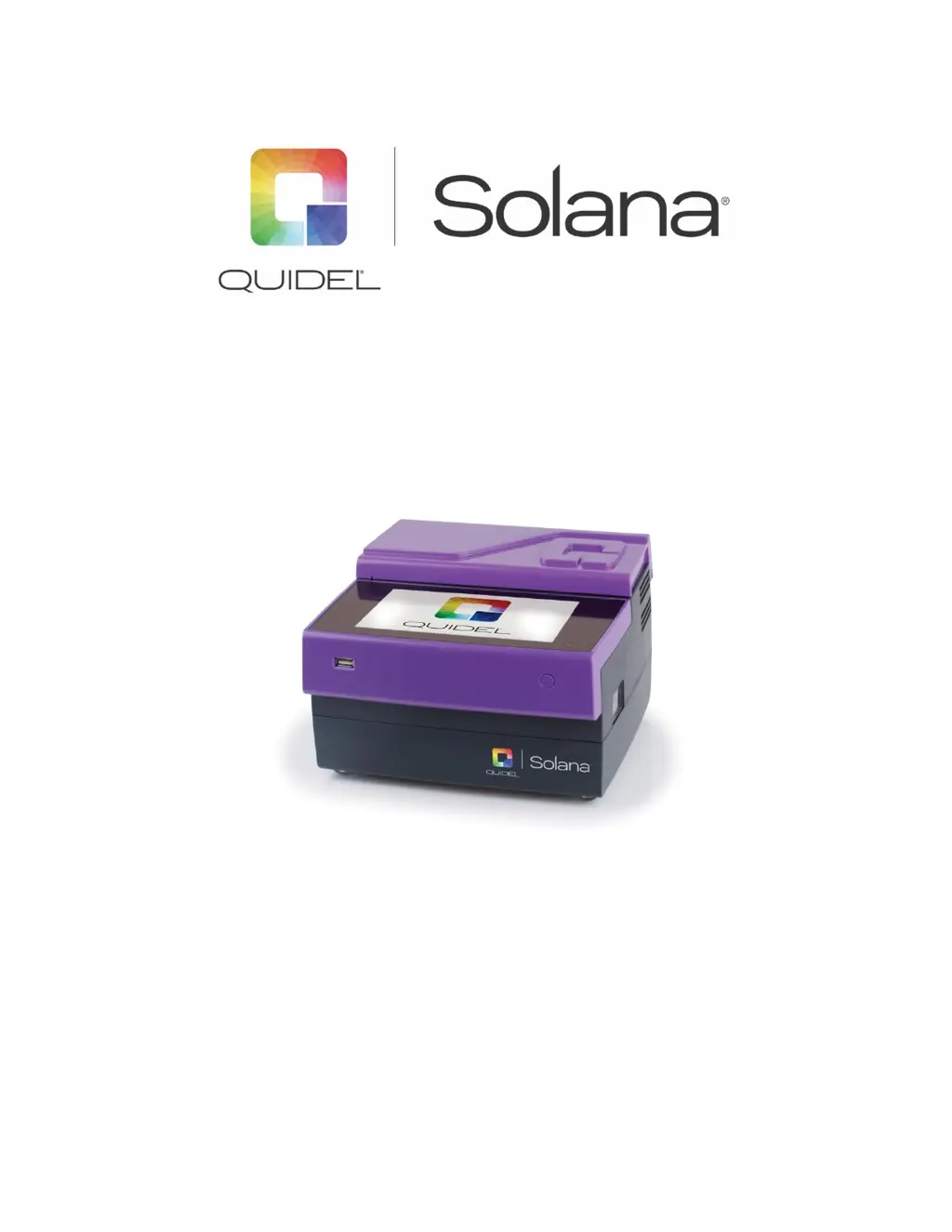
Quidel Solana - User Manual

Quidel Solana
70 pages
Print Icon
To Next Page IconTo Next Page
Loading...
1
Solana User Manual

Table of Contents

Questions and Answers

  • C
    Charles WatersAug 14, 2025
    What to do if memory is full on Quidel Solana?
    • D
      David MarshallAug 14, 2025
      If the memory is full and overwriting of old results is off, you can transfer data to another storage device and delete data on Solana to free up memory. Acknowledge the message by touching the green button. Alternatively, you can cancel by touching the red button; however, you will not be able to run new tests.
  • T
    Taylor GrahamAug 17, 2025
    What to do if Quidel Laboratory Equipment shows invalid test method barcode?
    • O
      Olivia HawkinsAug 17, 2025
      If you receive a message that the test method barcode is invalid, acknowledge the message by touching the green button. Then, ensure the correct barcode was scanned and the test method is installed. Also, ensure that the selected tests are compatible.
  • B
    Brianna CollierAug 21, 2025
    What to do if tube lid heater is open on Quidel Solana Laboratory Equipment?
    • E
      erin34Aug 21, 2025
      If the tube lid heater is open, close the tube lid to continue.
  • E
    eugenehullAug 25, 2025
    What to do if Quidel Solana shows invalid QC sample barcode?
    • J
      John BellAug 25, 2025
      If you scanned in a QC sample barcode that was invalid, acknowledge the message by touching the green button. Then, scan in a barcode in the appropriate format or enter information for a patient sample.
  • S
    Shari ReyesAug 27, 2025
    What to do if I assign more than 12 tubes on Quidel Solana Laboratory Equipment?
    • A
      Ashley LittleAug 27, 2025
      If you attempted to assign more than 12 tubes, acknowledge the message by touching the green button. Review tube assignments.
  • R
    Richard FarrellAug 30, 2025
    What to do if Quidel Solana has printing error?
    • R
      roger43Aug 30, 2025
      If there is a printing error, acknowledge the message by touching the green button. View event log.
  • A
    Ashley FoxSep 3, 2025
    What to do if installation of new method failed on Quidel Solana?
    • G
      Gary BallSep 3, 2025
      If the installation of a new method failed, acknowledge the message by touching the green button. View event log.
  • S
    Sara AndersonSep 6, 2025
    What to do if installation of new print template failed on Quidel Solana?
    • S
      solisrogerSep 6, 2025
      If the installation of a new print template failed, acknowledge the message by touching the green button. View event log.
  • B
    bmendozaSep 9, 2025
    What to do if Quidel Solana was turned on with the transport lock activated?
    • K
      Katherine OconnorSep 10, 2025
      If the Quidel Laboratory Equipment instrument was turned on after a shutdown while the transport lock was activated, make sure that the transport lock is unlocked. To confirm, touch the green button.

Summary

General Information

Warnings, Precautions, and Safety

Outlines critical warnings, precautions, and safety guidelines for instrument operation.

General Operation

Startup and Power Up

Guide to powering on the instrument and its initialization process.

Procedural Notes and User Management

Operational guidelines, user login, logout, and access control procedures.

System Settings and Configuration

Workflow and Order Settings

Configuring test workflows, order, and result handling.

Result Handling Options

Options for managing how test results are stored and printed.

Device Settings and Integration

User Access Control and Network

Configuring user roles, access levels, and network connectivity.

Test Execution and Sample Management

Starting New Tests (Autofill Modes)

Initiating tests by selecting methods or tubes.

Results and LIS Integration

LIS Orders and Results Viewing

Handling LIS orders and viewing test results.

System Shutdown and Troubleshooting

Troubleshooting and Pop-up Messages

Understanding and resolving common issues via pop-up messages.

Quidel Solana Specifications

General IconGeneral
Test TypeMolecular Diagnostics
Operating Temperature15°C to 30°C (59°F to 86°F)
Relative Humidity20% to 80% non-condensing
Sample TypesNasopharyngeal swab
Time to ResultApproximately 30 minutes
ConnectivityEthernet
Power Supply100-240 VAC, 50-60 Hz
Assay TimeApproximately 30 minutes
Power Requirements100-240 VAC, 50-60 Hz