22
System
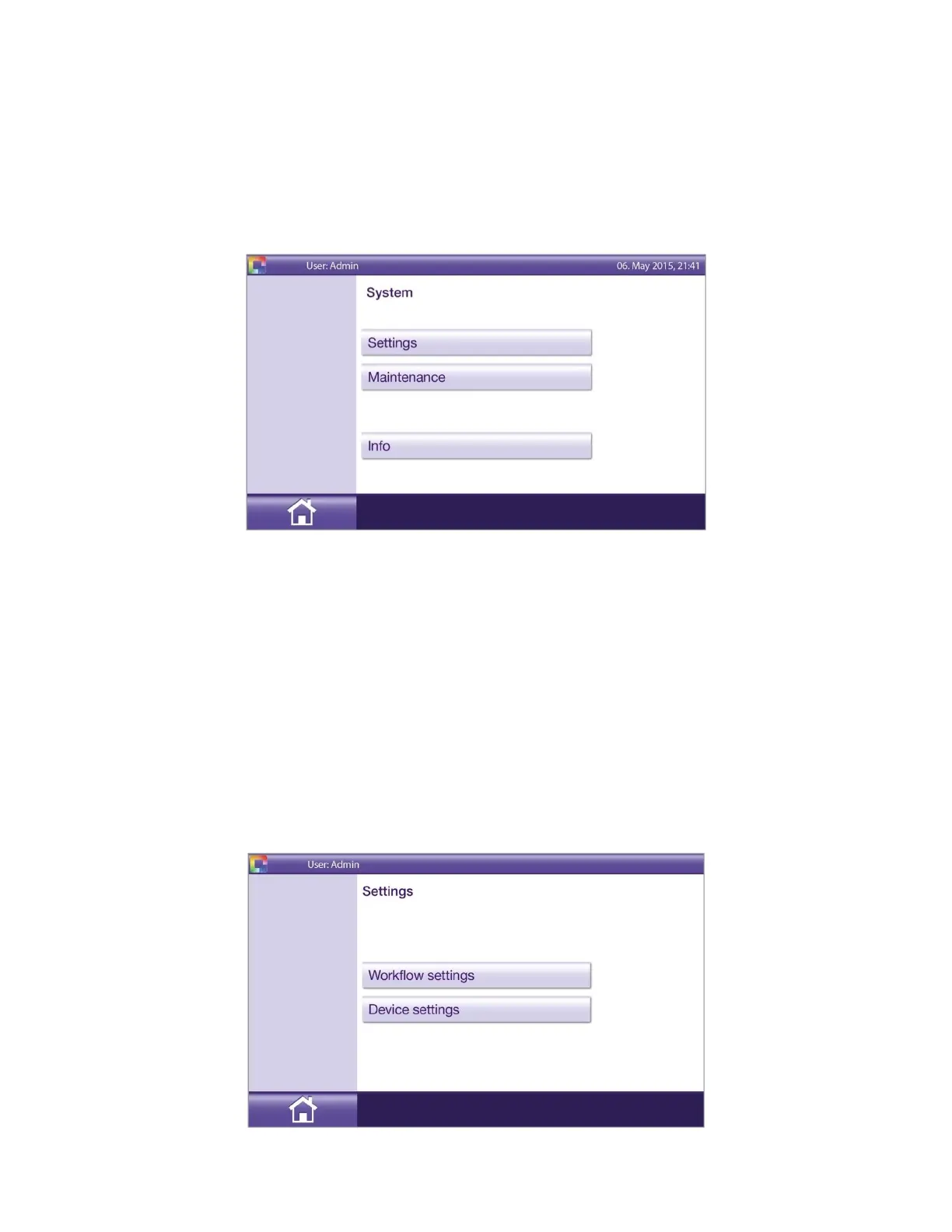
There are 3 choices on the System menu (Figure 15).
◼ Settings
◼ Maintenance
◼ Info
Figure 15
The Info option displays the instrument software version, Linux version, instrument serial number, MAC-
Address, and build number.
NOTE: Changes to Settings and Maintenance are saved and applied to subsequent uses of the instrument. It is
suggested to review System: Settings prior to using Solana the first time.
Settings
There are two types of Settings (Figure 16):
◼ Workflow settings
◼ Device settings
Figure 16


 To Next Page