MultiRAE User’s Guide
9
2.1 Key Features
All-in-one continuous monitoring capabilities for gamma radiation, VOCs, oxygen, toxic
and combustible gases, for a total of up to six threats at a time
Highly customizable with over 25 field-interchangeable intelligent sensor options
Wireless access to real-time instrument readings and alarm status from any location
through ProRAE Guardian Real-Time Wireless Safety System
Unmistakable five-way local and remote wireless notification of alarm conditions,
including Man Down Alarm
Large graphical display with easy-to-use, icon-driven user interface
Simple maintenance with easily accessible sensors, pump, and plug-and-play battery
Fully automated charging, data management, bump testing and calibration with AutoRAE 2
Charging and
Communication
Contacts
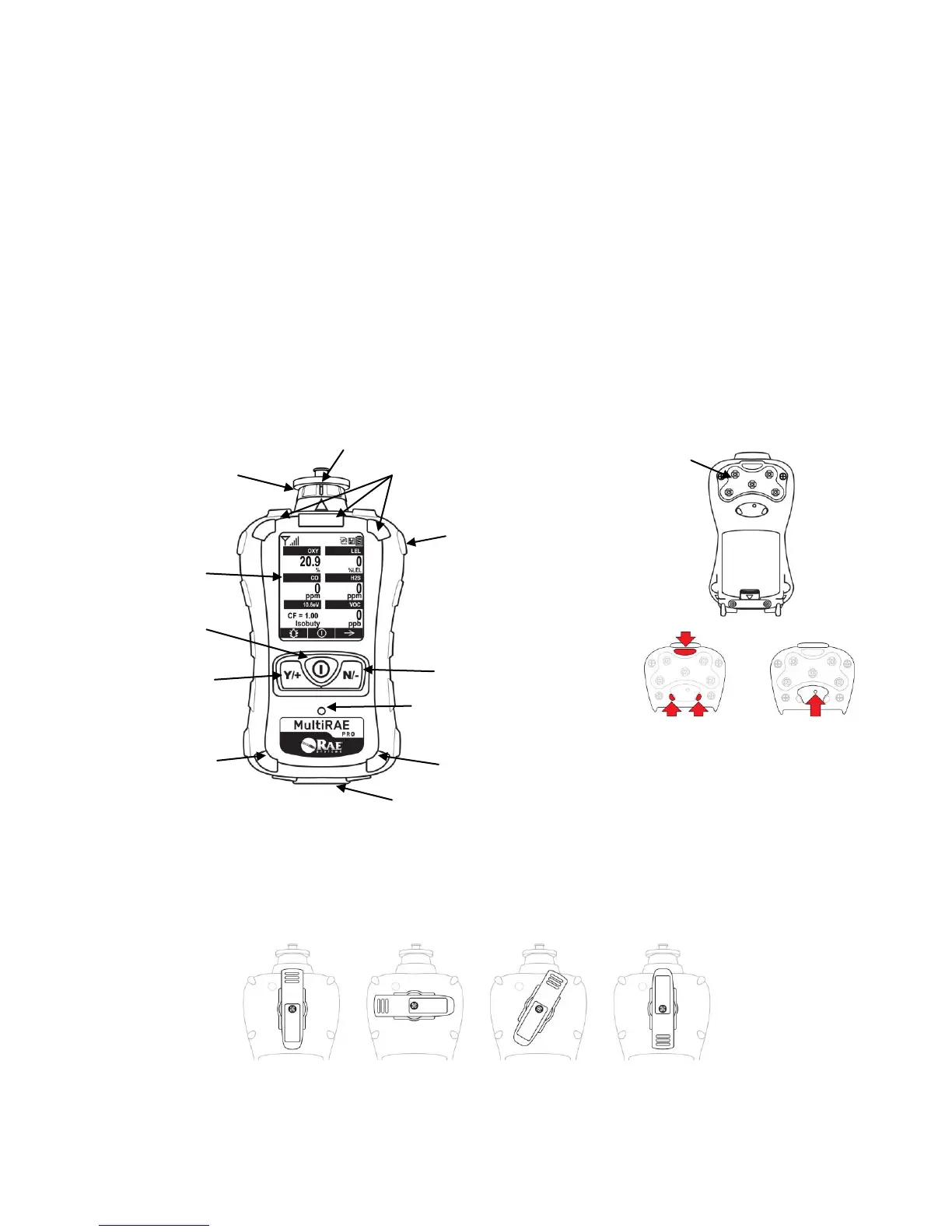
The belt clip on the back of the pump-equipped MultiRAE can be swiveled for
carrying it at different angles.
MultiRAE With Pump, front view
MultiRAE Lite Diffusion Model,
rear view
Note: The front of the diffusion model
of the MultiRAE Lite is the same as the
pumped model, but instead of a single
gas inlet at the top, there are five inlets
on the back side, as well as an extra
alarm buzzer and LEDs.



 To Next Page