MultiRAE User’s Guide
28
8.3 Menus And Submenus
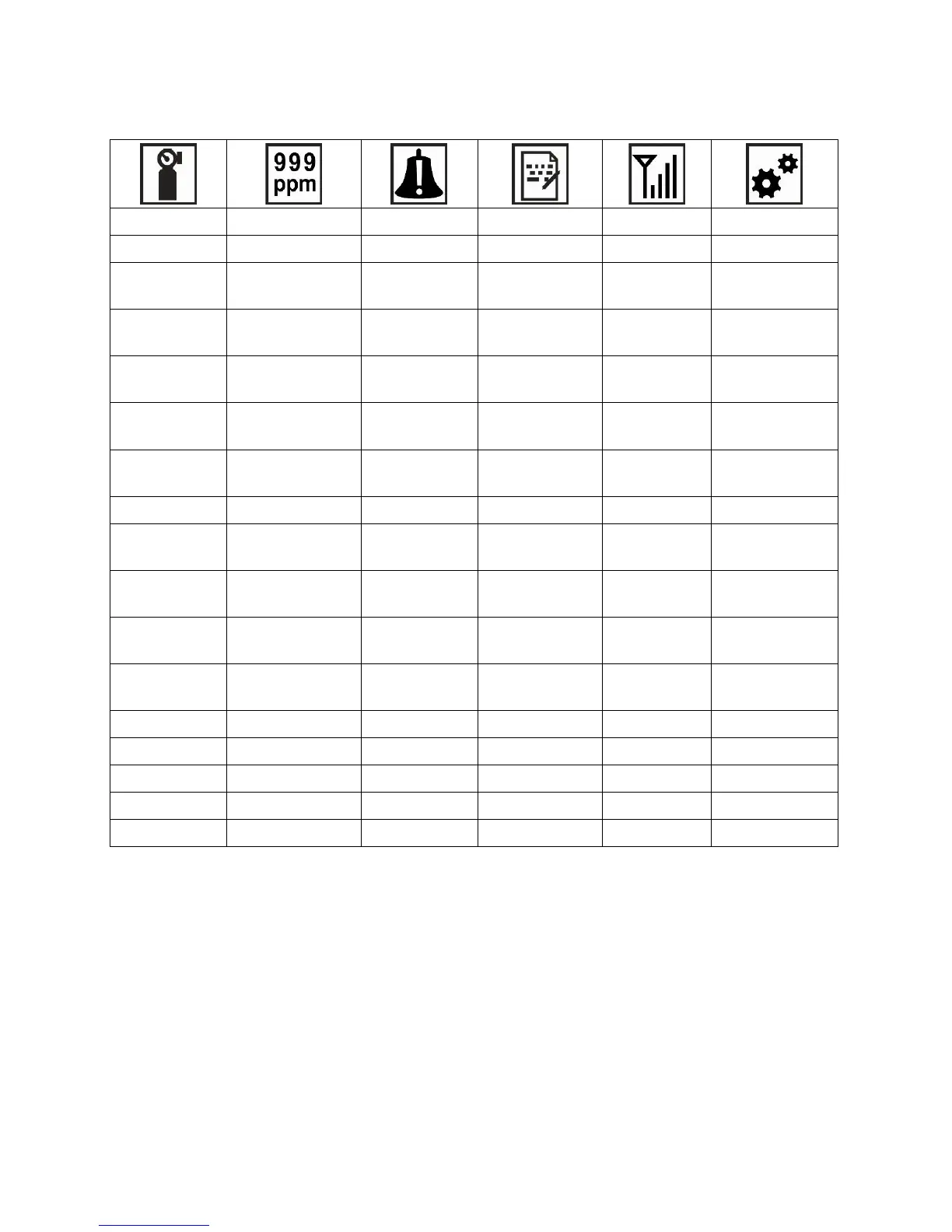
In Programming Mode, menus and submenus are organized as shown here:
* This menu is available on wirelessly equipped instruments only.
** Pump-equipped version only.
*** This menu item is shown only if a 3-point calibration is enabled. Change Span2 Value menu item is only shown
if a 3-point calibration is enabled on the instrument. Three-point calibration is disabled by default, but can be
enabled on MultiRAE and MultiRAE Pro instruments with 10.6eV PID sensors, including high-range ppm and ppb
PID sensors. The MultiRAE Lite PID sensor only supports 2-point calibration.
8.3.1 Editing And Selecting Parameters And Sensors
There are a few basic ways to edit parameters, select sensors, and perform other activities in the
MultiRAE. The actions performed by pressing keys always match 1-to-1 with the boxes along
the bottom of the display and the three keys. Some parameters are edited by scrolling and
selecting individual items (black bars behind white text act as highlighters). Some include a
choice via “radio buttons,” where only one item in a list can be selected, while other menus use
boxes for you to “check” with an “X,” and these allow for multiple items in a list to be selected.
In all cases of editing, you can save or undo your choice.



 To Next Page