MultiRAE User’s Guide
59
Important! If one or more sensors fails a bump test, be sure to calibrate those sensors.
7. The bump test is now complete. Press Exit to return to the main measurement screen.
8. Now perform a manual alarms test, as described in section 10.1.
If all the alarms and all sensors have passed and no sensor is due for a calibration, the instrument is now
ready for use.
Note: When a manual bump test is performed, the readings shown are in the equivalent units of the
calibration gas, and not the measurement gas (if different).
10.2.4 Testing The Gamma Radiation Sensor
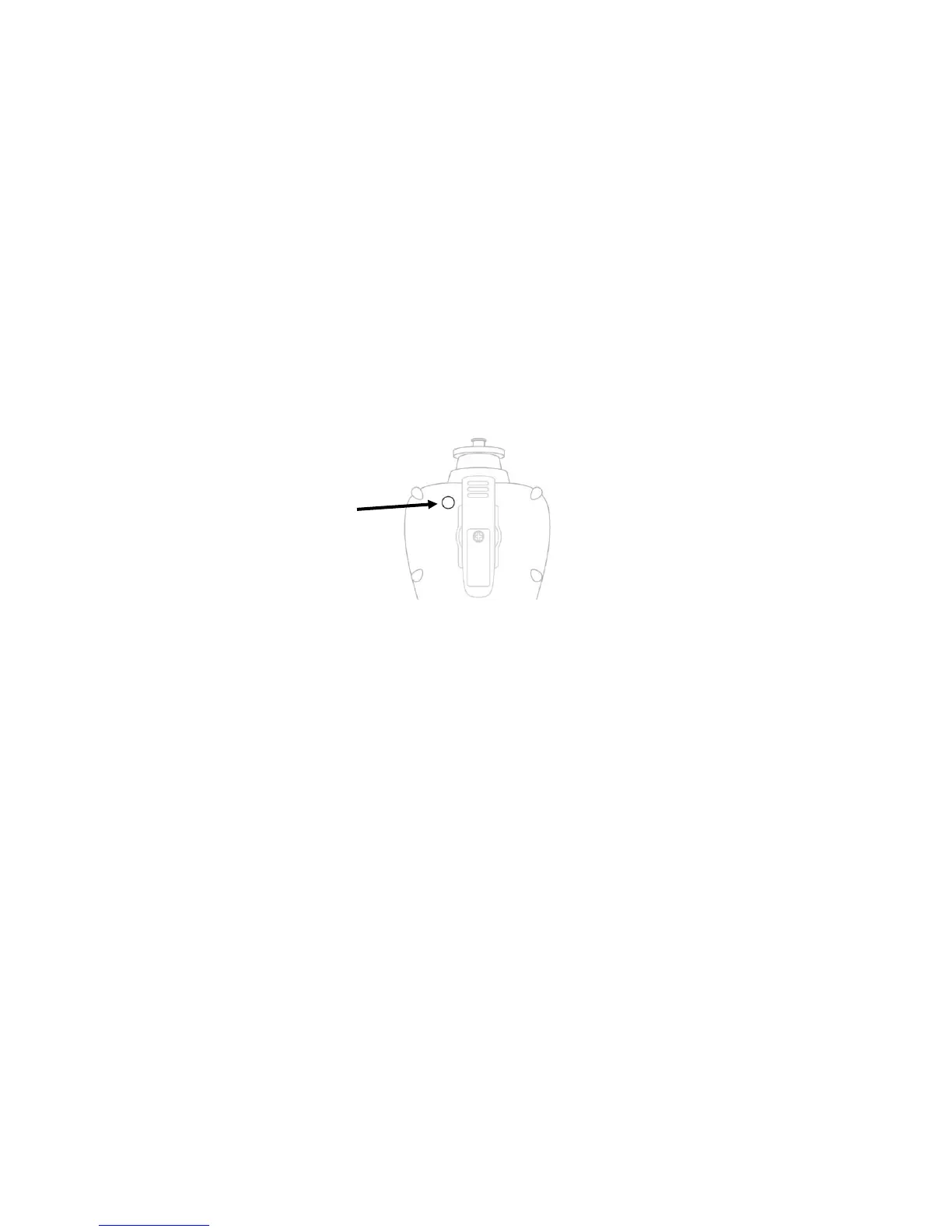
The gamma radiation sensor does not require user calibration. You can check it by placing a check-source
on the rear of the MultiRAE equipped with a gamma sensor to check the readings. A raised dot on the
rubber boot marks where the sensor is located inside the instrument.



 To Next Page