MultiRAE User’s Guide
27
8.2 Enter Programming In Basic Mode
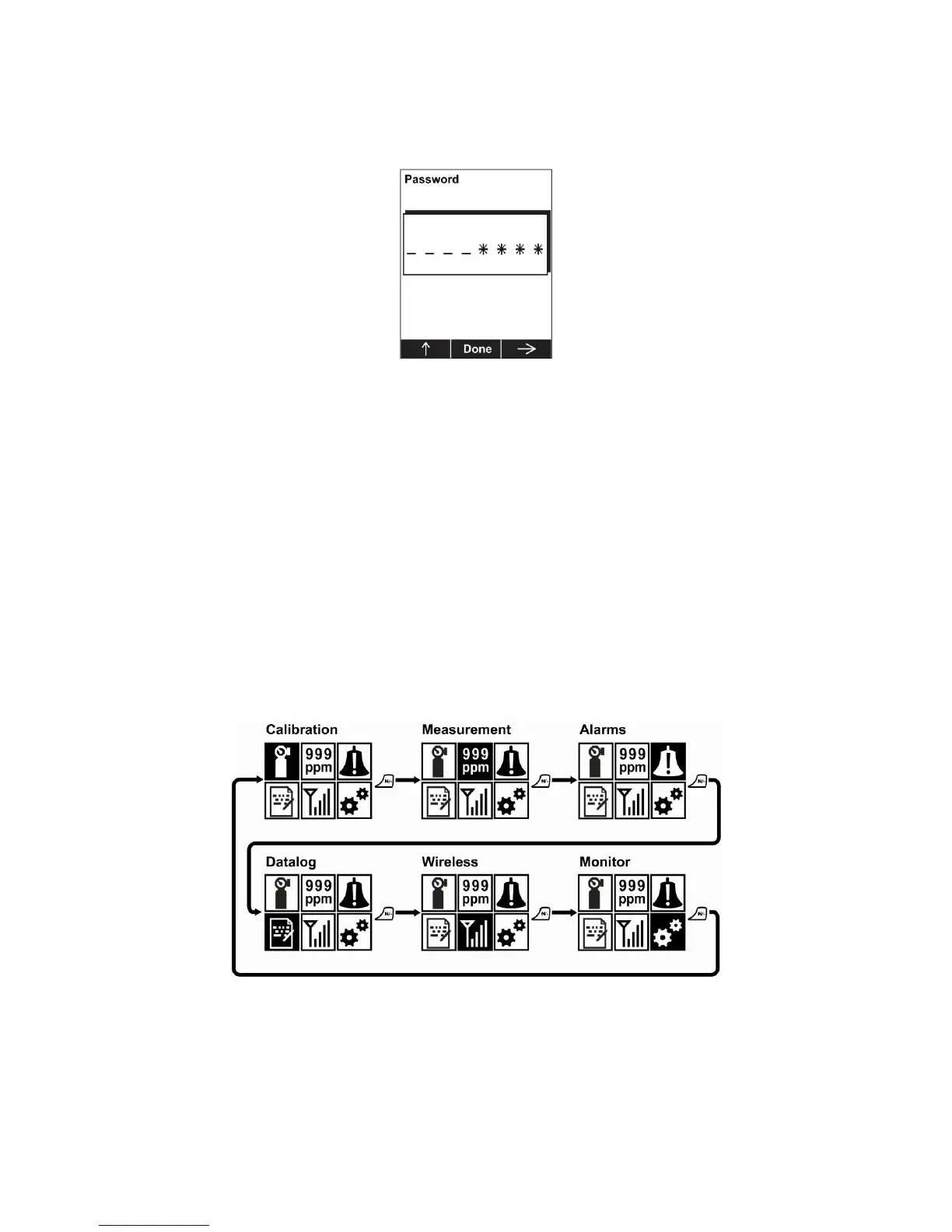
1. To enter Programming Mode, press and hold [MODE] and [N/-] until you see the Password screen.
2. Input the 4-digit password:
Increase the number from 0 through 9 by pressing [Y/+].
Step from digit to digit using [N/-].
Press [MODE] when you are done.
If you make a mistake, you can cycle through the digits by pressing [N/-] and then using [Y/+] to change
the number in each position.
Note: The default password is 0000.
Note: The password screen only appears when you enter the Programming Mode the first time after
turning the instrument on in Basic Mode. If you have input the correct password, you do not have to input
it again to enter Programming Mode until you turn the instrument off and on again.
Once you enter Programming Mode, the Calibration menu is highlighted. Press [N/-] to step through the
programming screens.
To enter a menu and view or edit parameters in its submenus, press [Y/+].



 To Next Page