MultiRAE User’s Guide
53
9.1.2 Using The MultiRAE Desktop Cradle Or Travel Charger
Make sure the AC adapter is connected and that a USB cable is connected to a computer running ProRAE
Studio II.
1. Turn on the MultiRAE.
2. Hold down [MODE] and [N/-] to enter Programming Mode.
3. Provide the password.
4. Press [N/-] until “Enter Communications Mode?” is displayed.
5. Press [Y/+]. The screen shows three options:
PC
AutoRAE 2
Exit
6. With “PC” highlighted, press [Y/+] to select it.
The screen now displays: “Ready To Communicate With Computer.”
7. Start ProRAE Studio II.
8. Select “Administrator.”
9. Input the password (the default is “rae”).
10. Click “OK.”
11. Click “A” (detects instruments automatically).
12. Click on the instrument’s icon when it appears to highlight it.
13. Click “Select.”
14. Click “Setup.”
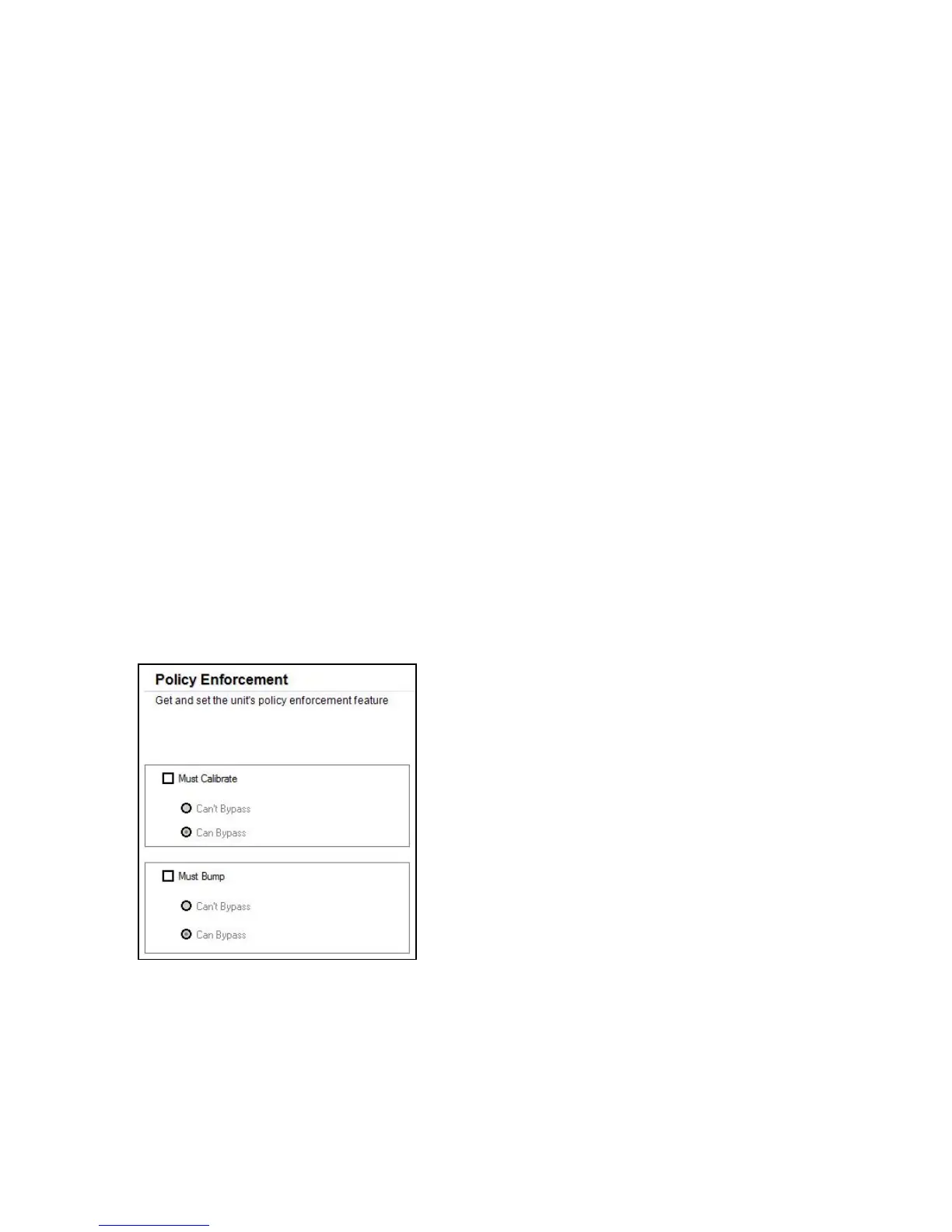
15. Click “Policy Enforcement.”
The Policy Enforcement pane is shown:
You can select “Must Calibrate” and/or “Must Bump” and then set whether the user must perform the
selected operation in order to use the instrument.



 To Next Page