MultiRAE User’s Guide
55
8. Input the password (the default is “rae”).
9. Click “OK.”
10. Click “A” (detect instruments automatically).
11. Click on the instrument’s icon when it appears.
12. Click “Select.”
13. Click “Setup.”
14. Click “Policy Enforcement.” The Policy Enforcement pane is shown.
15. Deselect Policy Enforcement features you do not wish to use.
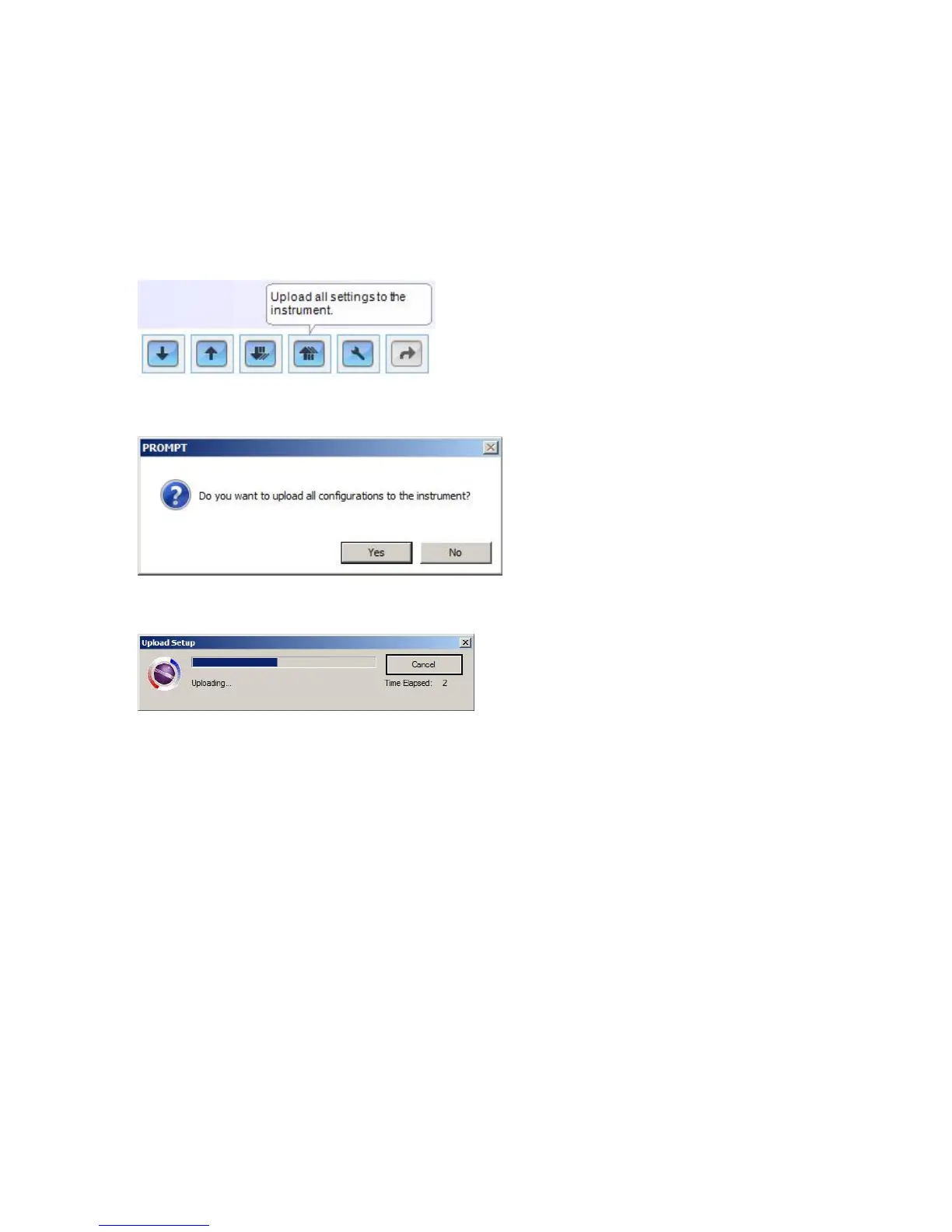
16. Click “Upload all settings to the instrument.”
17. When you see this confirmation. Click “Yes.”
Uploading will take a few seconds, and this progress bar is shown:
18. When the upload is done, exit ProRAE Studio II.
19. Press [Y/+] on the MultiRAE to exit Communication Mode.



 To Next Page