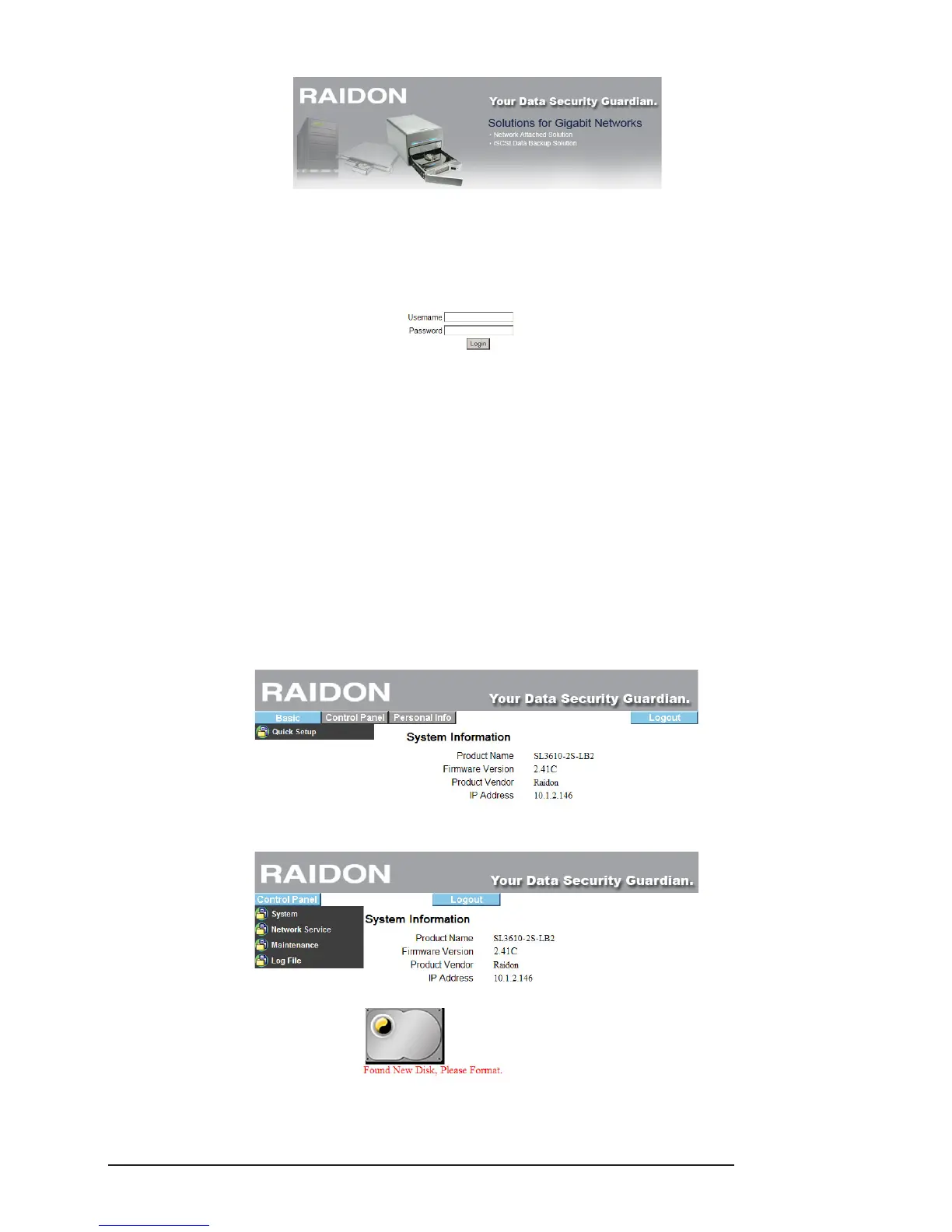
The default account and password are as follows:
Login Username: admin
Default Password: admin
2. If you use formatted hard disks, the system will display current system information and setting will
be available. If you use 2 new hard disks, you need to format the hard disks or create a disk array
rst. Enter “Maintenance” and click “Disk Utility” if you want to format the hard disks separately or
“Disk Array” if you want to set the disk array directly. Once formatting or disk array setting is
completed, the system will restart. After login, the system will display the present system information
and setting is available. For detailed descriptions of system setting and hard disk formatting, refer to
Chapter 3.
※ If you use formatted hard disks, the system will display the present system information and be ready
for setting.
※ When a new hard disk is detected, the system will require formatting rst.



 To Next Page