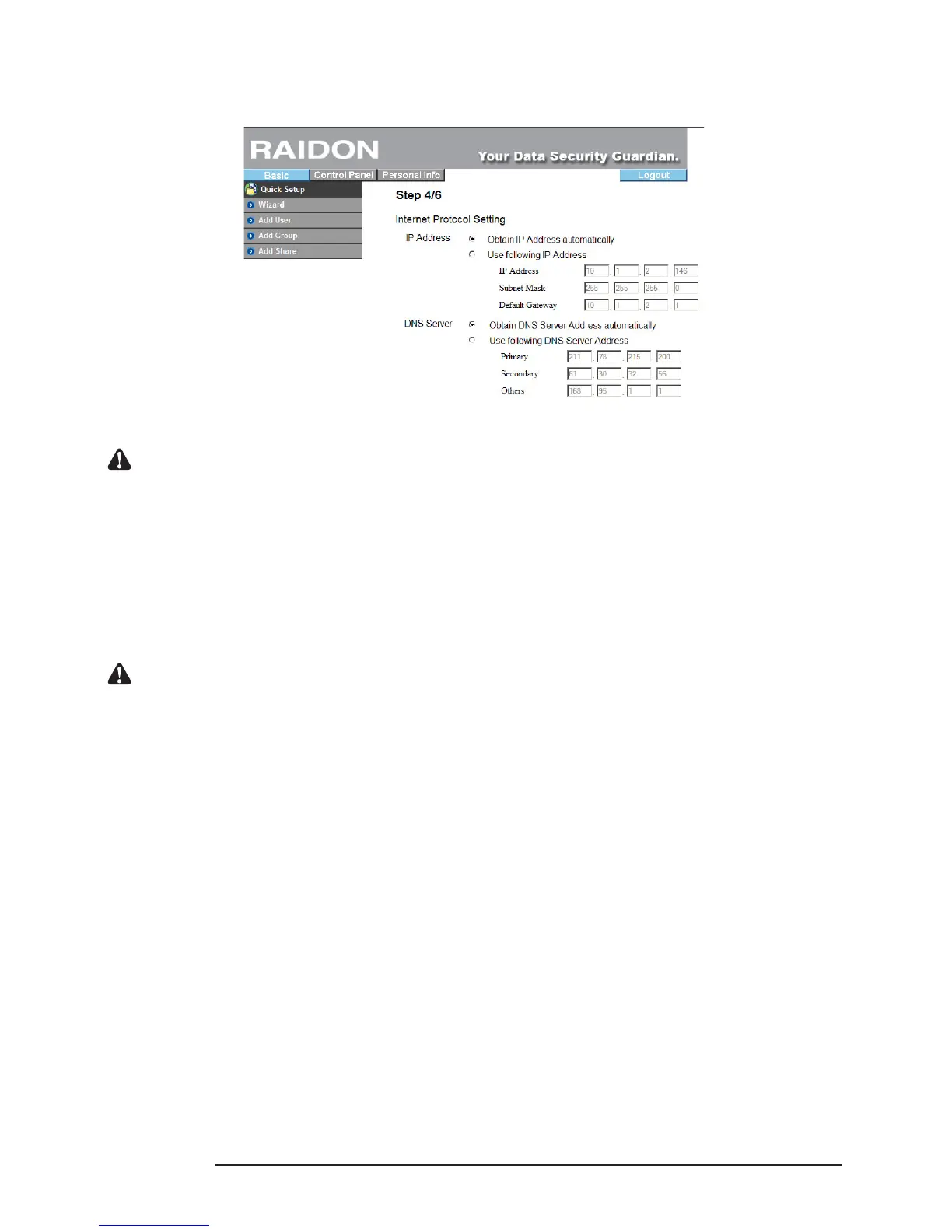
3. Please enter “Basic Setting” and click “Wizard” to change the system related information, including
host name, IP address and password, etc. For detailed descriptions, refer to Chapter 3.
Change IP setting
Notice : 1. Before the disks are formatted or the disk array is created, be sure not to change any system
information. Since all system information will be recorded in the hard disk, all system will be lost if the
hard disk is formatted again or the disk array level is changed.
2. If you need to install another SL3610/3620-2S-LB2, be sure to change the host name, IP address and
password of the rst one for recognition by the machines you set subsequently and to make sure that
the IP address will not be changed randomly.
4. Once the system information is changed, the system will restart automatically. After login, you can
use the system normally and installation is complete. You can start to perform related share and
authority settings.
Notice : 1. If you change the IP address, the system may display “unable to open the web” after restart. Enter the
new IP address in the browser and you will see the login page.
18 Installation



 To Next Page