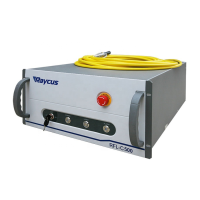
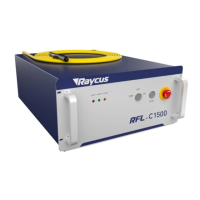
INDICATOR LIGHT: After the main power supply of the laser is powered on, the green indicator
light is on when the laser is Ready; when the laser is emitting light, the red indicator light is on; when the
laser has a fault, the yellow indicator light is on, accompanied by an alarm sound.
4.2 Rear Panel
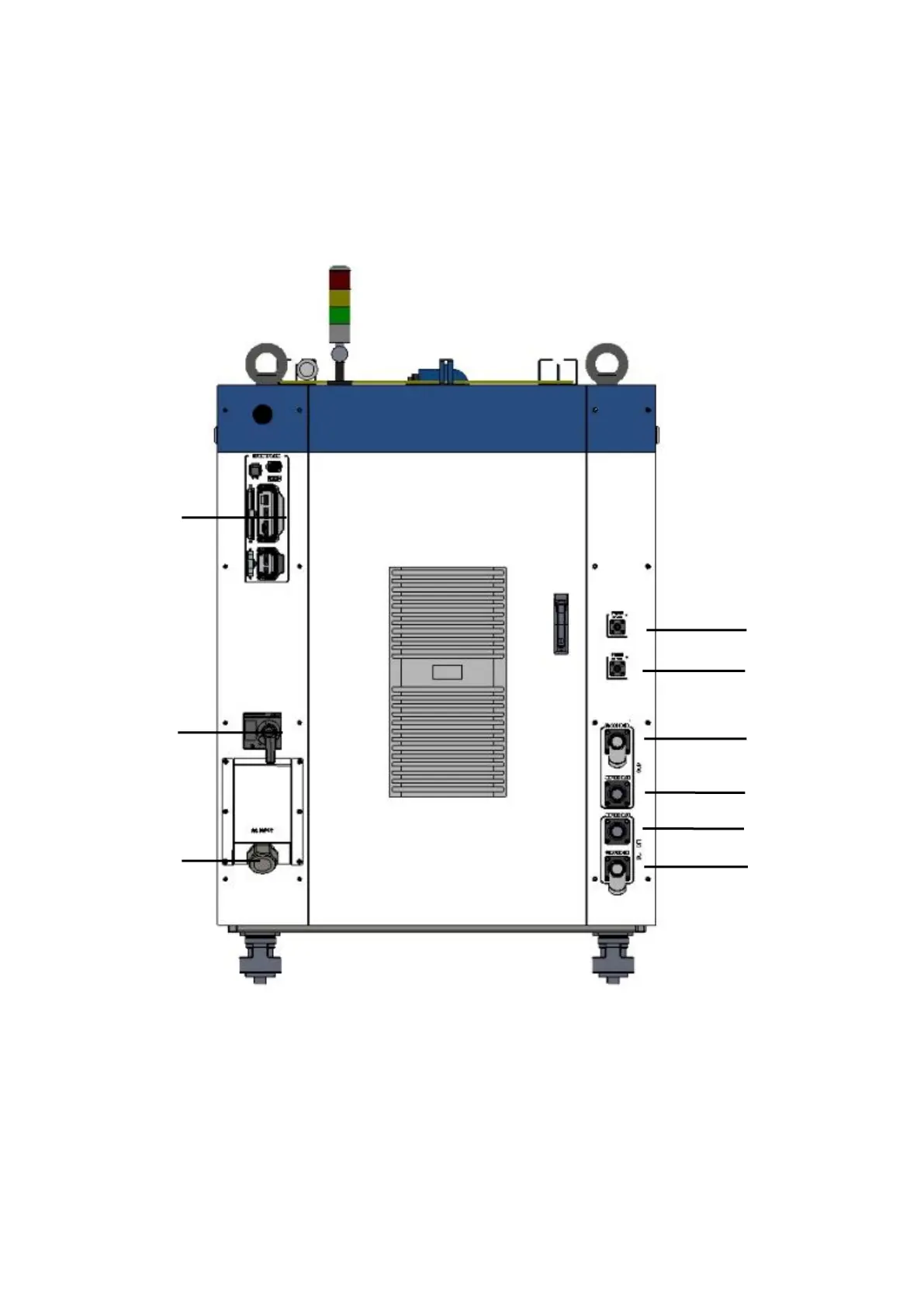
Figure 13 shows the rear panel.
Figure 13 Rear view of product panel
Note: ①- INTERFACE ②-BREAKER ③-AC INPUT
④
-FIBER WATER IN
⑤
-FIBER WATER OUT
⑥
- TOP WATER IN
⑦-TOP WATER OUT ⑧-BOTTOM WATER OUT ⑨BOTTOM WATER IN


 To Next Page