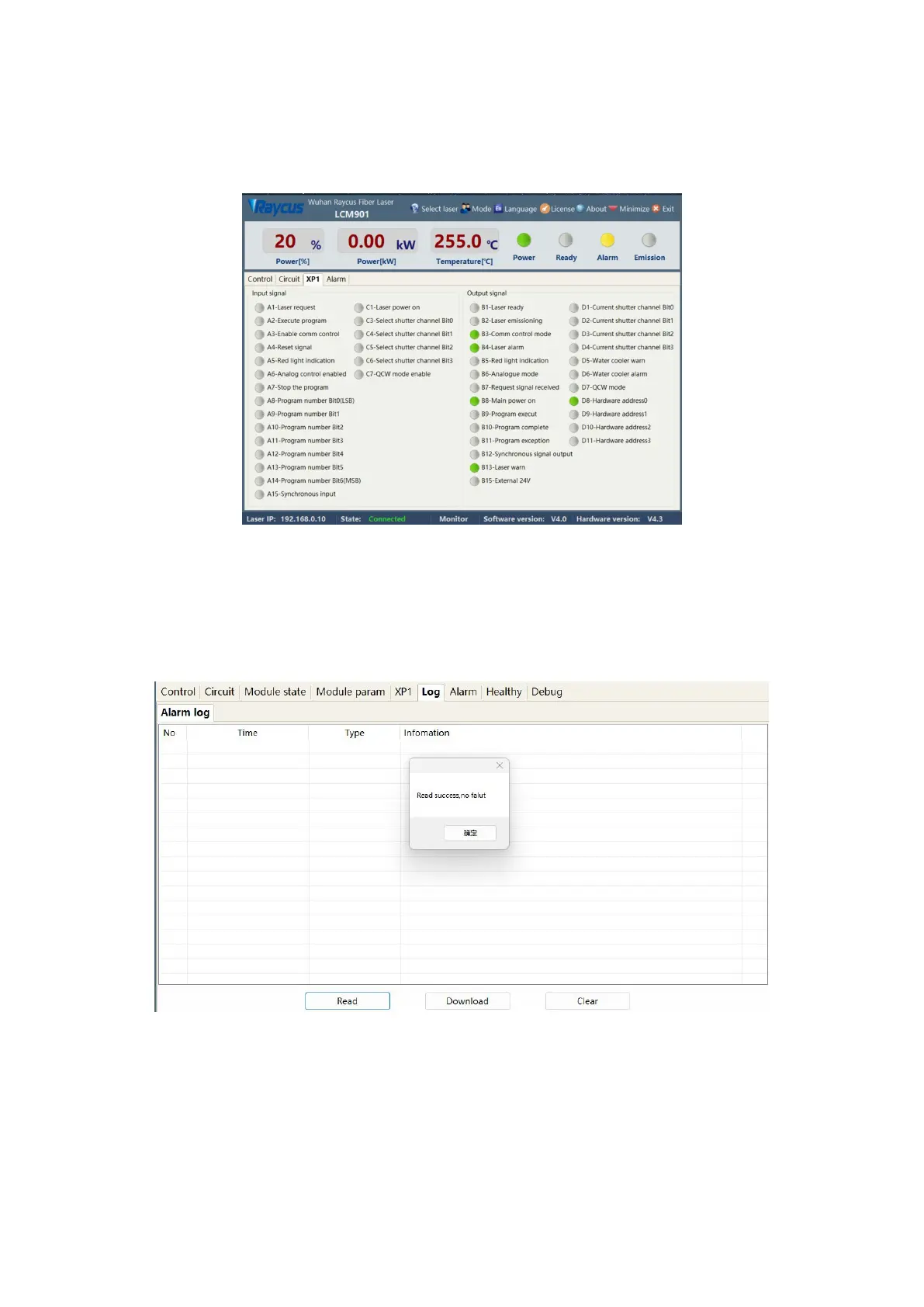
8.9 XP1 Interface Status Indication
The laser interface status indication menu is shown in Figure 39, which displays the input and output
status of the XP1 interface on the rear panel for easy viewing of interface status information.
Figure 39 Interface Status Indication menu in Diagnostic Mode
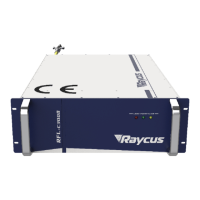
8.10 Log
The laser work log display menu is shown in Figure 40. To query the laser work log, simply select the
time to query and click Search
Figure 40 Laser Work Log Display menu
8.10.1 Downloading Historical Fault Records
The historical fault record download menu is shown in Figure 41.


 To Next Page