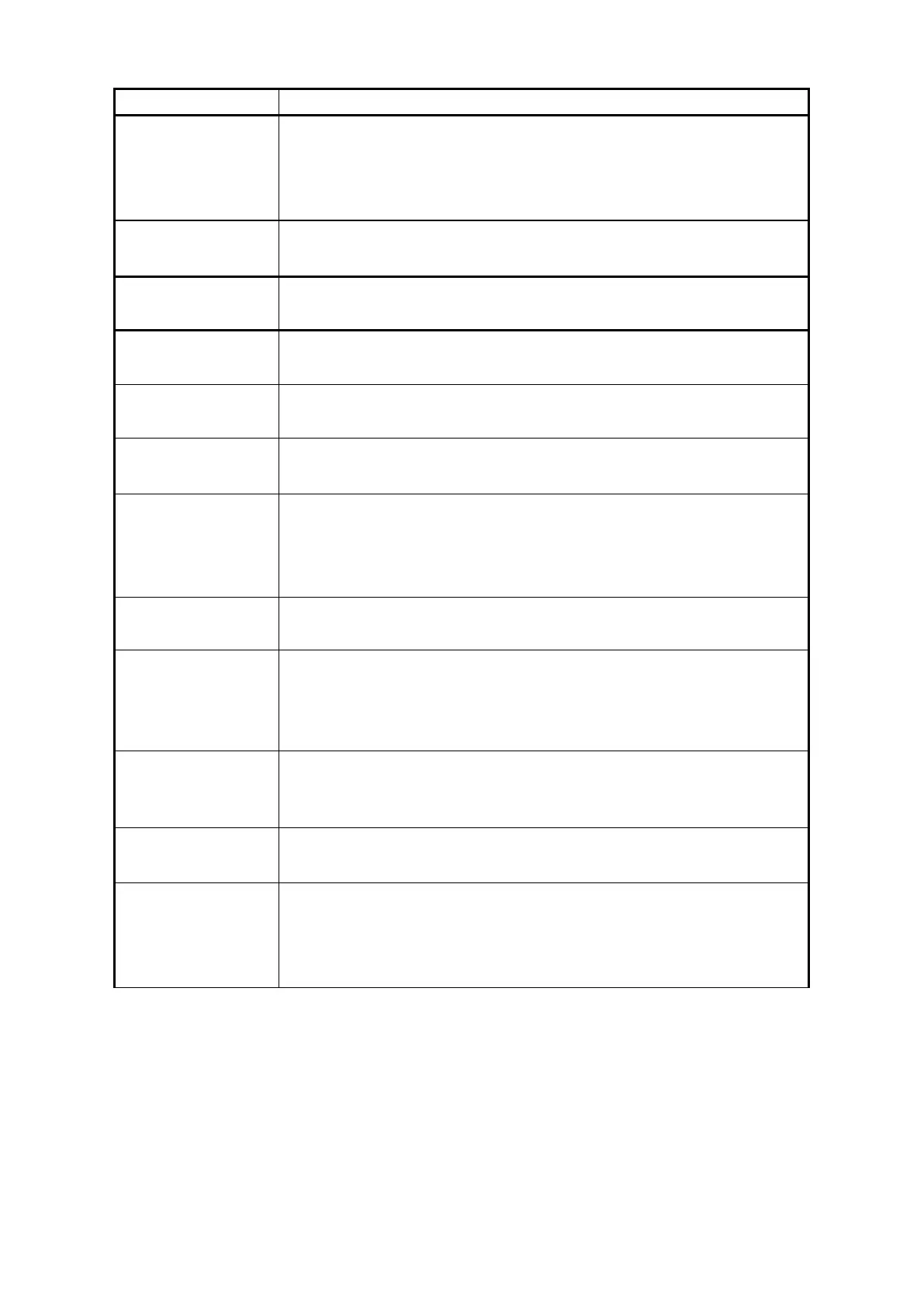
red - indicates that the emergency stop button on the front panel of the laser is
pressed;
Grey - indicates that the emergency stop button on the front panel of the laser
has been reset
The status of output
optical cable
green - the interlock contact on the output optical cable head is closed;
Grey - The Interlock contact on the output cable head is open
green - the 17 and 20 pins on the XP2 safety interface are closed
Grey - pins 17 and 20 on the XP2 safety interface are disconnected
green - pins 18 and 19 on the XP2 safety interface are closed
Grey - pins 18 and 19 on the XP2 safety interface are disconnected
green - the laser operates in REM mode
Grey - laser operates in ON
Power ramp up ramp
down mode
green - the laser is operating in power ramp up ramp down mode
Grey - the laser is not operating in power ramp up ramp down mode
green - The upper computer software is in monitoring mode and can only view
laser status information, and cannot perform any control on the laser. This
mode is activated when the 10001 port of the laser is used by the customer.
Grey - upper computer software running in normal mode
green - the laser is operating in QCW mode
Grey - laser operating in continuous mode
green - the laser is running in programming mode, and the program number is
not 0;
Grey - The laser is not running in programming mode and the program
number is 0
green - the laser is executing a program in programming mode
Grey - The laser is not in programming mode or the program in programming
mode is not being executed
Green - Laser execution completes the program in programming mode
Grey - The laser is not in programming mode or the program has not been
red - The laser is in programming mode and the execution program is
abnormally interrupted
Grey - The laser is not in programming mode or the laser is in programming
mode and in a normal state
8.6.2 Display area for accumulated working time of laser
The display menu of laser cumulative working time is shown in Figure 28. It can display the cumulative
startup time, cumulative laser output time, today's startup time, and today's light output time of the current
laser, in units of hours, minutes, and seconds.


 To Next Page