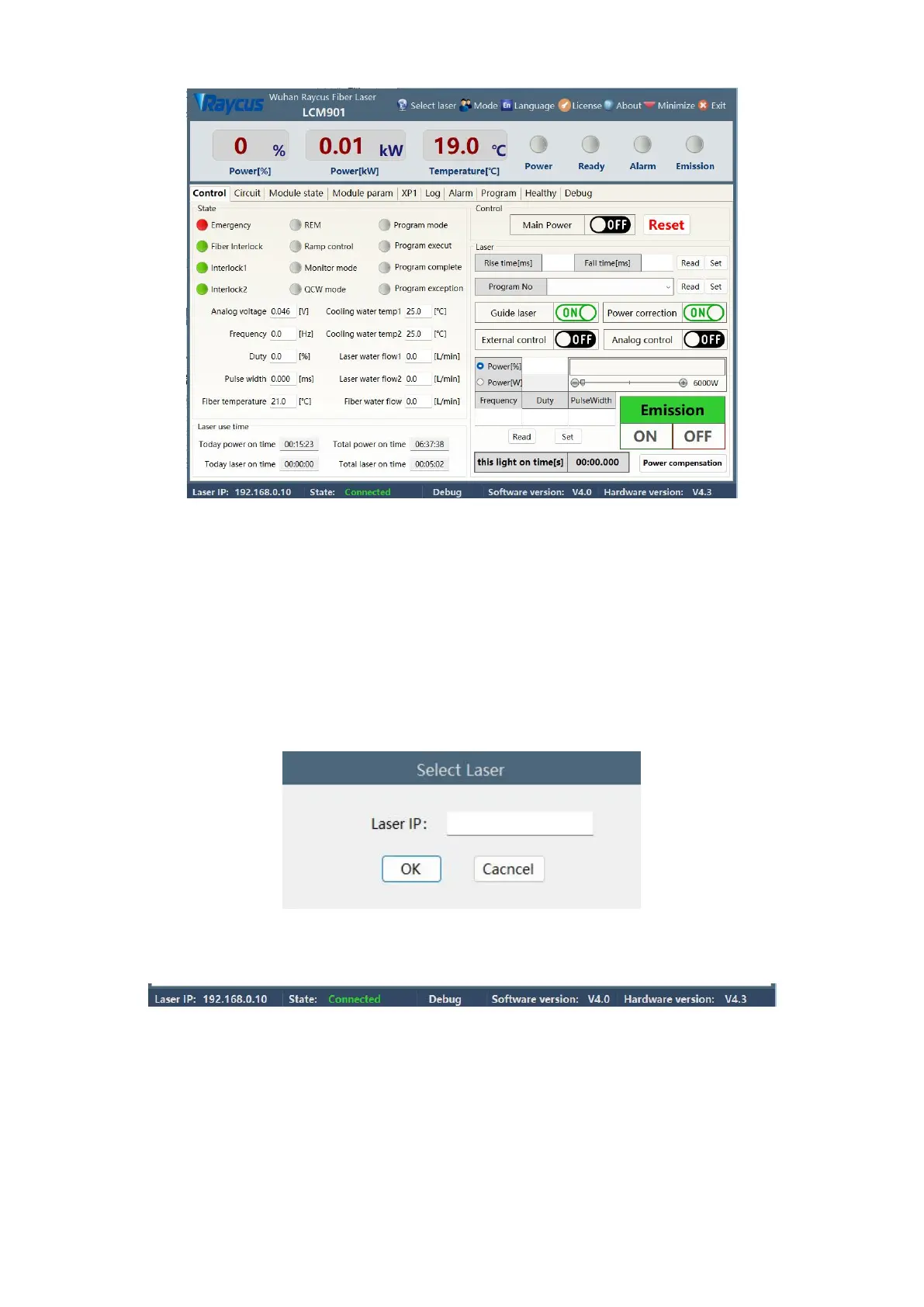
Figure 24 Main menu of Raycus Software Display
8.2 Selecting the laser
Raycus provides Raycus Laser Management.exe software to set the IP address of Raycus lasers, and
controls lasers with different IP addresses on the upper computer by selecting the IP address. Click Select
Laser on the upper computer toolbar, as shown in Figure 25. After confirming the IP address, you can
connect to the laser. After successful connection, see Figure 26. The factory default IP address of Raycus
Laser is 192.168.0.10
Figure 25 Display menu for multiple laser control areas
Figure 26 Raycus software and laser communication status display menu



 To Next Page