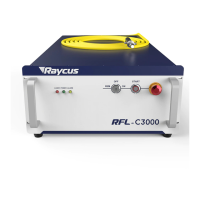
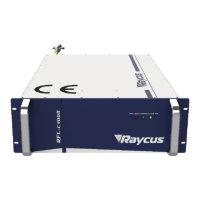
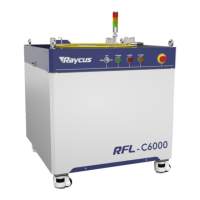
e) Select the required control mode according to “5. Control Mode Selection”, turn on the key
switch, start the main power supply waiting for the laser to Ready, the laser Ready, the tricolor
green light above the machine, representing that the laser can emit light.
5 Control Mode Selection
The Raycus high-power CW laser has two control modes: namely ON mode and REM mode.
Users can select the mode to be entered through the key on the front panel.
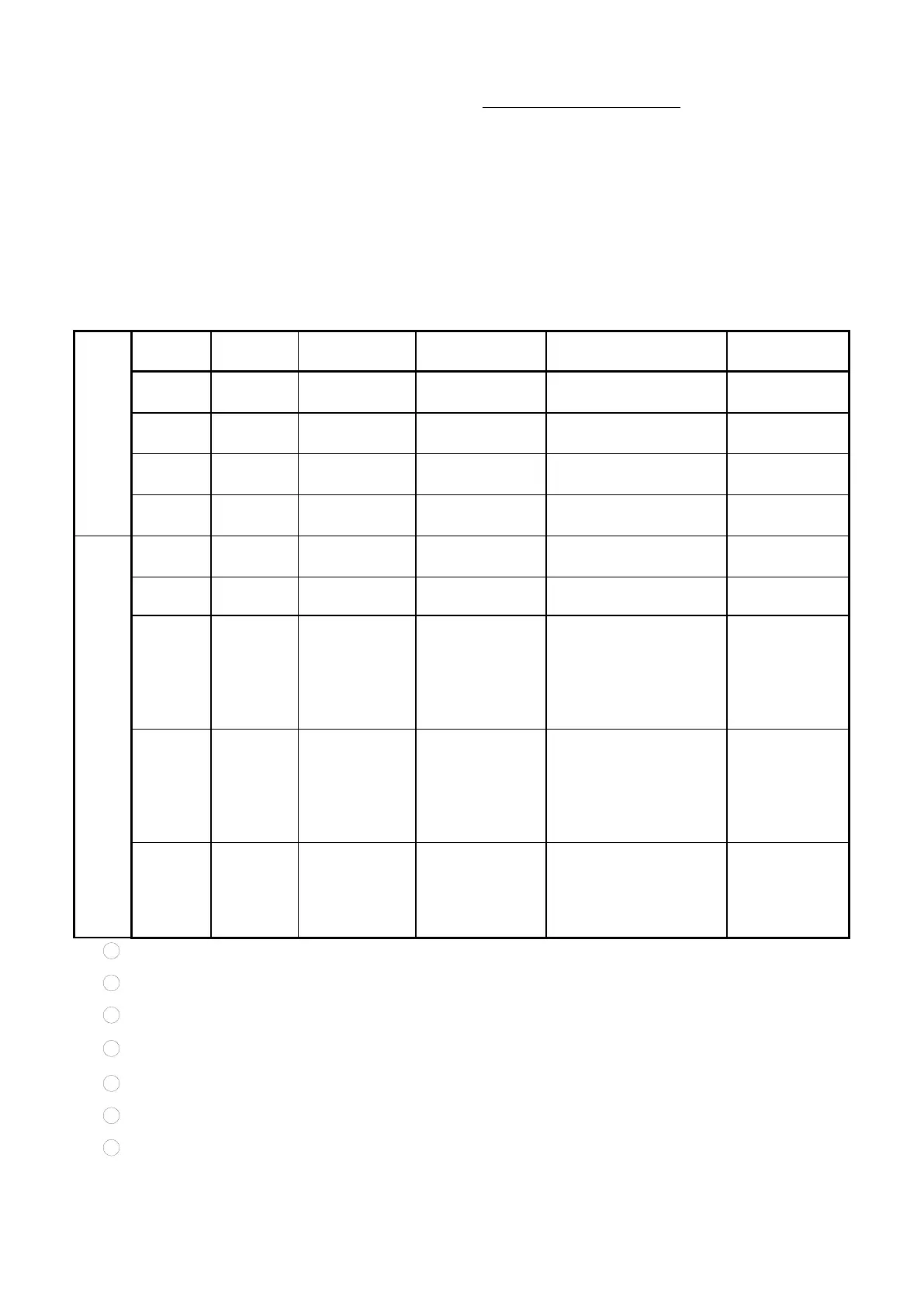
Table 11 Function of ON and REM mode
XP1-A1 laser request is
high
XP1-A2 laser emission
enable is high
XP2-1/2 input MOD
singal
XP1-A1 laser request is
high
XP1-A2 laser emission
enable is high
XP2-1/2 input MOD
signal
determined by
programming
command
XP1-A1 laser request is
high
XP1-A2 high level
indicates operating
program
1 Send "DEC" by communication, or click button of Analog Control on the PC software;
2 Send "DLE" by communication, or click button of External Control on the PC software;
3 Send "EEC" by communication, or click button of Analog Control on the PC software;
4 Send "ELE" by communication
,
or click button of External Control on the PC software;
5 XP1-A1 is high level, XP1-A6 is low level or suspending;
6 XP1-A1 is high level, XP1-A3 is high level;
7 XP1-A1 is high level, XP1-A8~A14 is all low level or suspending;


 To Next Page