21
Playing a Tape
Using the Playback Features
Closed Captioning
In order for Closed Captioning to work, the tape must be caption coded, or the
program being watched must be broadcast in caption.
1. Press CAPTION to switch between CAPTION ON or
OFF.
• The captions may disappear momentarily from
the screen to display other information (such as
tape mode change).
• During several function operations, no captions
will appear.
• Wrong text may appear during adjustment of
the tape.
• Although the recorded condition of the tape or
broadcast signal is good, wrong text may appear
if the caption signal is distorted.
On-Screen Status Displays
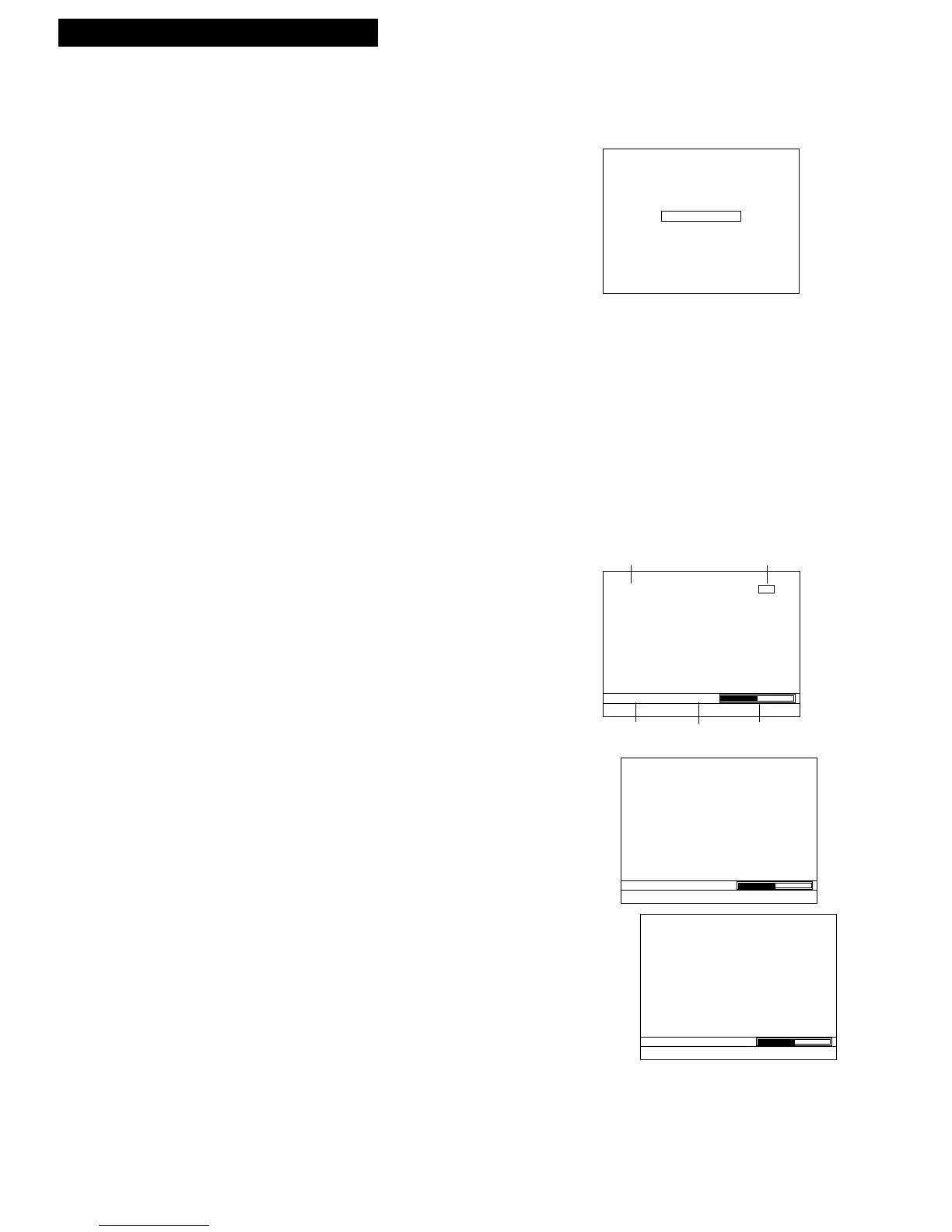
Using the DISP (Display) button allows you to see the status of the VCR in playback
or recording mode. The function, such as STOP, RECORD, PLAY, PAUSE, appears
in the upper left corner. The tape histogram graphically represents the amount of
tape that has elapsed from the beginning of the tape. The counter appears in the
lower left corner with the tape speed, and your VCR calculates the amount of play
(or record) time that has elapsed since the counter was last reset.
1. Press DISP during tape playback (or recording).
The display at the right appears
After three seconds, the top portion of the display is
cleared.
2. Press DISP again. The time counter is displayed if
the first display did not time out, or the time
remaining is displayed if the first display timed out.
3. Press DISP again to display the time remaining or
remove the display from the screen.
After three seconds, the top portion of the display is
cleared.



 To Next Page