StarSight System
36
Using the StarSight Features
Channel Guide
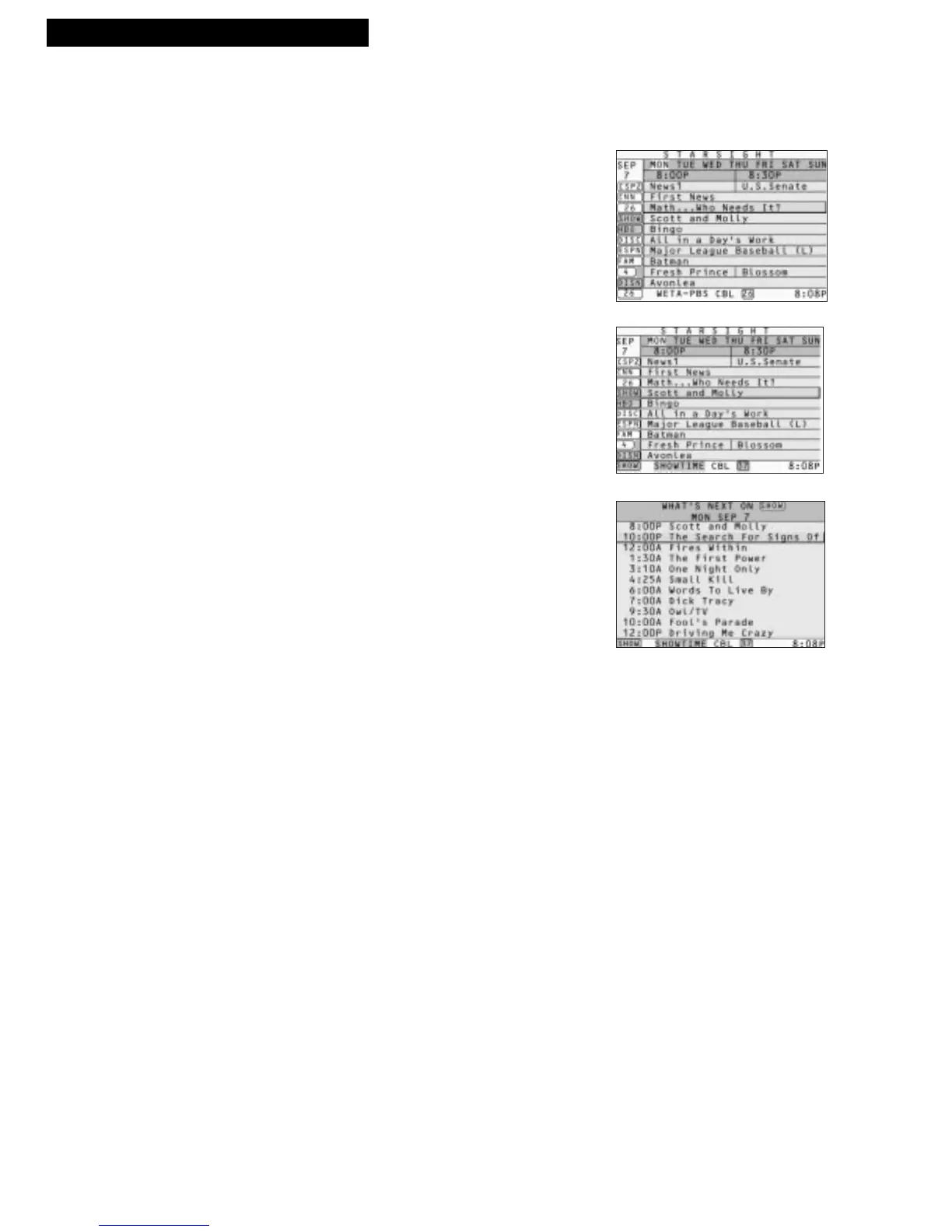
Using the Channel Guide, you can see what’s on a single channel.
1. Press GUIDE to see the Grid Guide.
2. Press UP or DOWN ARROW to move the highlight
bar to the channel you want to know about.
3. Press GUIDE to see the Channel Guide for the
channel you highlighted. Then press PAGE DOWN
to see more programs on the same channel.
You should also know...
• Press INFO to learn more about a program.
• Press ENTER to tune to a current program.
• Press RECORD to start or schedule a recording.
• Press CHANNEL UP/DOWN to see the Channel Guide for
other channels.
• Press DAY–/+ to see program listings for other days.
• Press GUIDE to go back and forth between the Channel
Guide and Grid Guide.
• Press EXIT to resume watching TV.



 To Next Page