31
StarSight System
Activating StarSight
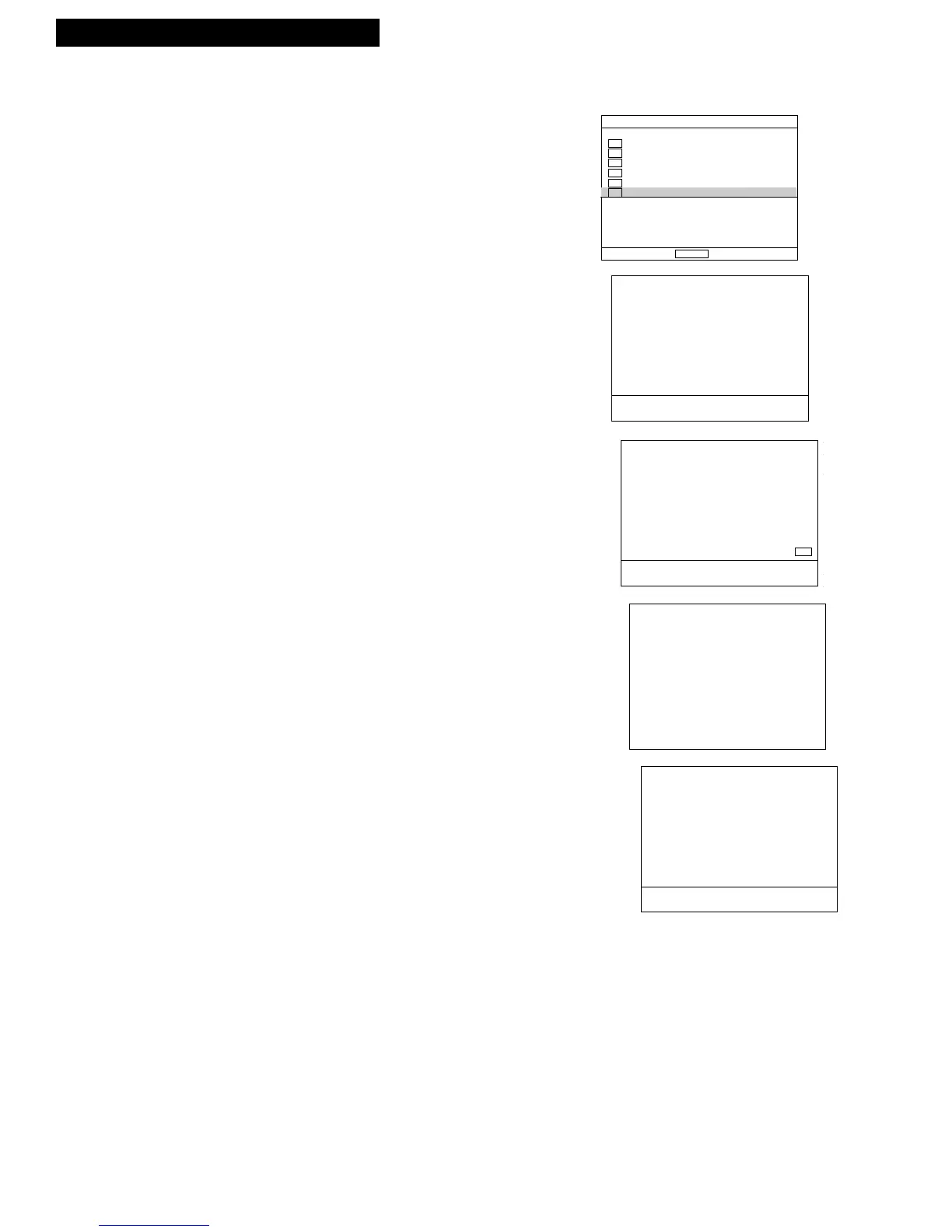
To activate StarSight, go to “StarSight setup” in the MAIN MENU of the VCR and
follow the directions below. Only selected screens from the setup are shown.
1. Press MENU to display the MAIN MENU.
2. Use the
DOWN ARROW button to highlight
“StarSight setup.”
3. Press ENTER.
4. Follow the on-screen instructions.
If you have a cable box, follow the on-screen
instructions to supply information to StarSight
Telecast and test your equipment.
If you listed more than one code for your brand of
cable box, don’t worry; the StarSight system lets
you test each code until the correct one has been
entered.
The VCR searches for schedule information on your
PBS station and displays your STAR number and
ID number. (Please enter these numbers on the
blank lines in the StarSight Checklist on the
previous page.)
Call StarSight Telecast at 1-800-643-STAR.
You will see a congratulations message when
StarSight has been activated.
You should also know...
• The StarSight system works with virtually all current
cable boxes that can be operated by wireless remote
control.
• If no schedule data is found, you may be tuned to the
wrong PBS station. Check the PBS station written on
your StarSight Checklist and try again. Or, try tuning
to a different PBS station that is listed for your area in
the PBS Station’s section later in this guide. (If no
station is listed for your area, call
1-800-628-STAR for further information.)
• Make sure the Cable Box Adapter is positioned
according to the instructions on pages 4 or 5.
• To maintain StarSight program information, always
leave your VCR power cord plugged in and your
cable box turned on, if you have one.
• It normally takes three to five seconds for cable box
channels to change. This is the time it takes for the
Cable Box Adapter’s infrared signal to communicate
with your cable box.
To continue, press ENTER.
To return to TV, press EXIT. 01
Welcome to StarSight Setup.
Just follow our lead through
this step-by-step process...
...and soon you'll be enjoying
the convenience of your own
on-screen program guide.
To continue, press ENTER.
To return to TV, press EXIT. 10
Congratulations! You are now
an authorized subscriber.
Now we need some information
about the equipment you will
use with StarSight.
Then we'll test the equipment
to make sure it responds
properly.



 To Next Page