37
StarSight System
Using the StarSight Features
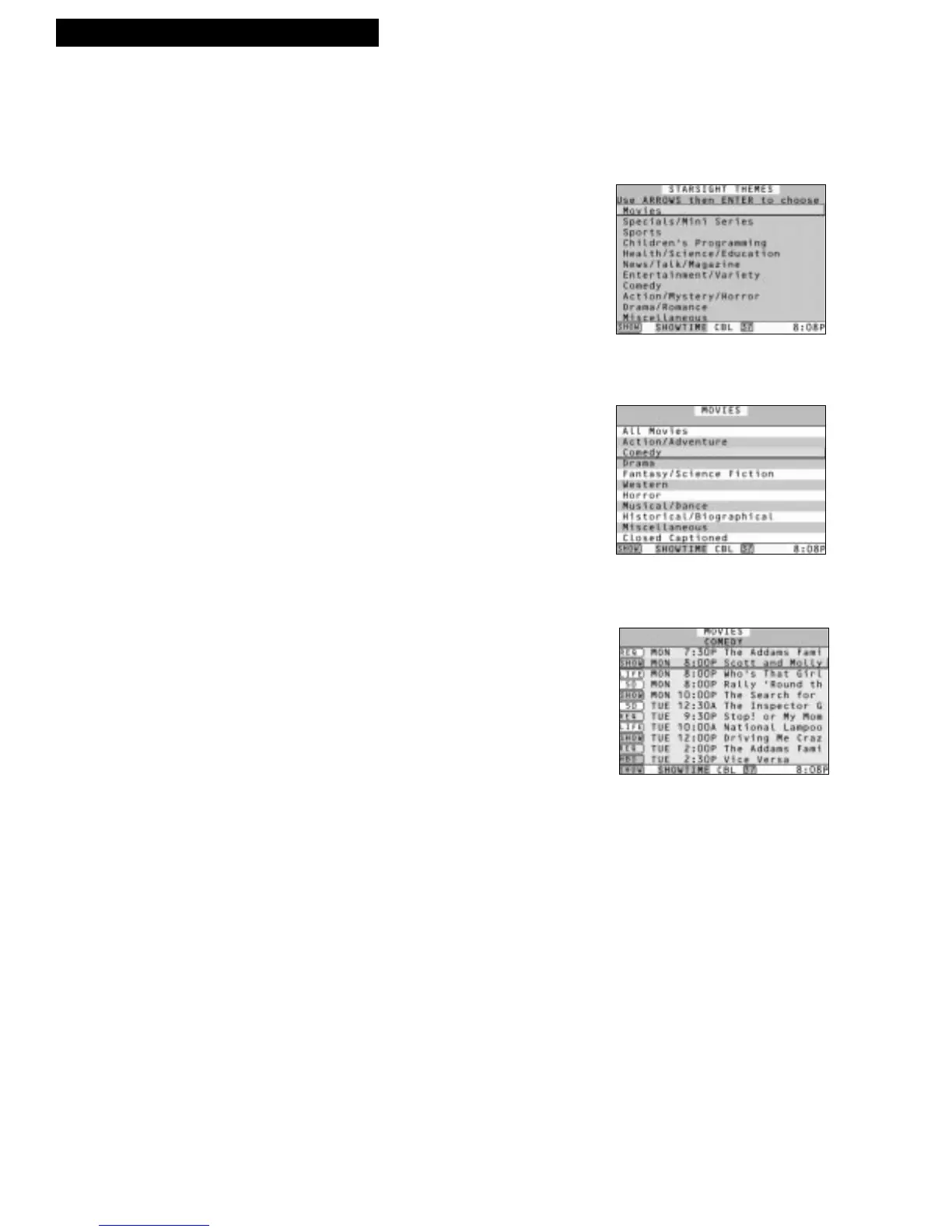
Theme Guide
Using the Theme Guide, you can choose programs by a category, such as, sports,
movies, comedies, etc.
1. Press THEME to see the STARSIGHT THEMES
menu.
2. Press UP or DOWN ARROW to highlight a Theme.
3. Press ENTER to see the categories for that Theme.
4. Press UP or DOWN ARROW to highlight a
category.
5. Press ENTER to see the shows for that category.
Press PAGE DOWN to see additional shows for that
category.
You should also know...
• Press INFO to learn more about a program.
• Press ENTER to tune to a current program.
• Press RECORD to start or schedule a recording.
• Press DAY–/+ to see program listings for other days.
• Press GUIDE to go directly to the Grid Guide from any
Theme Guide.
• Press EXIT to resume watching TV.



 To Next Page