25
Recording a Program
Recording While You’re Away
Stopping a Timer Recording in Progress
With the VCR: Press POWER.
With the Remote: Press VCR POWER.
Reviewing, Correcting, or Cancelling a Timer Recording
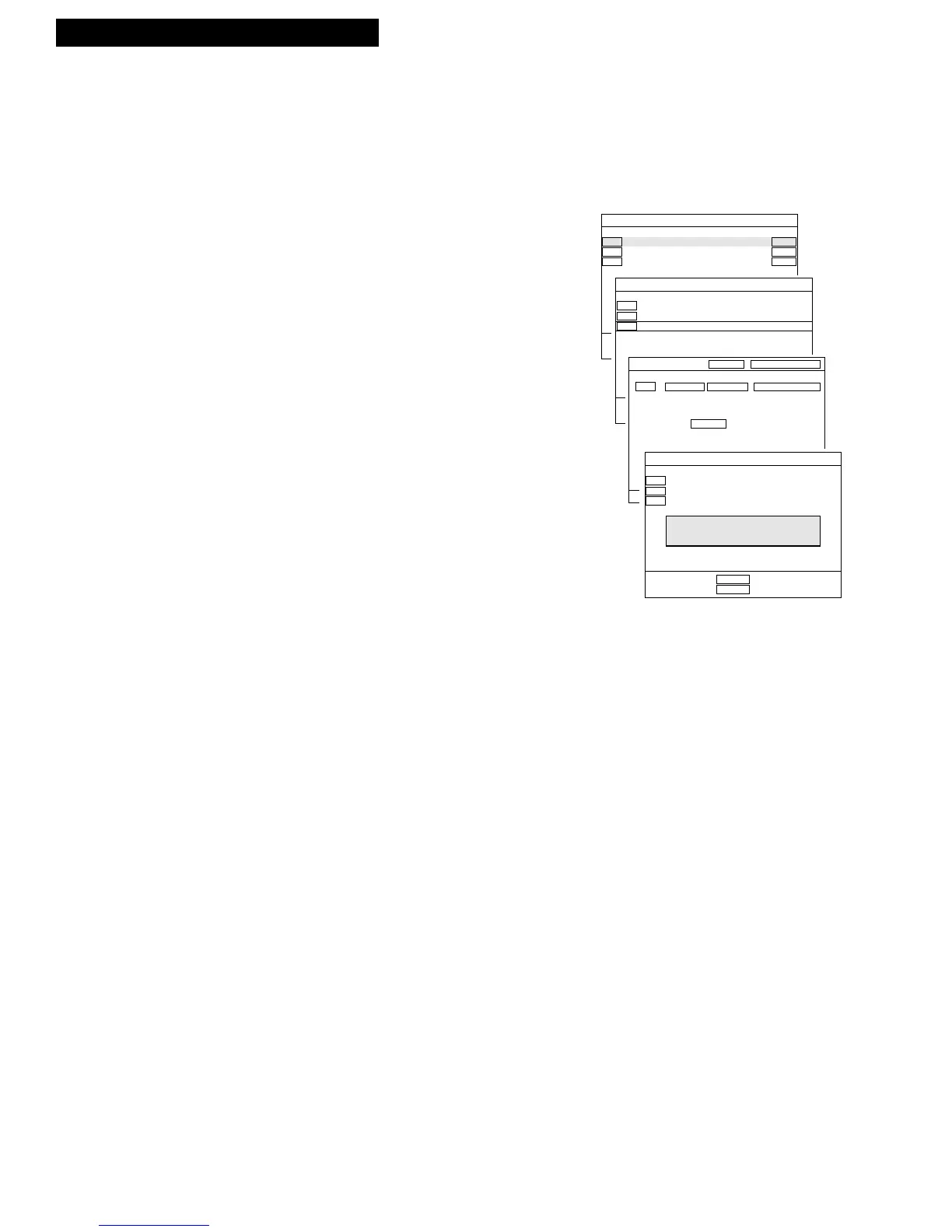
1. Press MENU to display MAIN MENU on TV screen.
2. Press ENTER to display the RECORDINGS list.
3. Select the program you want to review, correct, or
clear with the UP or DOWN ARROW button.
4. Press ENTER to display the program you want to
correct or review. Or, press CLEAR to cancel.
5. Follow the on-screen directions to adjust.
Press the LEFT or RIGHT ARROW button to select
the item to be adjusted and then the UP or DOWN
ARROW to
adjust.
Timer Recording From the VCR’s Line Input
The line input refers to the signal coming from the AUDIO and VIDEO IN jacks of the
VCR. Recording from the line input is convenient if you have a satellite receiver or
similar component attached to these jacks. To timer record from the component
connected to the VCR’s line input:
Press INPUT to enter LINE1 (back jacks) or LINE 2 (front jacks) instead of the
channel number on the TV screen during timer programming.



 To Next Page