34
StarSight System
Using the StarSight Features
Browsing
This feature is another method of finding out what’s on without changing the
channels.
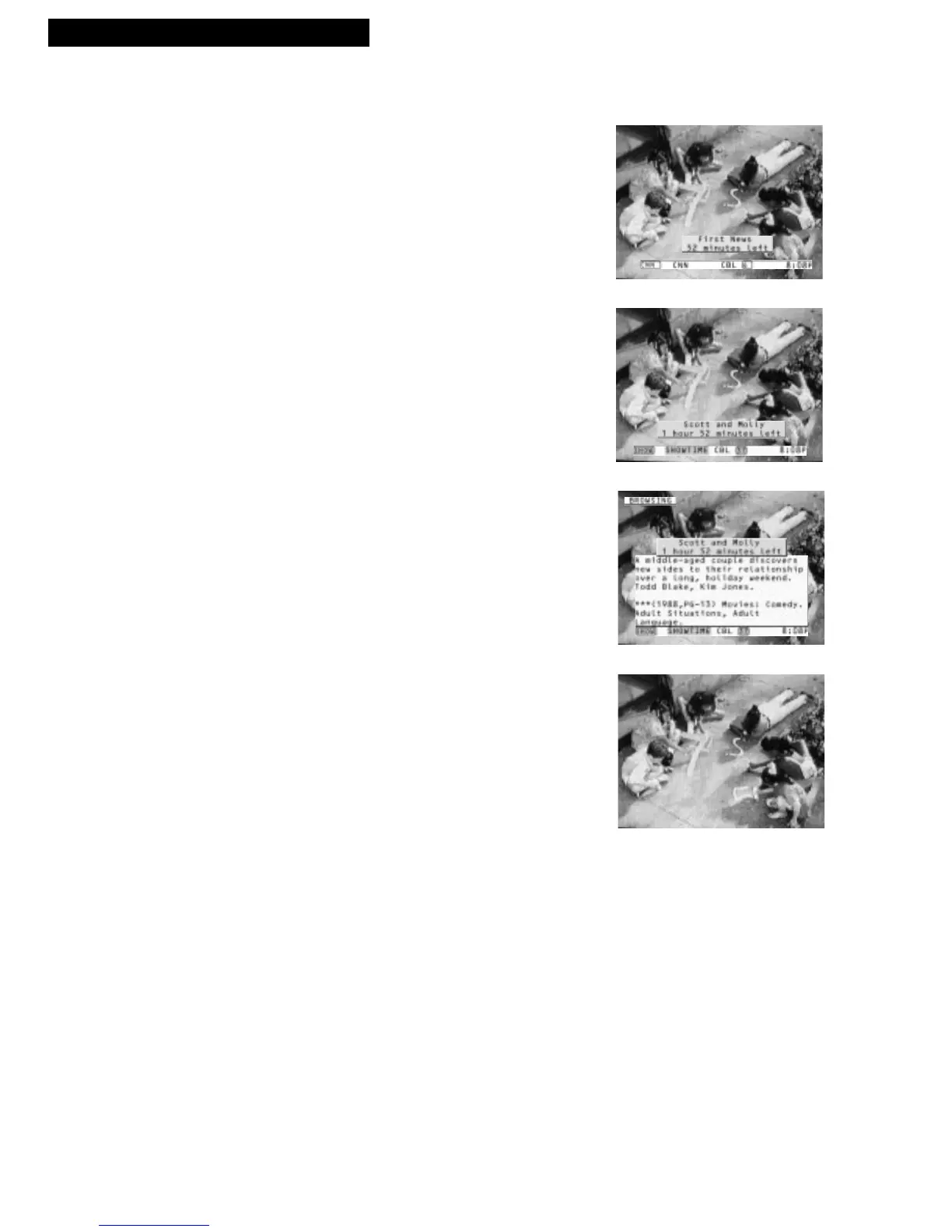
1. Press INFO to find out about the program for the
channel you are now watching.
2. Press UP or DOWN ARROW to see what’s on the
other channels.
You will continue to see the presently tuned
channel but will get a Pop-up for a program on a
different channel.
3. Press INFO while the Pop-up is displayed to get
even more information about the program.
4. Press INFO again to remove the Pop-up.
You should also know...
• Pressing ENTER takes you directly to the program for
which you see the Pop-up.
• In order to see information while browsing, you must first
have a Pop-up for the currently tuned program.



 To Next Page