Some TV programs are broadcast with stereo audio and/or a second audio
language (SAP) and your VCR can record stereo or SAP. For SAP programs, the
VCR records the same audio on both the Hi-Fi and linear tracks on the tape. The
STEREO (ST) and/or SAP indicators appear in the VCR display panel
To Record Stereo Broadcast TV or SAP
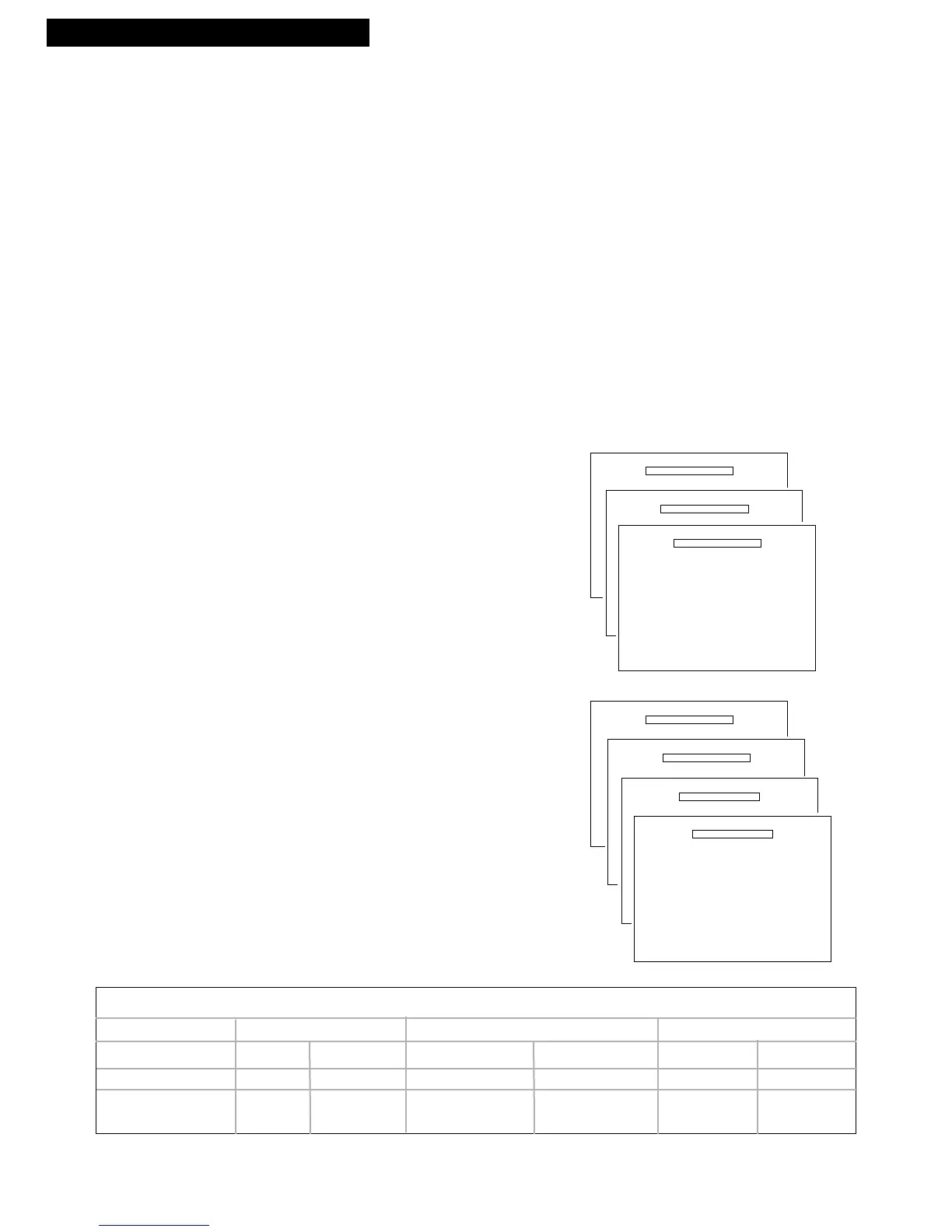
Turn on the TV and tune it to the VCR viewing channel, either 3, 4, or TV’s video
input.
1. Insert a tape with safety tab in place.
2. If using one of the basic hookups, make sure the
VCR indicator appears in the VCR’s display panel.
If not, press TV•VCR to turn it on.
3. Use SPEED on the remote to select a recording
speed.
4. Select the channel or line input to be recorded.
5. Press the AUDIO button when the SAP indicator
lights on the front panel to set audio to MAIN, SAP
or MONO. When MAIN is selected, stereo is
automatically selected.
• MAIN: Records primary audio on the Hi-Fi
and linear tracks.
• SAP: Records the second audio on the HI-Fi
and linear tracks.
• MONO: Records mono sound on the Hi-Fi
and linear tracks.
OR
Press the AUDIO button when the ST indicator
lights on the front panel (no SAP) to set audio to
STEREO, LEFT, RIGHT, or MONO.
• STEREO: Records primary audio on the Hi-Fi
and linear tracks.
• LEFT: Records only the left channel of the
stereo signal.
• RIGHT: Records only the right channel of the
stereo signal.
• MONO: Records mono on the Hi-Fi and
linear tracks.
Type of Sound Indicators SAP Feature Normal Hi-Fi
Broadcast SAP STEREO Setting Sound L R
MONO OFF OFF ON or OFF MONO MONO MONO
STEREO OFF ON ON or OFF MONO (mixed) STEREO
STEREO & SAP ON ON ON MONO MONO SAP
OFF STEREO



 To Next Page