43
StarSight System
Using the StarSight Features
Changing Your Cable Box
If you have changed your cable box, make sure your Cable Box Adapter is
positioned properly in front of the new cable box. Look on page for the Cable Box
Codes for your new cable box. Write the codes here.
_____ _____ _____ _____ _____
_____ _____ _____ _____ _____
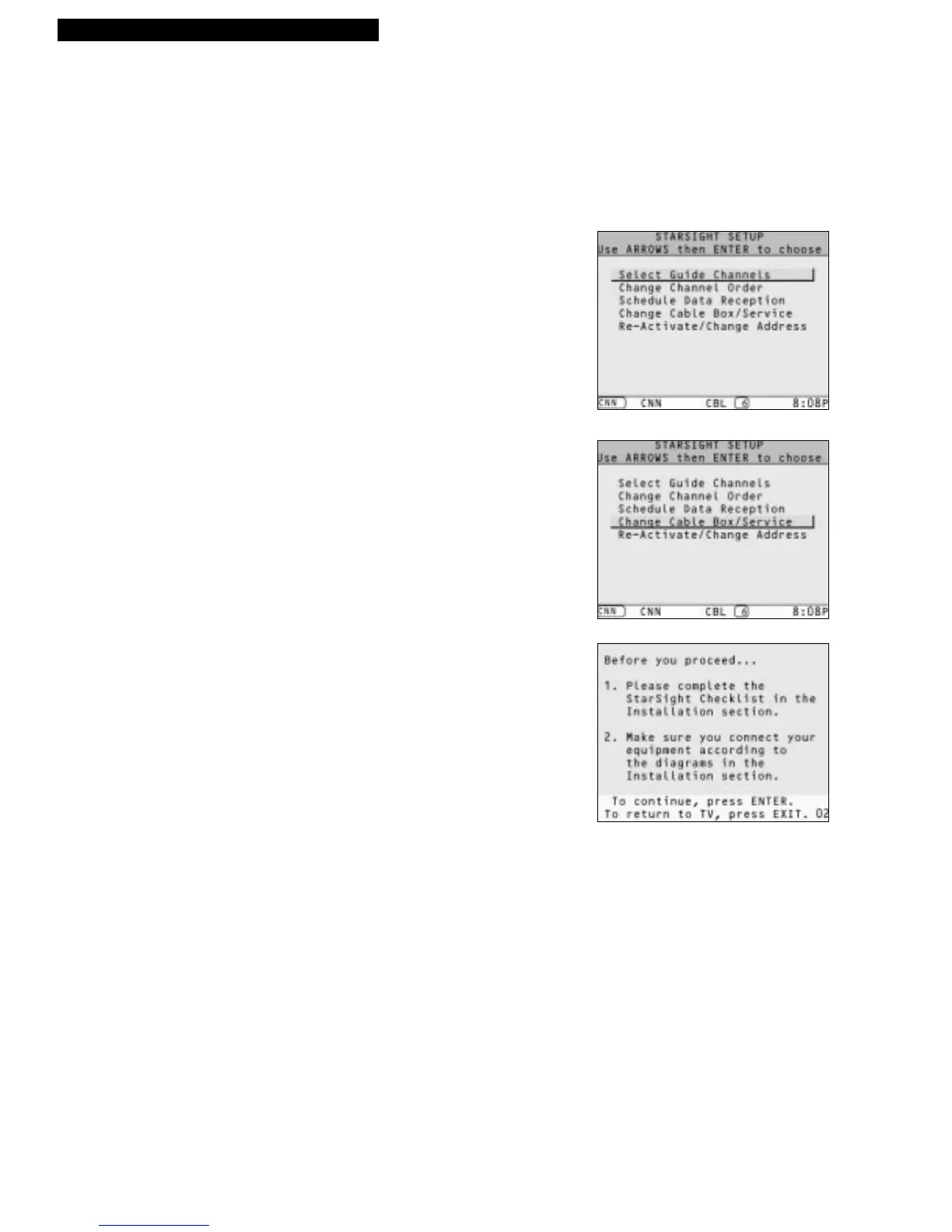
1. Press MENU. Use UP or DOWN ARROW to
highlight “StarSight setup” and press ENTER.
2. Press DOWN ARROW to highlight “Change Cable
Box/Service,” and press ENTER.
3. Follow the on-screen instructions.
For the StarSight Help Desk, call 1-800-628-STAR.



 To Next Page