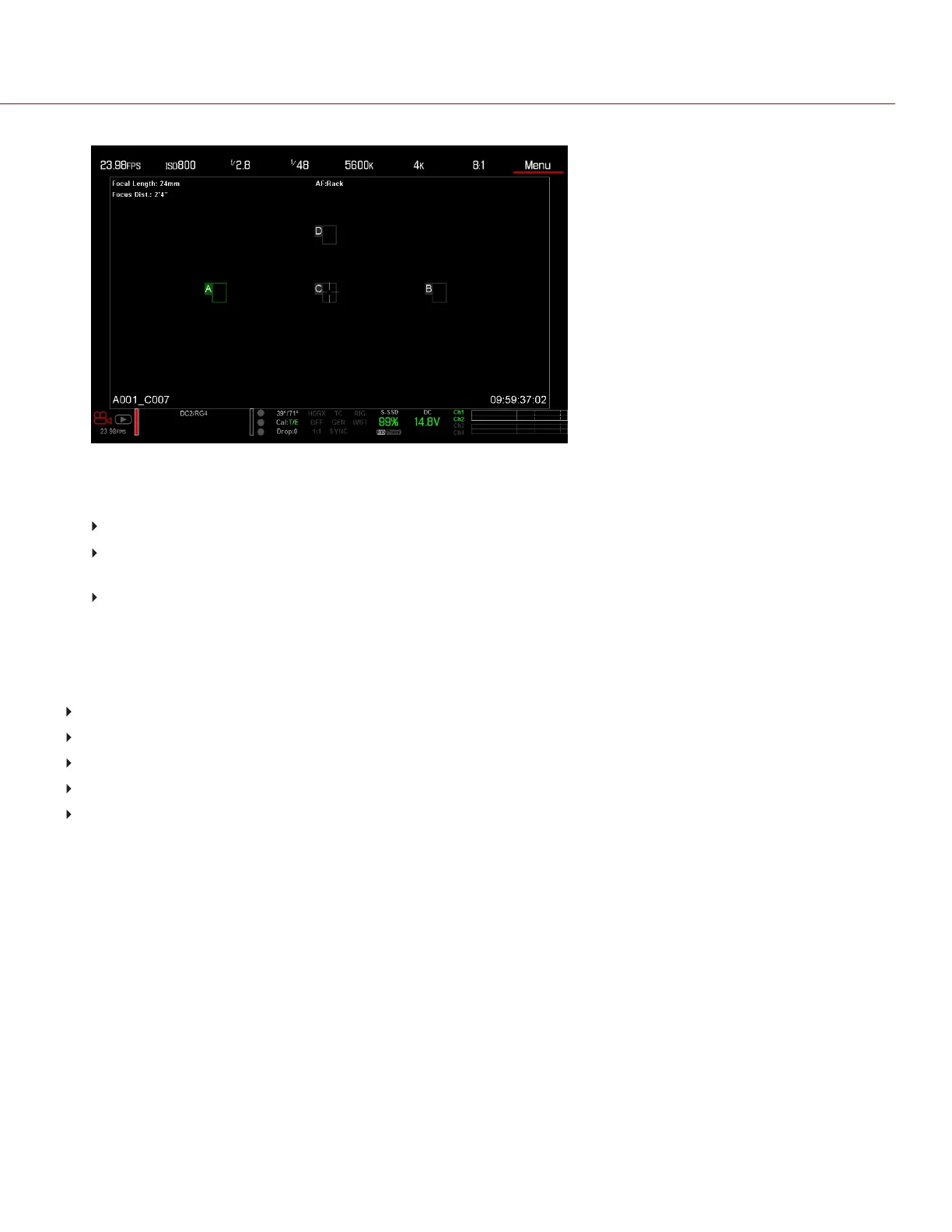
Figure: Set Rack Point Location
10. Select another rack point by performing any of the following actions:
Select another rack point on the touchscreen.
Press the key mapped to AF: Start to cycle to the next rack point in order (A, B, C, and D). For example, if
rack point A is selected when you trigger the AF: Start action, the focus racks from point A to point B.
Press a key that is mapped to racking to a specific rack point.
MAP KEYS TO CYCLE RACK FOCUS
You can map user keys to rack focus to different rack points. For more information, go to "Keys" on page118. You
can map the following actions:
AF: Start
AF: Rack to A
AF: Rack to B
AF: Rack to C
AF: Rack to D
C OPYRI GHT © 2017 R ED.C O M , I NC 955- 01 38 _V6.3, REV-D | 151
WEAPON/EPIC-W OPERATION GUIDE



 To Next Page