4.
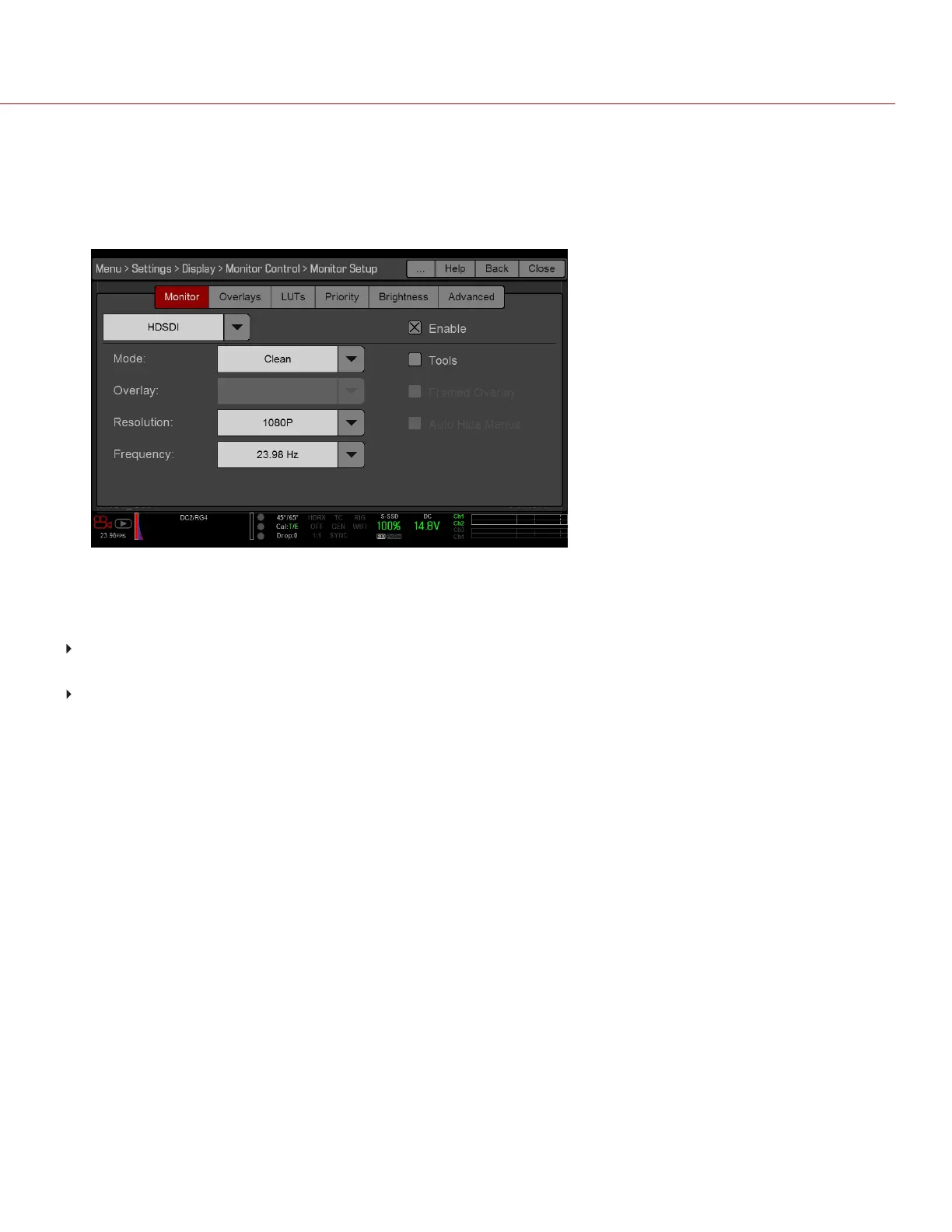
Select the desired monitor output frequency from the Frequency drop-down menu. Select Auto to automatically
match the HD-SDI output to the current Project Time Base.
Monitor Sync is achieved automatically when a genlock signal is provided that is compatible with the current
monitor output frequency. When Monitor Sync is achieved, the GEN indicator in the Lower Status Row illuminates
green.
Figure: HD-SDI Output Frequency
REQUIRED CABLE
DSMC2 Base Expander, DSMC2 V-Lock I/O Expander, DSMC2 Jetpack Expander, or DSMC2 Jetpack-SDI
Expander: 790-0154, 3BNC-to-00 LEMO
DSMC2 REDVOLT Expander: 75 ohm BNC cable (such as the RED HD-SDI Cable, P/N 790-0341)
C OPYRI GHT © 2017 R ED.C O M , I NC 955- 01 38 _V6.3, REV-D | 168
WEAPON/EPIC-W OPERATION GUIDE



 To Next Page